Your Favorite Models — All in One Place, with Unlimited Generations.

Enjoy Limited Time 50% OFF! ›

AI Sticker Generator

Want to make your own stickers — for chats, group threads, fan packs, or your shop? Use OpenArt's AI sticker generator to spin up custom stickers from a text prompt or a photo. Pick any style — cute, anime, kawaii, retro, hand-drawn — and the AI delivers clean, bold-edged stickers ready to drop into WhatsApp, Telegram, Discord, iMessage, or anywhere else stickers live.

Model Kling 3.0
Add a start frame
Add an end frame
Optional
Try AI Sticker Generator Now
#2BenefitsEdit in CMS ↗

Stickers from Prompts or Photos

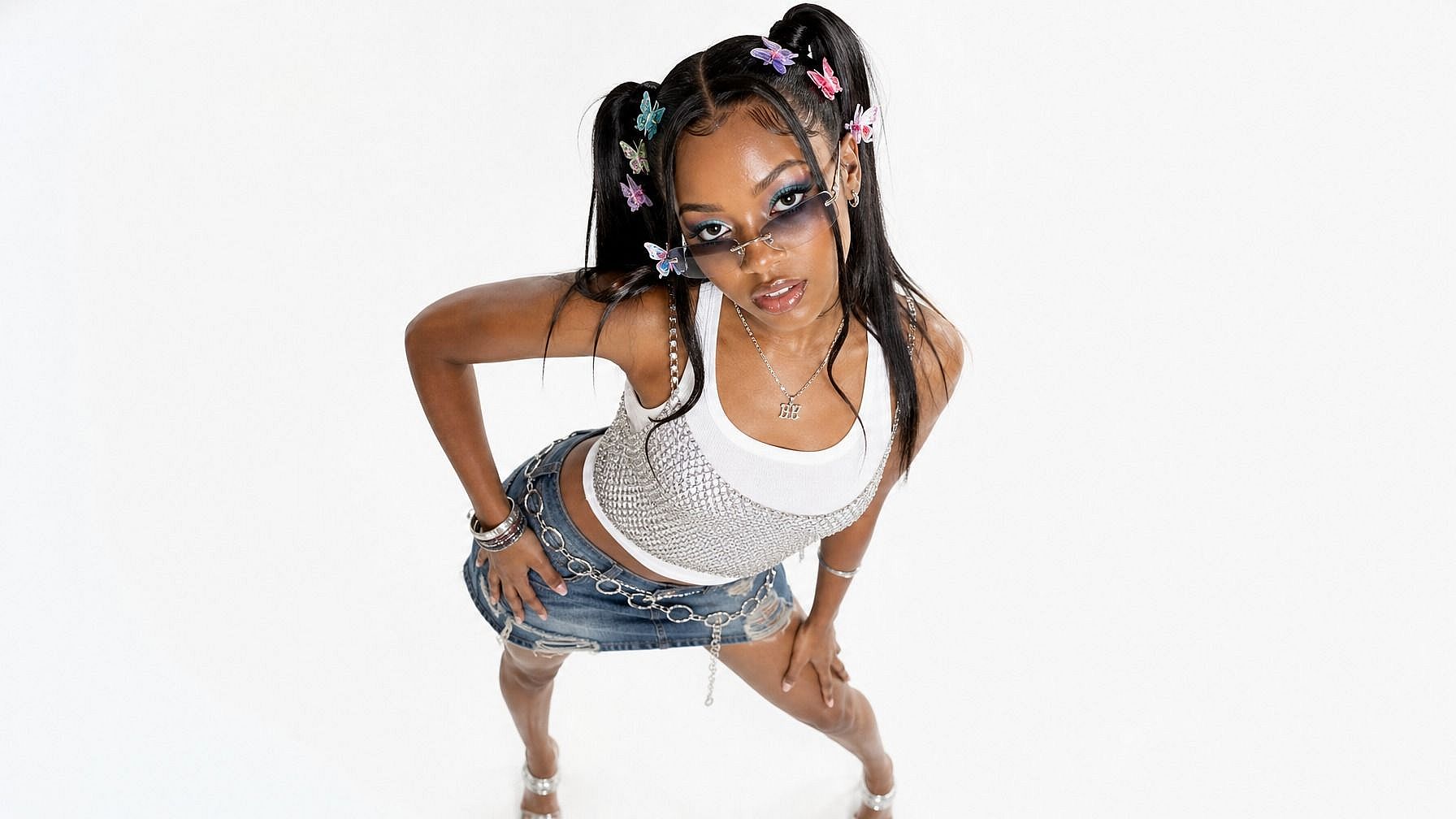
Type a description (think "astronaut cat in a spacesuit") or upload a reference photo of someone, something, or somewhere — and get a sticker that captures the idea.

Pick Any Style You Want

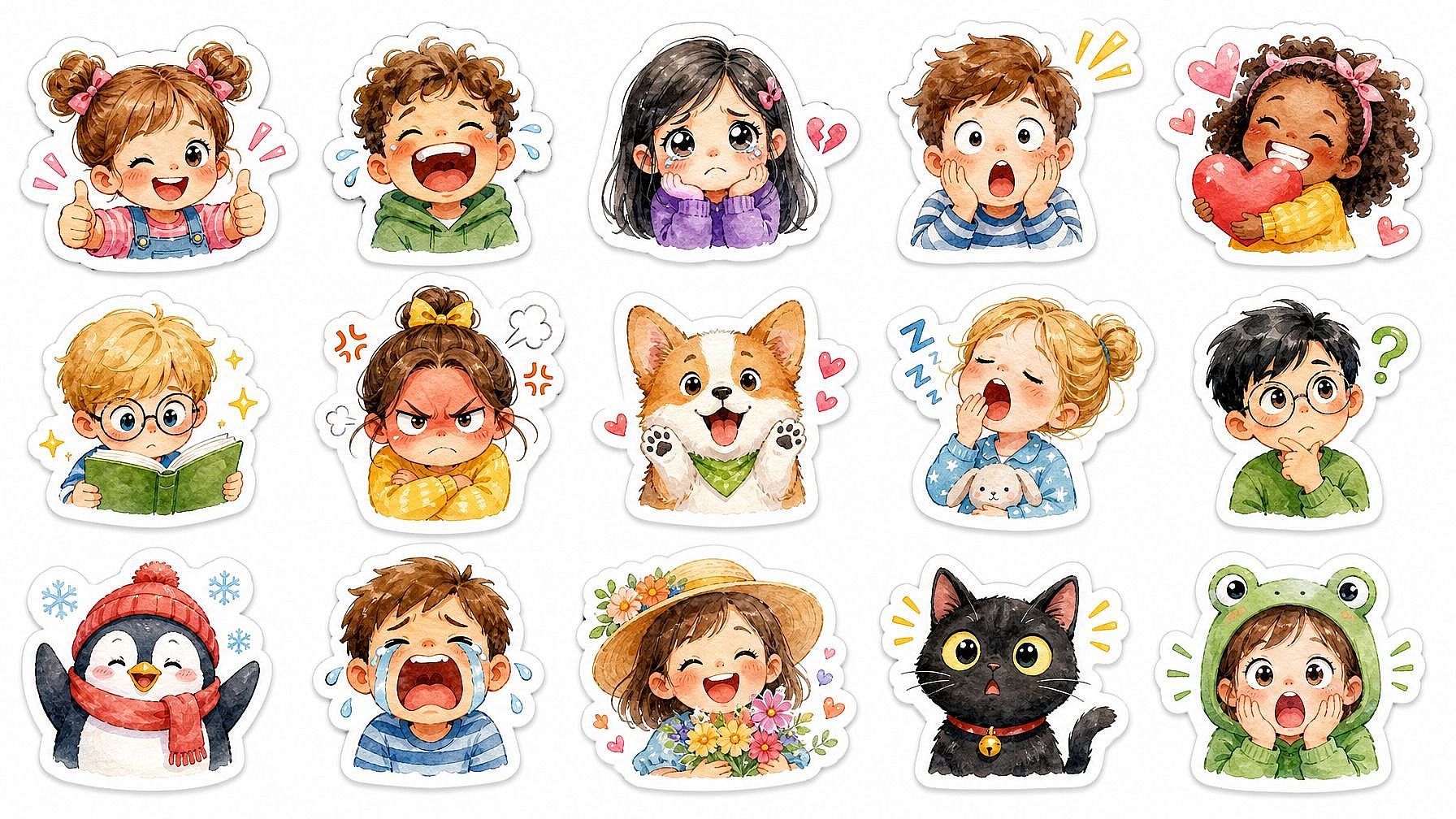
Cute kawaii, hand-drawn, retro 90s, anime, 3D, line art, neon, watercolor — describe the look in your prompt and the AI matches the sticker to it.

Bold Edges, Clean Look

Stickers come out with the punchy outlines and high-contrast finish real sticker packs have — easy to read at small sizes and ready to use right away.

#3Community GalleryEdit in CMS ↗

Community Creations

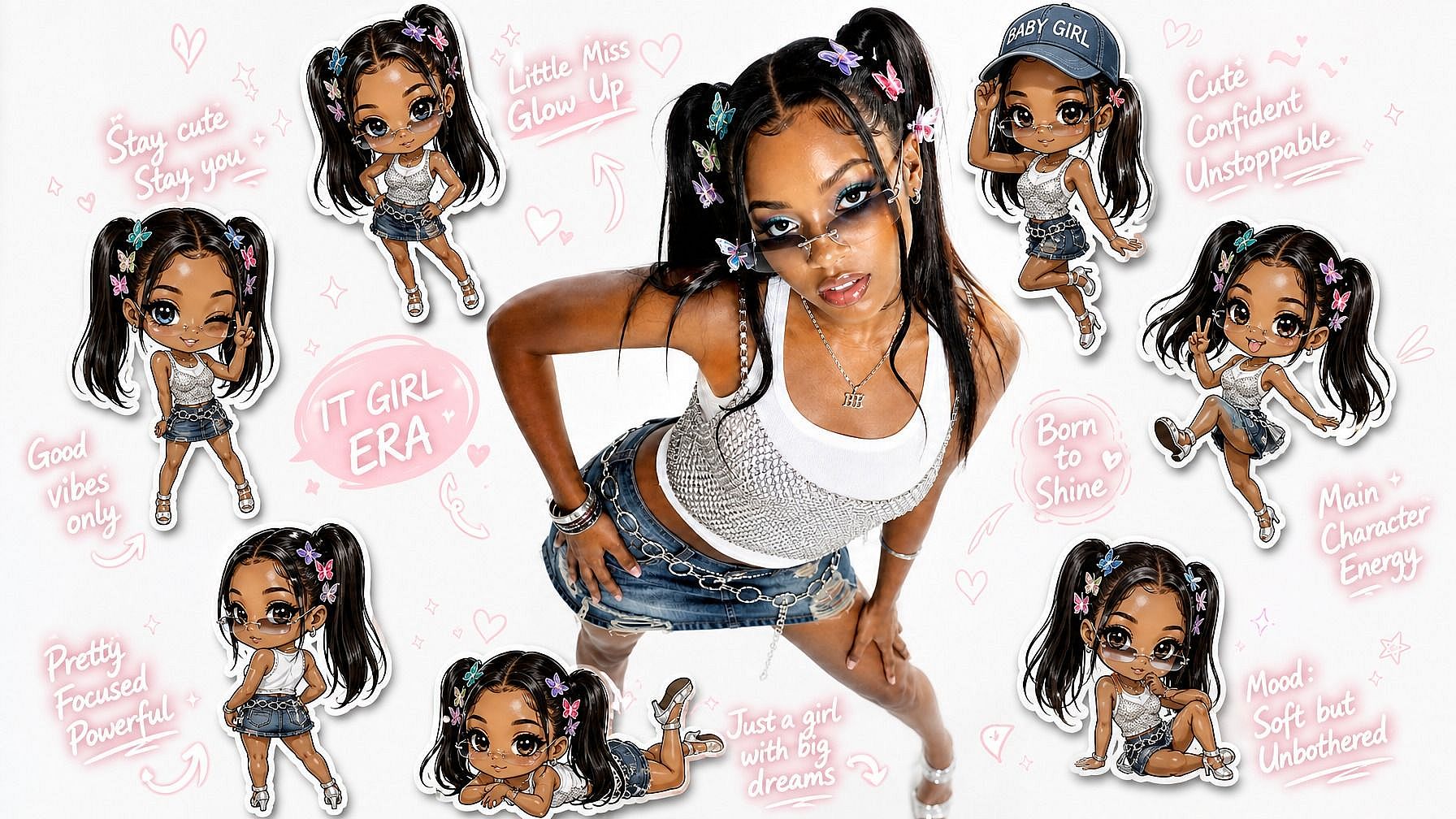
See what creators are turning into stickers. From custom emoji-style faces to anime fan packs, brand merch designs, and quirky one-offs, explore how a single prompt or photo can become an entire sticker set.

#4Features DetailEdit in CMS ↗

Key Features of AI Sticker Generator

OpenArt's AI image editor uses advanced models like GPT Image 2.0, Nano Banana Pro, and Recraft V4 to generate clean, sticker-ready images. That means your stickers come out crisp, well-styled, and consistent — not blurry or generic.

Stickers from Text or Image Input

Stickers from Text or Image Input

Generate stickers two ways: type a description for something brand new ("grumpy cat in a tuxedo," "skater girl with pink hair"), or upload a reference photo of yourself, a pet, a friend, or any subject and get a sticker version of it. Both paths work — and you can mix them, using a photo plus a prompt to nudge the result in a specific direction.

Try it Now
Style Range from Cute to Cinematic

Style Range from Cute to Cinematic

Pick whatever sticker aesthetic you're going for — cute kawaii, anime, hand-drawn, retro 90s, neon glow, watercolor, line art, comic book, 3D rendered, or sticker-pack-style die-cut illustrations. The AI adapts to the look you describe, so the result feels like it belongs in the world you're imagining instead of looking off-the-shelf.

Try it Now
Make Full Sticker Packs in a Consistent Style

Make Full Sticker Packs in a Consistent Style

Use the same style prompt across multiple subjects and the AI keeps the look coherent throughout the whole pack. Handy for building branded sticker sets, fan packs, friend-group packs, or your own creator merch — every sticker reads as part of the same family instead of feeling like a random collection.

Try it Now
Built into a Full Image Editing Workflow

Built into a Full Image Editing Workflow

After generating a sticker, you can keep refining it in the same window. Remove the background for a clean transparent sticker, sharpen the resolution, swap colors, or generate variations at different angles. If you want a tighter face-emoji vibe instead, the Photo to Emoji tool is right next door.

Try it Now
#5How To UseEdit in CMS ↗

How to Use the AI Sticker Generator

Spin up a custom sticker in three steps.

1
Step 01

Describe Your Sticker (or Upload a Reference)

Open OpenArt's image tools and either type a prompt for the sticker you want or upload a photo to use as the starting point. Mix both if you want extra control over the result.

2
Step 02

Pick Your Style

Add the style you're going for — kawaii, anime, retro, hand-drawn, neon, whatever fits the vibe. The more specific you are, the closer the AI lands to your idea.

3
Step 03

Generate and Download

Run it, preview the result, and download the sticker. Want it cleaner around the edges? Pop into the background remover and export a transparent PNG ready for any chat app.

#6Use CasesEdit in CMS ↗

Built for Custom Sticker Packs Across Chats, Communities, and Brands

Make sticker sets that fit your style, your community, or your brand — and skip the hours of illustrating from scratch.

Custom Chat and Messaging Stickers

Custom Chat and Messaging Stickers

Make sticker packs for the apps where you actually live online. Drop them into WhatsApp, Telegram, Discord, iMessage, or Signal — and replace those default reactions with something that actually feels like you. Couples, friend groups, and gaming squads especially get a lot of mileage out of this.

Try it Now
Fan Art and Anime Sticker Packs

Fan Art and Anime Sticker Packs

Generate stickers based on your favorite characters, fandoms, or aesthetics. The AI handles the harder rendering work — line art, cel shading, dynamic poses — so you get a full pack you can share, post, or print. Especially handy for fan accounts, cosplay creators, or anyone running a fandom community.

Try it Now
Brands, Shops, and Creator Merch

Brands, Shops, and Creator Merch

Generate sticker designs for your business, side hustle, or sub-rewards. Build a consistent visual language across a whole pack, then sell them as merch, ship them with orders, or use them as social content. Way faster than commissioning an illustrator for every variation.

Try it Now
Content Creators and Social Media

Content Creators and Social Media

Custom stickers double as content. Drop them into reels, stories, posts, thumbnails, or stream overlays — anywhere a quick visual element makes a post feel more "you." Generate themed packs for series, seasons, or campaigns and you've got a backdrop of consistent visuals to pull from.

Try it Now

Frequently Asked Questions

It's a tool that creates stickers from your input — either a text description ("frog wearing sunglasses") or a photo you upload. The AI generates a clean, bold-edged sticker in whatever style you describe, ready to use in chats, social posts, merch, or wherever else stickers go.
Pretty much any. Cute kawaii, anime, hand-drawn, retro, neon, line art, comic book, 3D, watercolor, sticker-pack die-cut — describe the style in your prompt and the AI matches your sticker to it. You can also use a photo as a reference and have the AI translate it into a sticker style.
Yes. Upload a photo and the AI generates a sticker version of whatever's in it. The face, expression, and recognizable features get preserved while the sticker style is layered on top.
Yes. Use the same style prompt across multiple stickers and the AI keeps the look consistent, so the whole pack hangs together visually. Especially useful for branded sets, fan packs, or sticker collections you want to sell or distribute.
Yes. Once you've generated and downloaded a sticker, you can use it like any other sticker file. Each app has its own size and format requirements, but a clean PNG with a transparent background is the most flexible starting point — and you can clean up the background using OpenArt's background remover before exporting.
Stickers made on OpenArt can be used in personal and commercial projects. For specifics on commercial usage rights tied to your plan tier, check OpenArt's official guidelines.
JPEG, PNG, and WEBP all work for input. Output is generally PNG, which keeps the sticker clean and easy to drop a transparent background onto.
Stickers tend to be more illustrative and varied in style — they can be characters, scenes, objects, brand designs, or whole sticker pack themes. Photo to Emoji is tighter and identity-focused: a small, expressive emoji of a specific person or pet. Different goals, similar tech.
OpenArt offers a free trial with limited credits, so you can try the sticker generator before upgrading.
Be specific in your prompt — name the subject, the style, any pose or expression details, and mention "sticker style" or "die-cut sticker" to nudge the AI toward sticker-shaped output. If you're working from a photo, start with a clear, well-lit reference. If the first try is off, tweak the prompt or try a new style.
#8OpenArt RecentEdit in CMS ↗

Get Insights from Experts Blog

Get the insights you need. Our experts share actionable hacks, break down the hottest topics, and provide essential how-to guides to help you build, optimize, and scale.

Read More
Create without limits

Join millions of creators using OpenArt to generate images, videos, characters, and stories - all in one platform.

Get Started for Free →