Your Favorite Models — All in One Place, with Unlimited Generations.

Enjoy Limited Time 50% OFF! ›

AI Skinny Filter

Upload a photo and get a naturally slimmer-looking result in seconds. Realistic proportions, photorealistic detail, ready for social media, outfit previews, fashion content, and profile pictures , no editing skills, no app needed.

Add image reference
Try Skinny Filter Now
#2BenefitsEdit in CMS ↗

Create Natural Looking Slimmer Photos with AI

Natural Body Slimming

The AI skinny filter adjusts your silhouette without stretching or over-editing. Skin texture, lighting, and clothing folds stay consistent, so the result reads as a clean photo, not an obvious edit.


High-Resolution Output

Every slimmed photo is sharp, detailed, and ready to download. No soft patches, no warped edges, just a visually balanced result after the edit.

Fully Adjustable Results

Set the strength to keep the AI body slimming effect subtle or more pronounced. Either way, the result stays naturally flattering, not extreme.

#3How To UseEdit in CMS ↗

How to Use Skinny Filter

Transform your photo in seconds with AI-powered body styling and realistic image enhancement. No editing experience required.
Upload Your Photo
Step 01

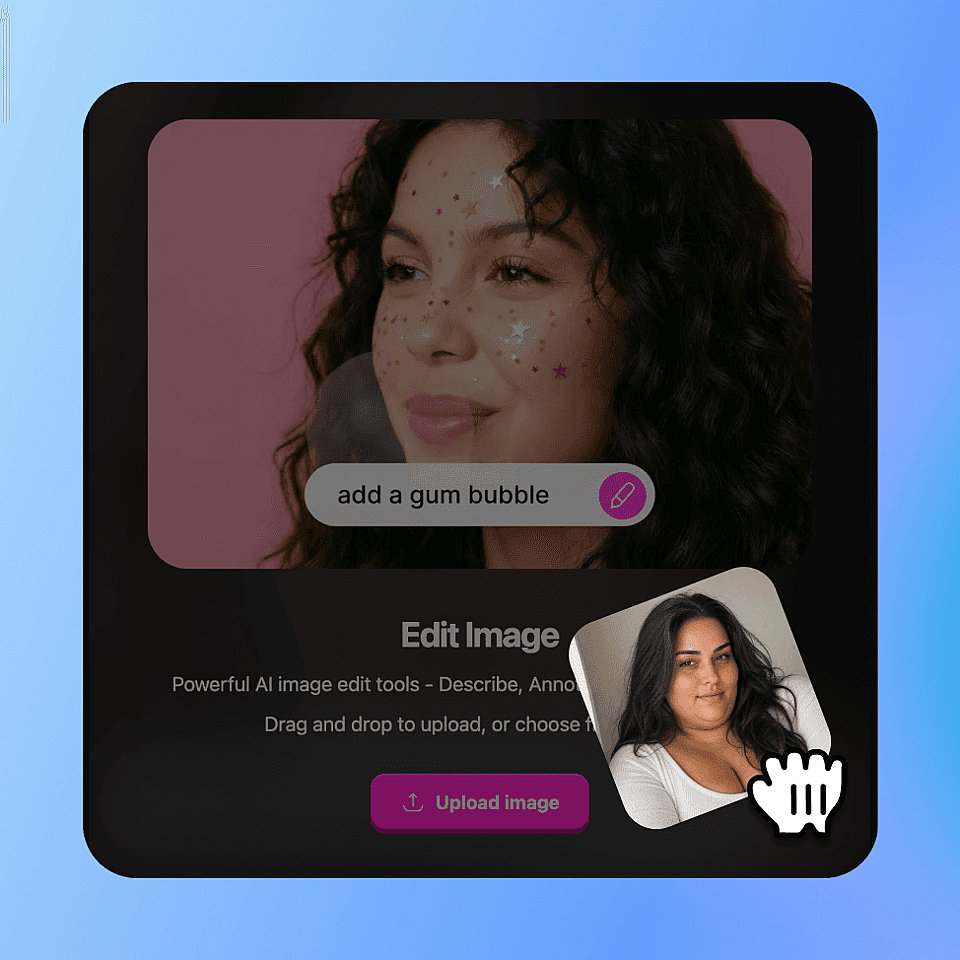
Upload Your Photo

Go to OpenArt’s AI skinny filter tool and upload a clear portrait, selfie, or full-body photo. Images with good lighting and a simple background usually give the most natural-looking results.
Describe What You Want
Step 02

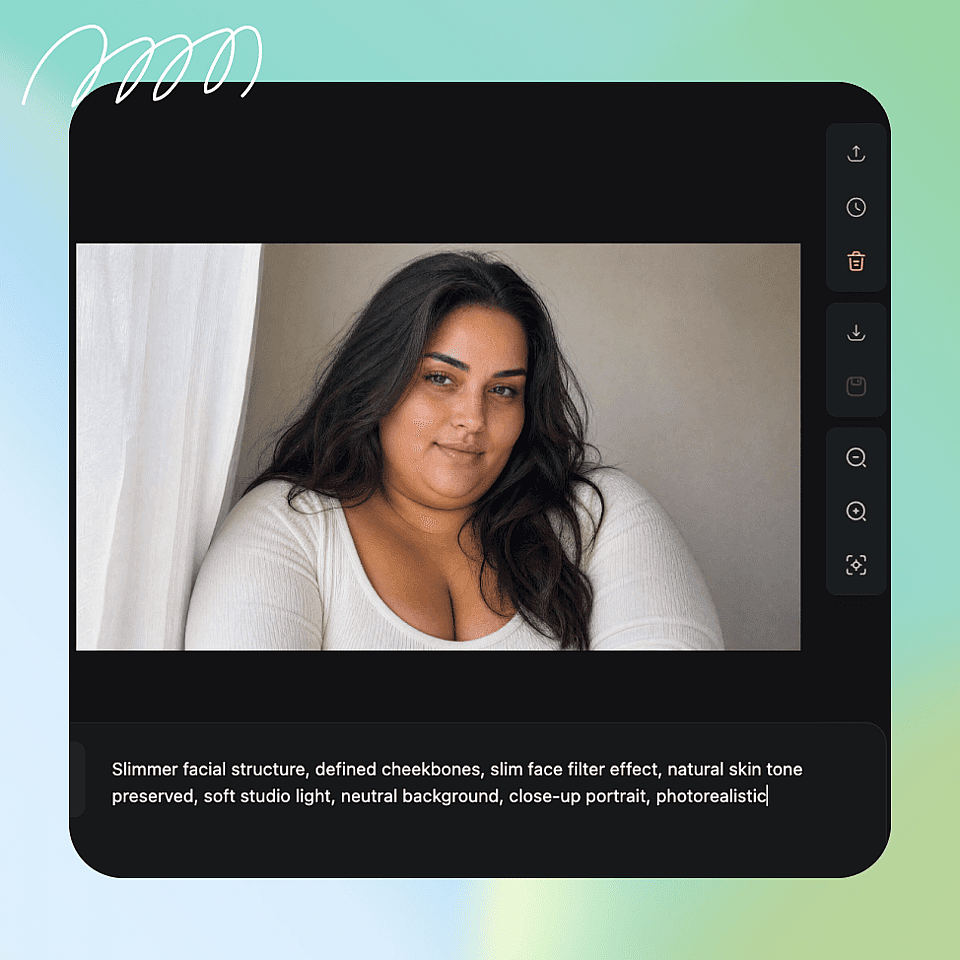
Describe What You Want

Once your photo loads, select the skinny filter style and set the creativity or strength level to control how subtle or noticeable the slimming effect is. A lighter setting keeps the result the most natural.
Generate and Download
Step 03

Generate and Download

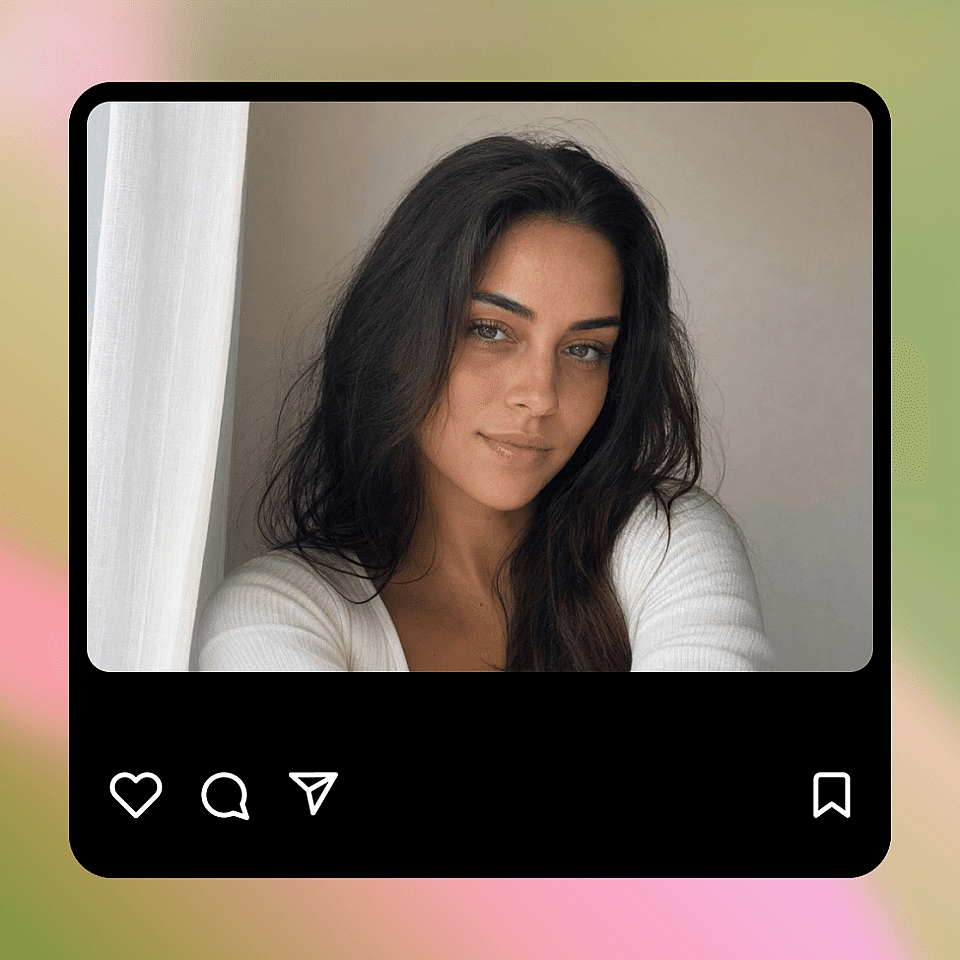
Click Create to generate a realistic edited photo in seconds, with natural facial features, skin tone, and lighting preserved. Download the result or keep editing right away.

#4Use CasesEdit in CMS ↗

What Can You Create with OpenArt’s AI Skinny Filter

OpenArt’s AI skinny filter helps you create polished, stylish, and visually refined photos for social media, fashion content, creative projects, and personal use.
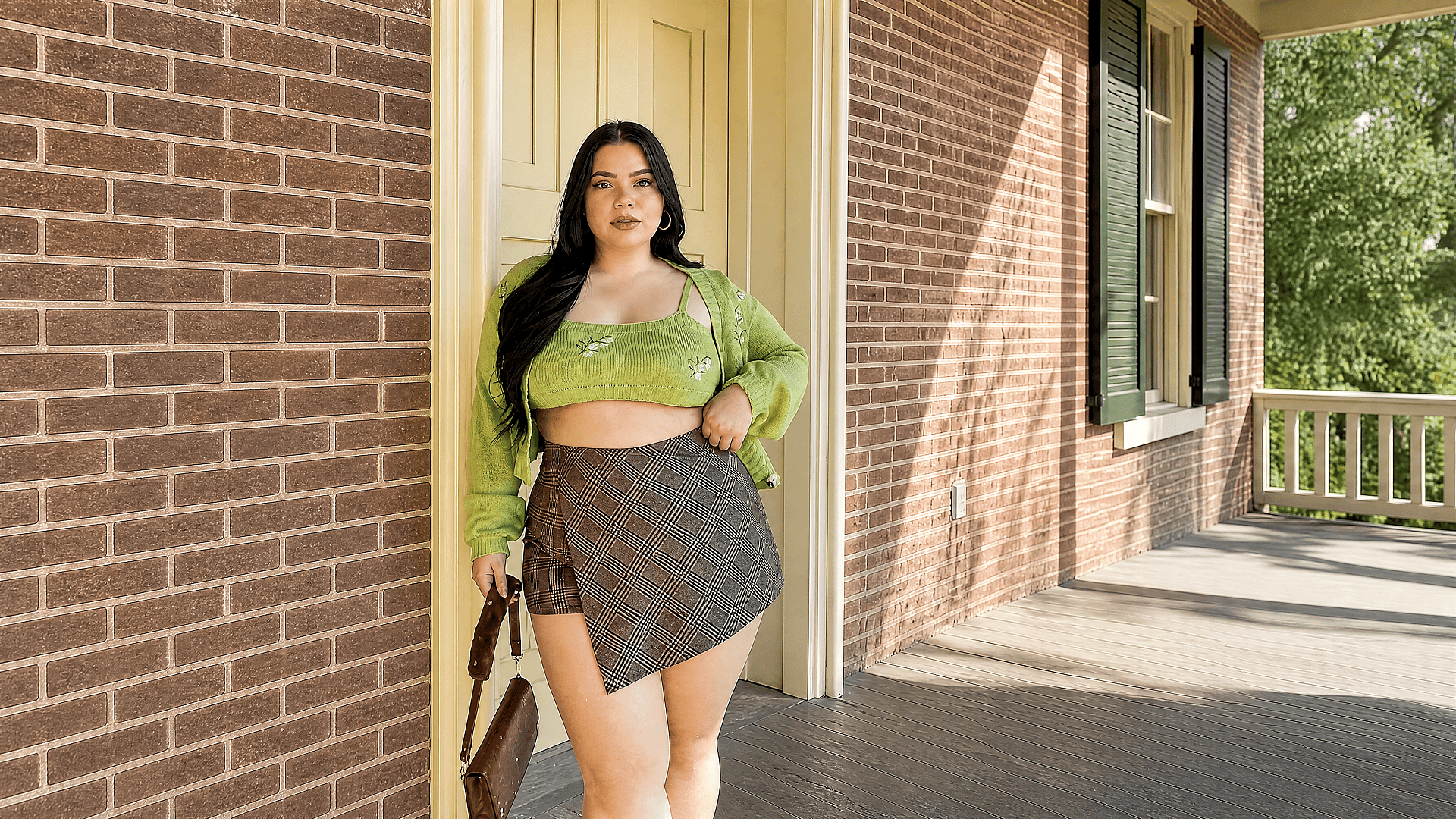
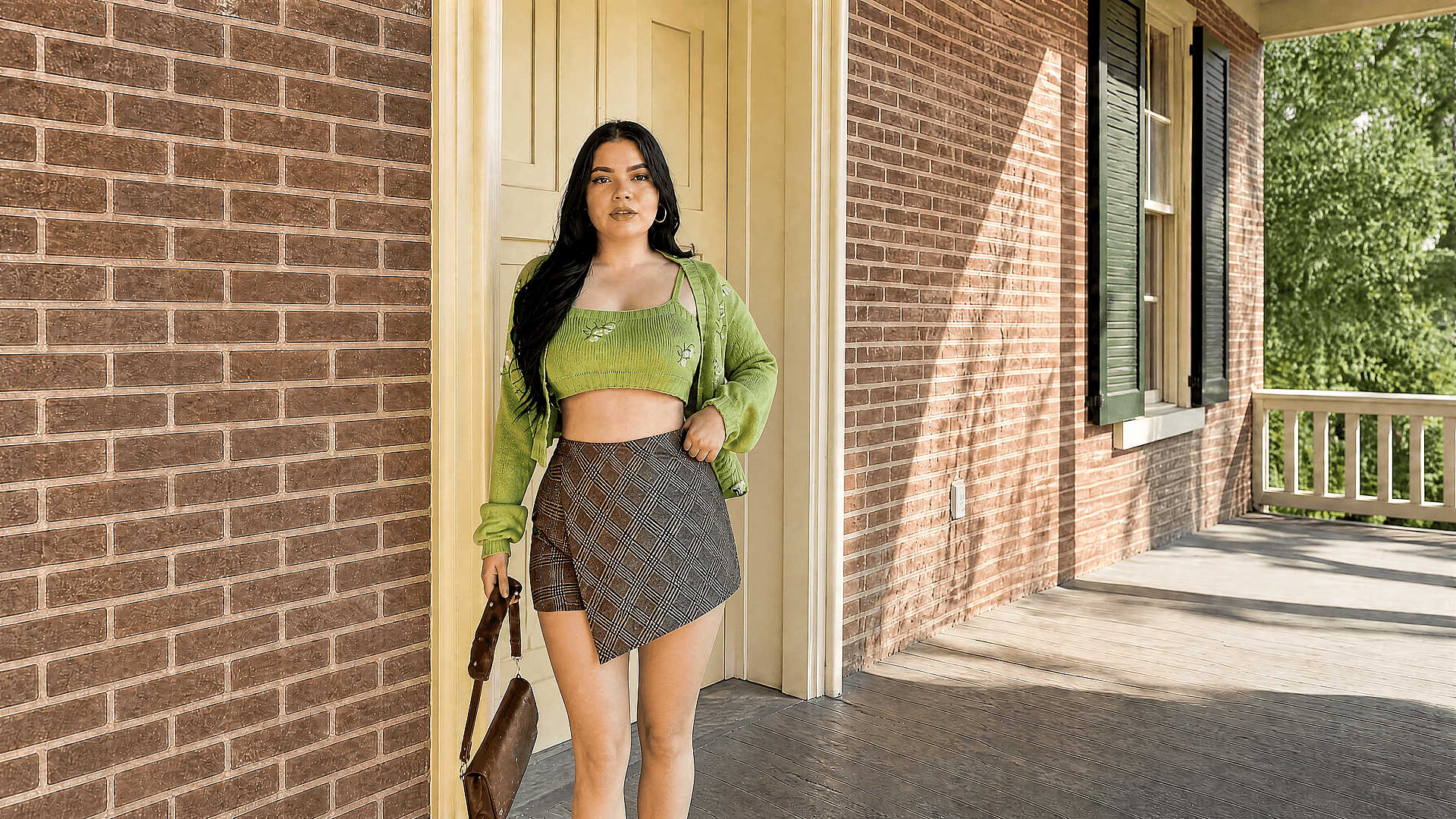
Before
After
Before After

Social Media and Personal Photo Enhancement

Create polished selfies, profile photos, and outfit shots for Instagram, TikTok, and dating profiles. Ideal for creators and personal brands where a camera-ready look matters.

Try it Now
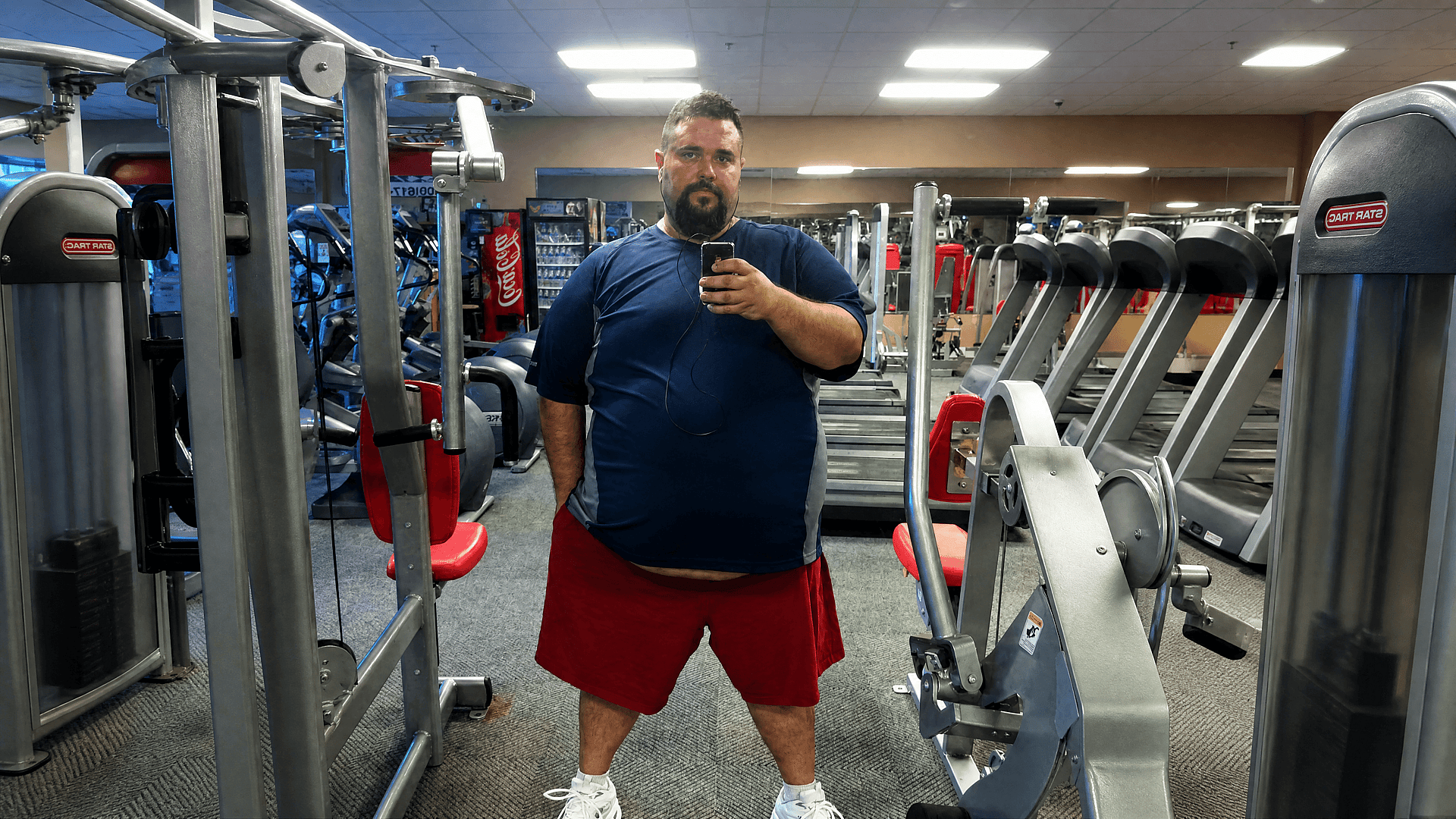
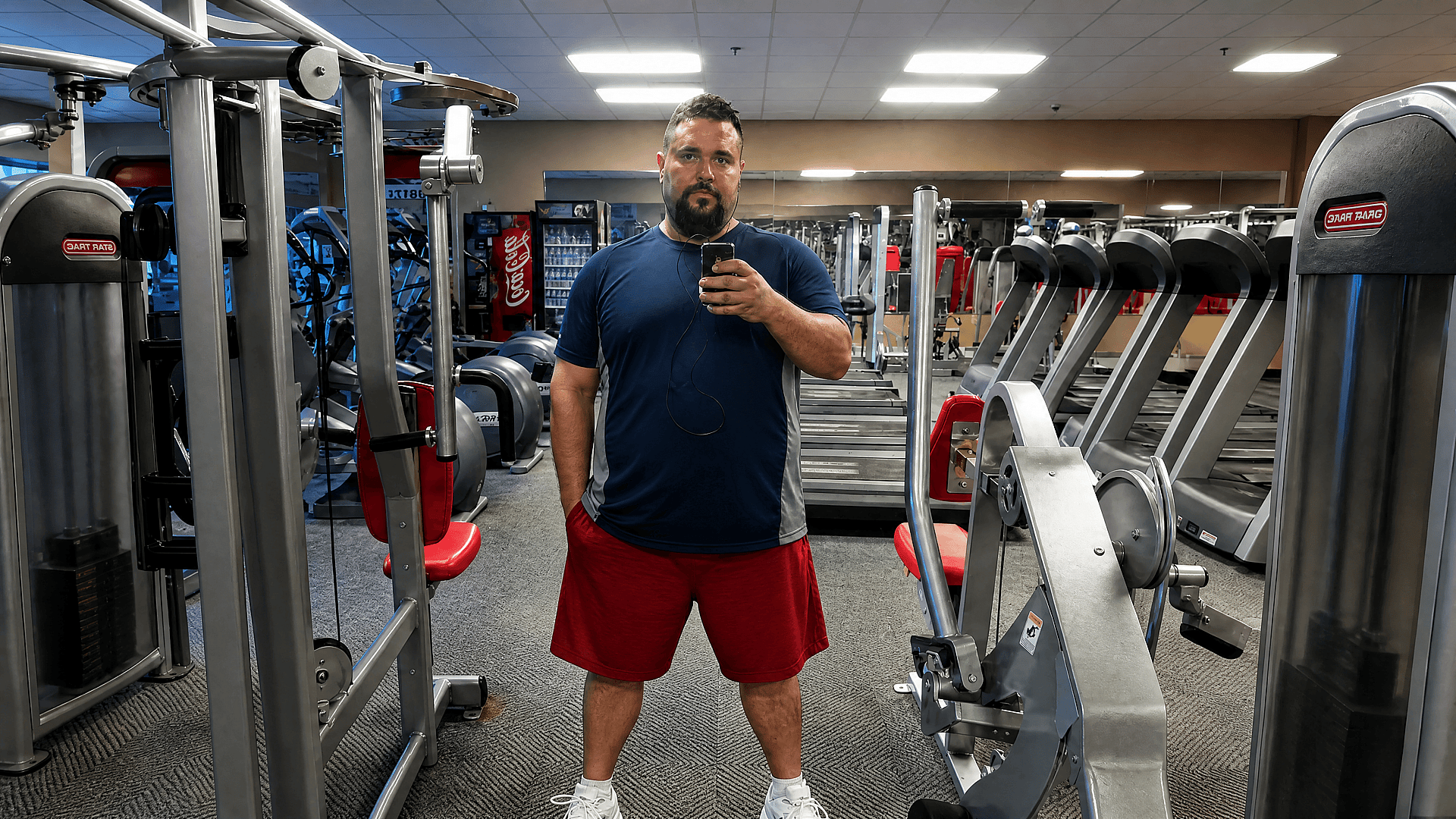
Before
After
Before After

Dating Profile and App Photos

First impressions on dating apps are visual. Use the skinny filter to put your best look forward, a polished, natural-looking photo that still looks like you.

Try it Now
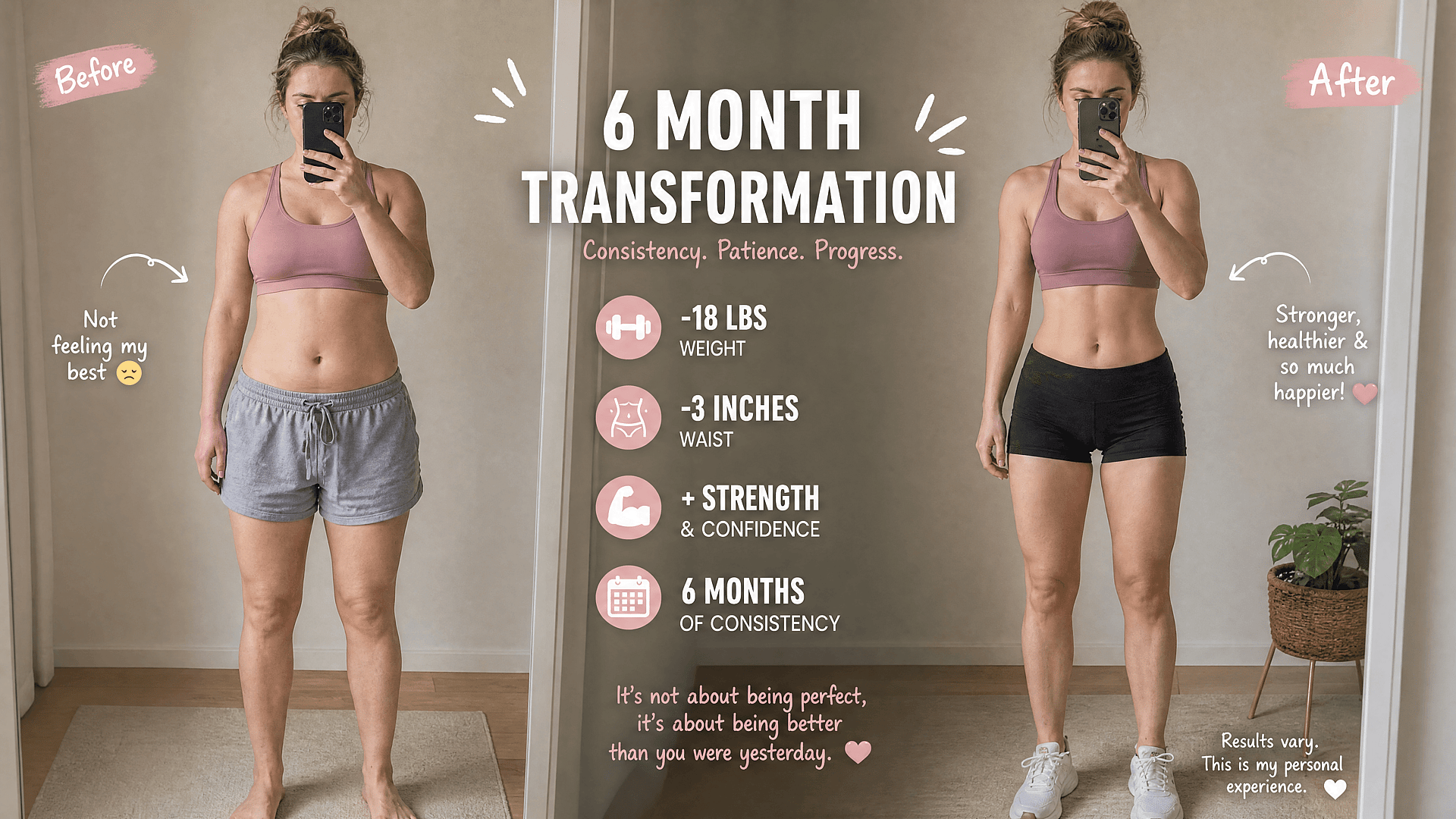
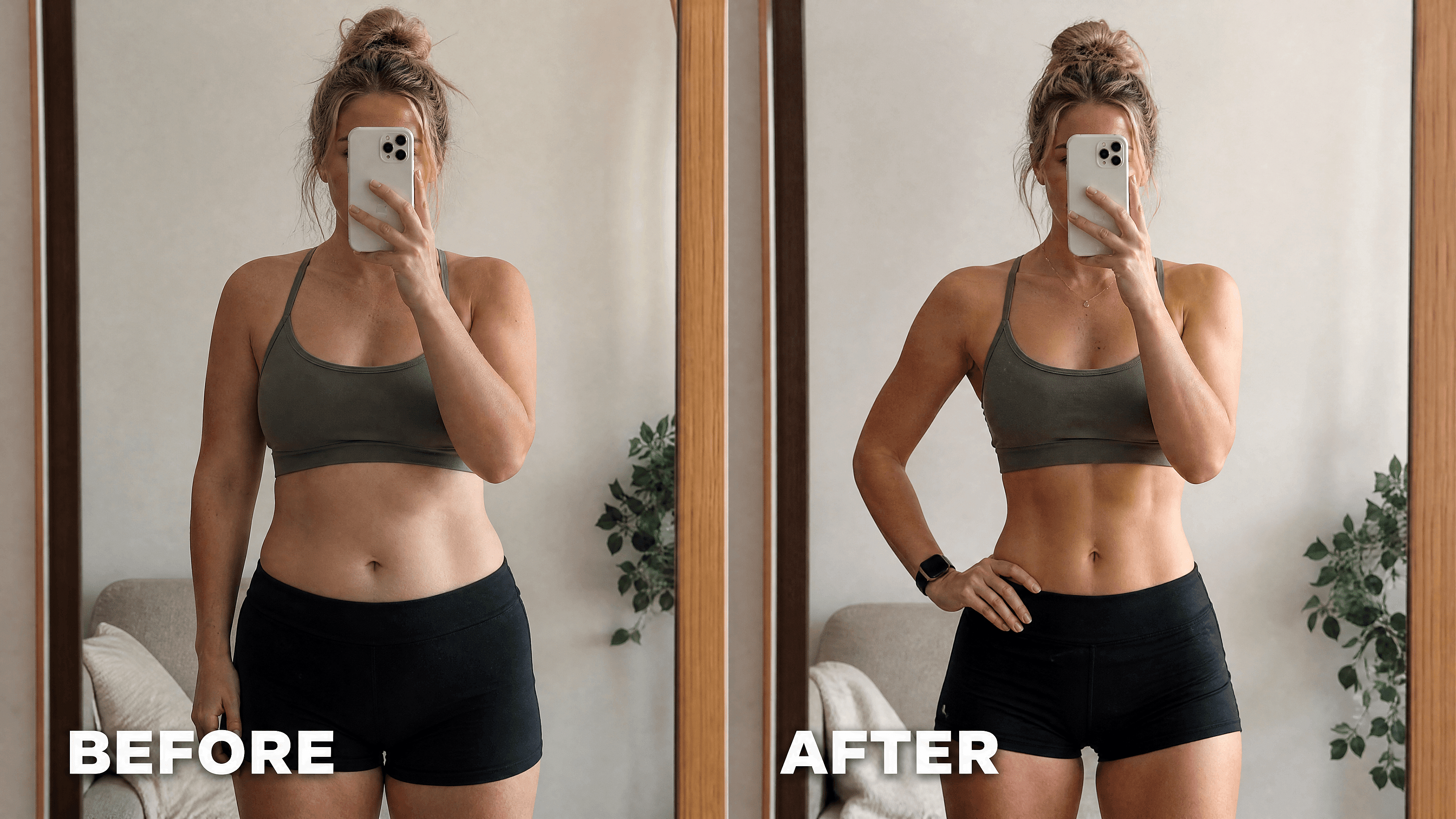
Before and After Comparison Content

Before and After Comparison Content

Create side-by-side before and after photos for transformation content, fitness posts, and style makeover videos. A clean comparison visual performs well on Reels, TikTok, and YouTube thumbnails.

Try it Now
Before
After
Before After

Fashion Styling and Outfit Visualization

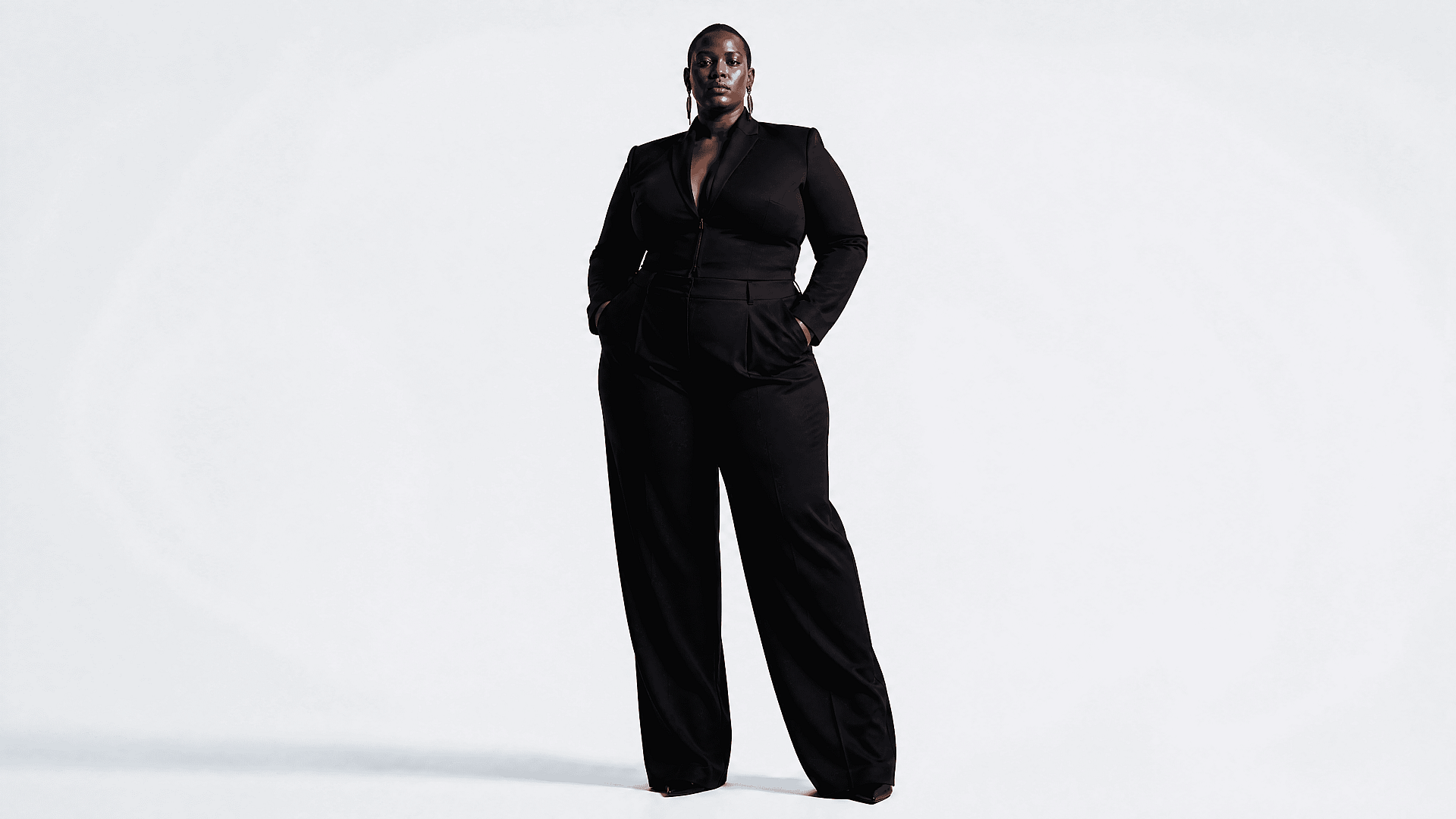
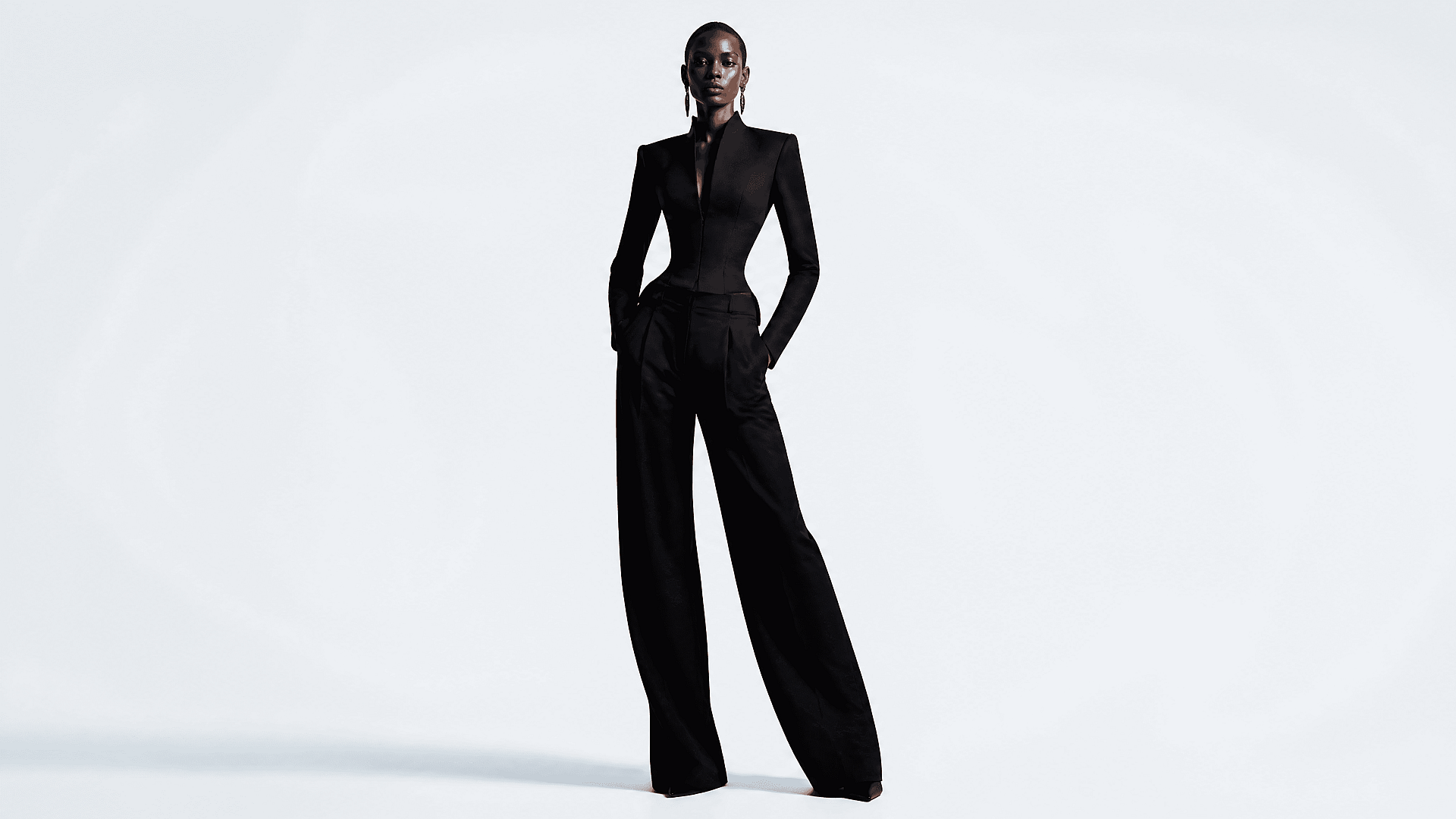
Pair the skinny filter with OpenArt’s AI Clothes Changer to preview how fitted outfits, dresses, and jackets look on a slimmer silhouette before you create final content.

Try it Now
#5TestimonialsEdit in CMS ↗

Loved by Creators Worldwide

See what our community has to say

I've tried many AI platforms… but OpenArt is still the best for character creation, image-to-video quality, and the variety of models available.

Jan C. Trustpilot

OpenArt offers an excellent array of AI tools… once you learn the features, the creative possibilities are amazing - and their support team is outstanding.

Tom G. Trustpilot

OpenArt is a very versatile AI platform with many image and video models, consistent character creation, and powerful editing tools.

Klant K. Trustpilot

Helpful AI tools all in one place - image and video generation, editing, and more… no need for multiple subscriptions.

Scorpy Trustpilot

Customer service is always quick and helpful… and the platform keeps getting better with new features and tools.

Richard M. Trustpilot

I've tried many AI platforms… but OpenArt is still the best for character creation, image-to-video quality, and the variety of models available.

Jan C. Trustpilot

OpenArt offers an excellent array of AI tools… once you learn the features, the creative possibilities are amazing - and their support team is outstanding.

Tom G. Trustpilot

OpenArt is a very versatile AI platform with many image and video models, consistent character creation, and powerful editing tools.

Klant K. Trustpilot

Helpful AI tools all in one place - image and video generation, editing, and more… no need for multiple subscriptions.

Scorpy Trustpilot

Customer service is always quick and helpful… and the platform keeps getting better with new features and tools.

Richard M. Trustpilot

I've tried many AI platforms… but OpenArt is still the best for character creation, image-to-video quality, and the variety of models available.

Jan C. Trustpilot

OpenArt offers an excellent array of AI tools… once you learn the features, the creative possibilities are amazing - and their support team is outstanding.

Tom G. Trustpilot

OpenArt is a very versatile AI platform with many image and video models, consistent character creation, and powerful editing tools.

Klant K. Trustpilot

Helpful AI tools all in one place - image and video generation, editing, and more… no need for multiple subscriptions.

Scorpy Trustpilot

Customer service is always quick and helpful… and the platform keeps getting better with new features and tools.

Richard M. Trustpilot

With so many AI platforms out there, OpenArt stood out as a stellar choice - I'd recommend it to any creator.

Jon S. Trustpilot

This platform includes everything you need for AI content creation - images, video, characters, audio, and multiple AI models in one place.

Mathew K. Trustpilot

OpenArt is pushing the boundaries of AI video creation… and it's clear the team is committed to improving the creator experience.

Iftikar Z. Trustpilot

I made my first AI music video with OpenArt… and their support team was the best help I've ever experienced.

Mark Trustpilot

I'm very happy with the support - my issue was resolved quickly and the team made the process easy.

Rasmus Trustpilot

With so many AI platforms out there, OpenArt stood out as a stellar choice - I'd recommend it to any creator.

Jon S. Trustpilot

This platform includes everything you need for AI content creation - images, video, characters, audio, and multiple AI models in one place.

Mathew K. Trustpilot

OpenArt is pushing the boundaries of AI video creation… and it's clear the team is committed to improving the creator experience.

Iftikar Z. Trustpilot

I made my first AI music video with OpenArt… and their support team was the best help I've ever experienced.

Mark Trustpilot

I'm very happy with the support - my issue was resolved quickly and the team made the process easy.

Rasmus Trustpilot

With so many AI platforms out there, OpenArt stood out as a stellar choice - I'd recommend it to any creator.

Jon S. Trustpilot

This platform includes everything you need for AI content creation - images, video, characters, audio, and multiple AI models in one place.

Mathew K. Trustpilot

OpenArt is pushing the boundaries of AI video creation… and it's clear the team is committed to improving the creator experience.

Iftikar Z. Trustpilot

I made my first AI music video with OpenArt… and their support team was the best help I've ever experienced.

Mark Trustpilot

I'm very happy with the support - my issue was resolved quickly and the team made the process easy.

Rasmus Trustpilot
#6Feature ChipsEdit in CMS ↗

Frequently Asked Questions

It depends on how you prompt it. You can target a full-body silhouette, face only (skinny face filter), or both. Describe what you want in the prompt. Your skin tone and facial identity stay consistent either way.
Yes, you can. Download the image as a high-resolution file and post it wherever you want. It's your photo, your output.
Yes. The skinny filter works on any photo regardless of gender presentation. Describe the silhouette and styling you want in the prompt.
Front-facing or full-body, even lighting, minimal background clutter. A plain or neutral background gives the most accurate silhouette result. Avoid heavy filters or blown-out lighting in the source photo.
Yes, and it works especially well when you combine it with the AI clothes changer. Style the silhouette first, then layer in the outfit for a complete fashion preview.
Absolutely. Many designers and creators use the skinny filter to establish a character's silhouette or to generate fashion reference images for editorial and look book work.
#8OpenArt RecentEdit in CMS ↗

Get Insights from Experts Blog

Get the insights you need. Our experts share actionable hacks, break down the hottest topics, and provide essential how-to guides to help you build, optimize, and scale.

Read More
Create without limits

Join thousands of creators using OpenArt to generate stunning images, videos, and more — all in one platform.

Get Started for Free →