Your Favorite Models — All in One Place, with Unlimited Generations.

Enjoy Limited Time 50% OFF! ›

Add a Pixar Filter to Your Photos

Upload one photo. Get the big expressive eyes, soft cinematic lighting, and movie-poster finish of a real Pixar still. Free, no app, no watermark. And unlike a one-shot filter, OpenArt keeps your Pixar face consistent across new poses, portraits, and video.
Add an image Or drag and drop here · JPEG, PNG, WEBP
Try the Pixar Filter Free
#2BenefitsEdit in CMS ↗

Why Use OpenArt’s Pixar Filter

A Pixar face that looks like you

The most common complaint about AI Pixar filters: "it doesn't look like me." OpenArt runs on identity-preserving models like Nano Banana Pro, Seedream, built to hold onto your face shape, hair, and skin tone so the result is recognizably you in Pixar form, not a generic cartoon.


The same Pixar face, every time

Free filters redraw your face from scratch on every generation, that's why it keeps changing. OpenArt's Character feature locks your Pixar self in place: same face across every new image, every pose, every scene. Make your avatar once. Reuse it as many times as you want.

From portrait to more angles, story, and video

Nine angles with Multi View. A short character story in Director. An animated clip. The full "become a Pixar character" workflow in one place, instead of starting over in a new app every time you want something different.

Know more →
#3How To UseEdit in CMS ↗

How to Turn Your Photo Into a Pixar Character

Create Your Own Pixar Character in Three Steps.

1
Step 01

Upload your photo

Any clear selfie or portrait works (JPG, PNG, WEBP). Front-facing, decent lighting — the sharper the photo, the more you shows up in the final character.

2
Step 02

Apply the Pixar style and generate

Pick the Pixar filter and hit generate. In seconds: big expressive eyes, warm cinematic lighting, that animated movie color grade — your real features intact.

3
Step 03

Download, or take it further

Download in high resolution, watermark-free. Or keep going: generate the same character from new angles, drop it into a story, animate it into a clip. All in the same workspace — no exporting to four other tools.

#4Use CasesEdit in CMS ↗

Create in Every Pixar-Adjacent Style

One Pixar Filter for Every Style and Moment.
Before
After
Before After

Your Pixar Self for Social

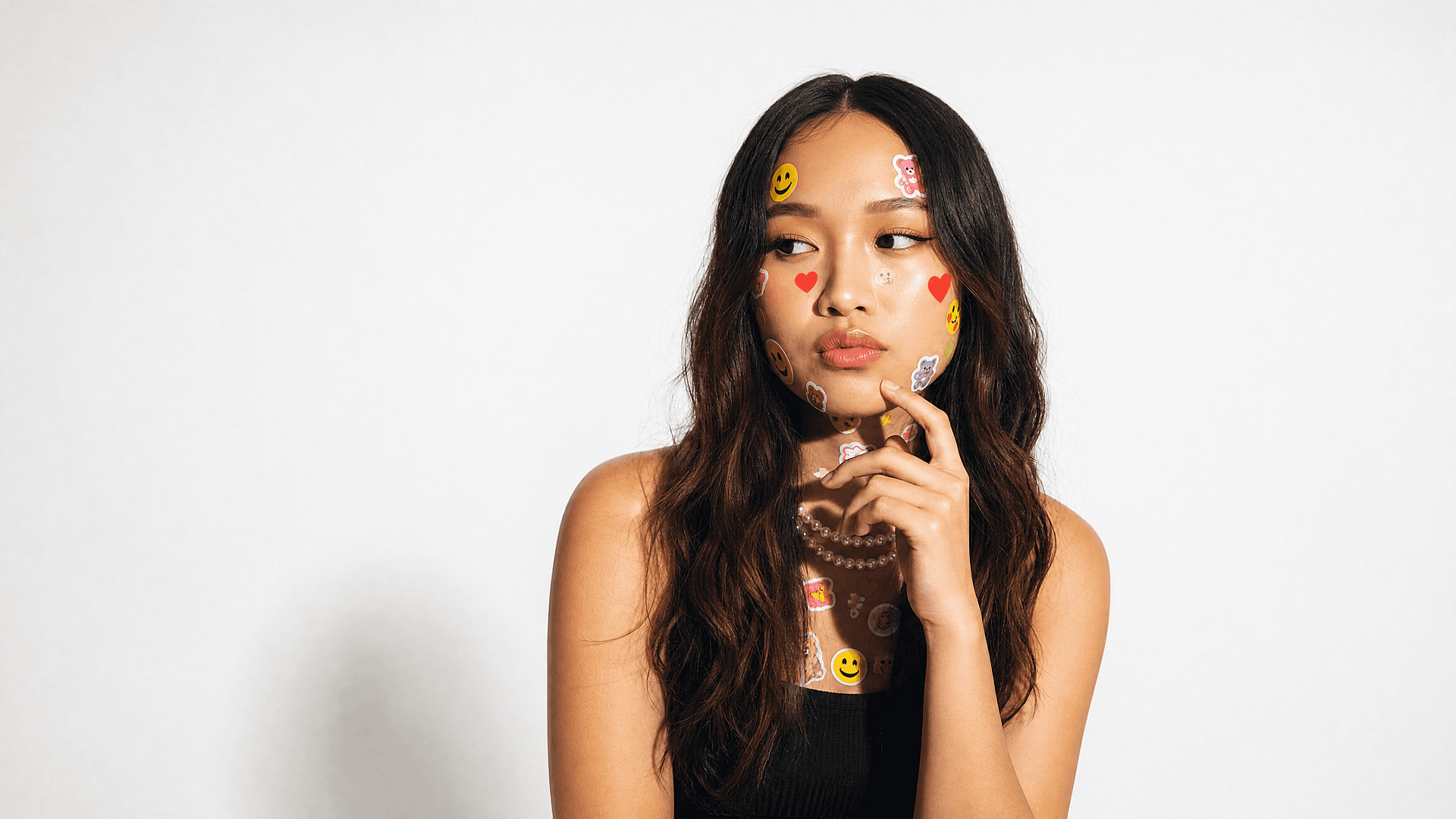
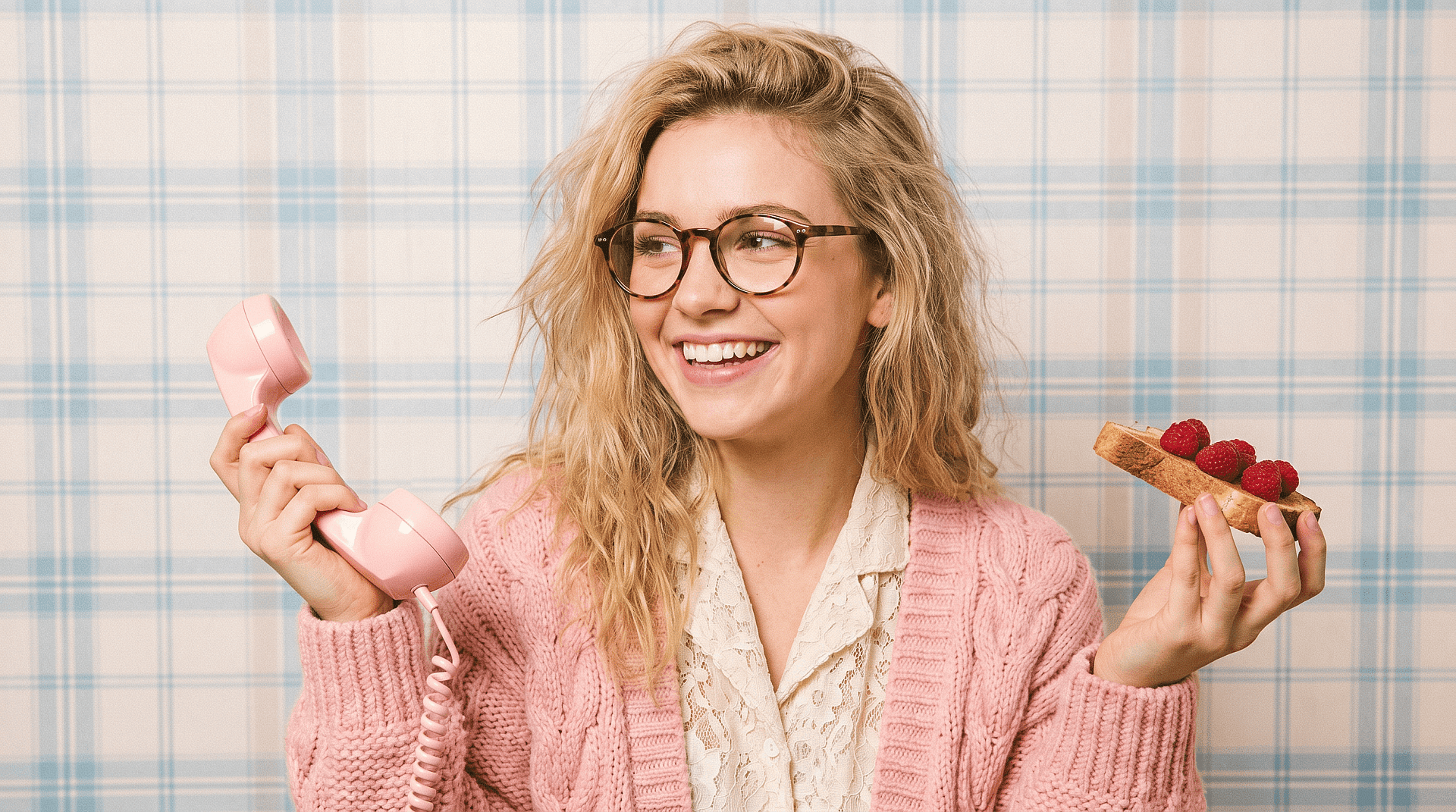
The Pixar wave is still going. Turn your selfie into a 3D Pixar-style avatar ready to post on TikTok, Reels, Instagram, or set as your profile pic. Higher quality than any lens that's here today and gone tomorrow, and actually looks like you.

Try it Now
Before
After
Before After

Couples, Family, and Pets

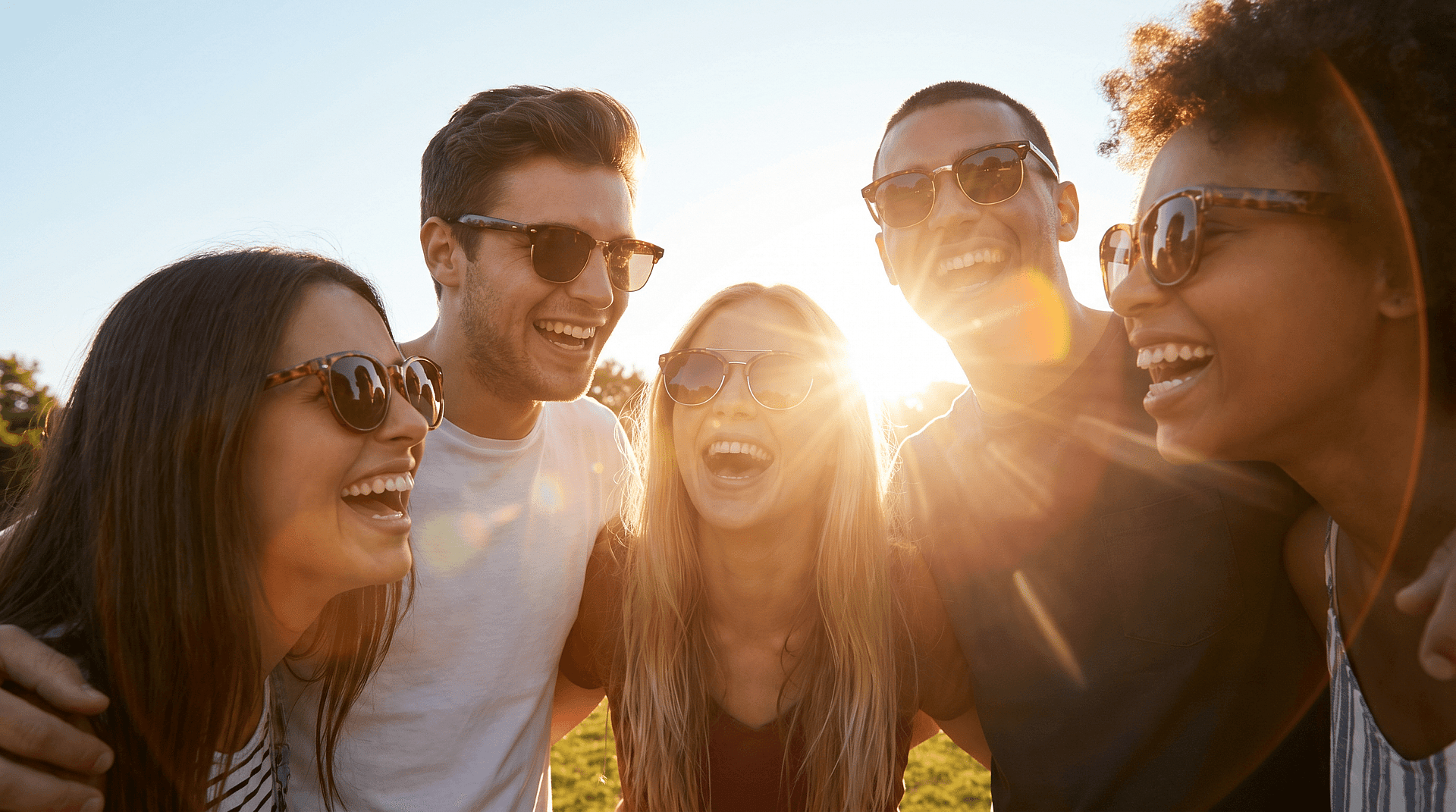
Upload a couple's photo, a family portrait, or a picture of your dog. The filter keeps every face's likeness while wrapping the whole frame in that warm, animated-movie glow. Print it, frame it, send it as a card. The kind of thing people actually keep.

Try it Now
Before
After
Before After

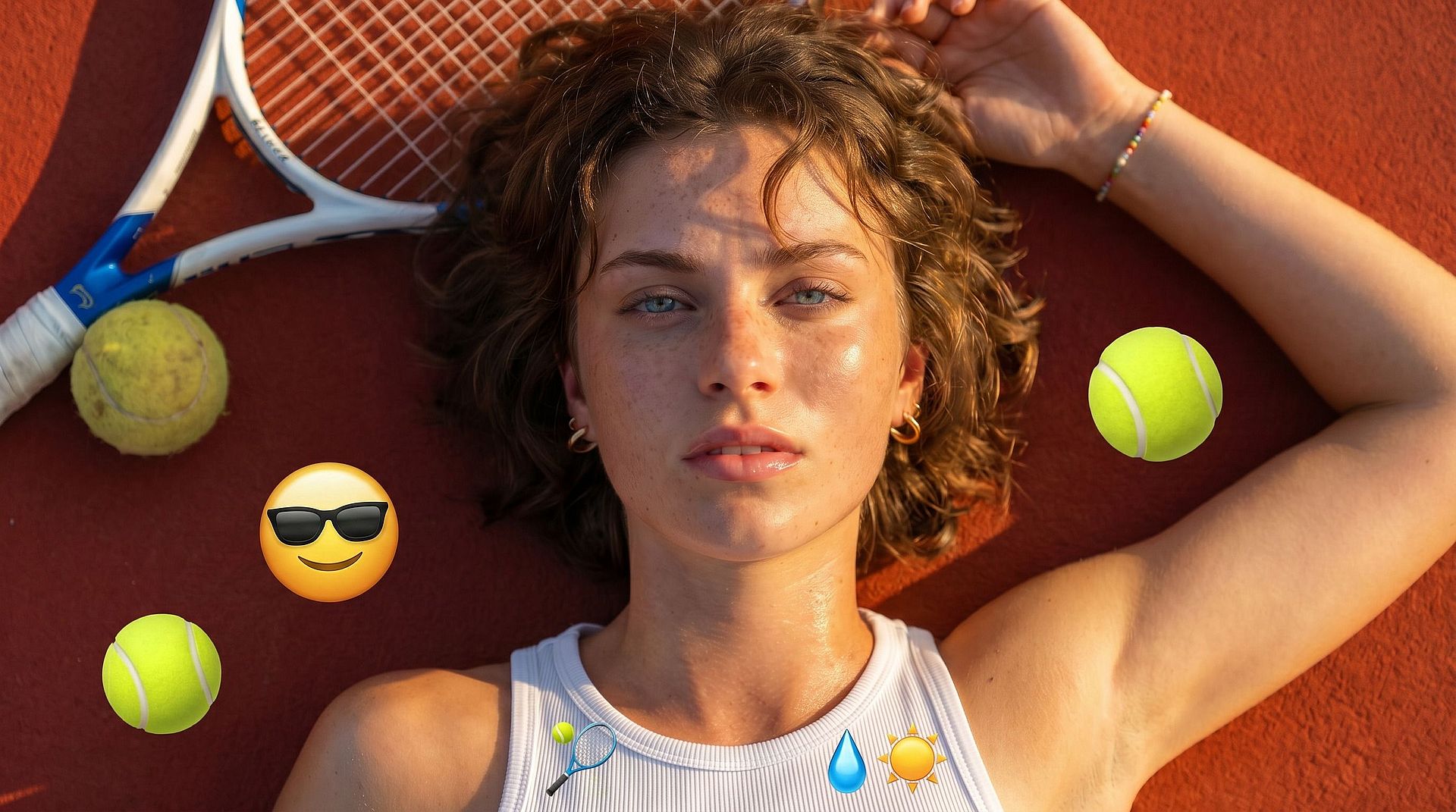
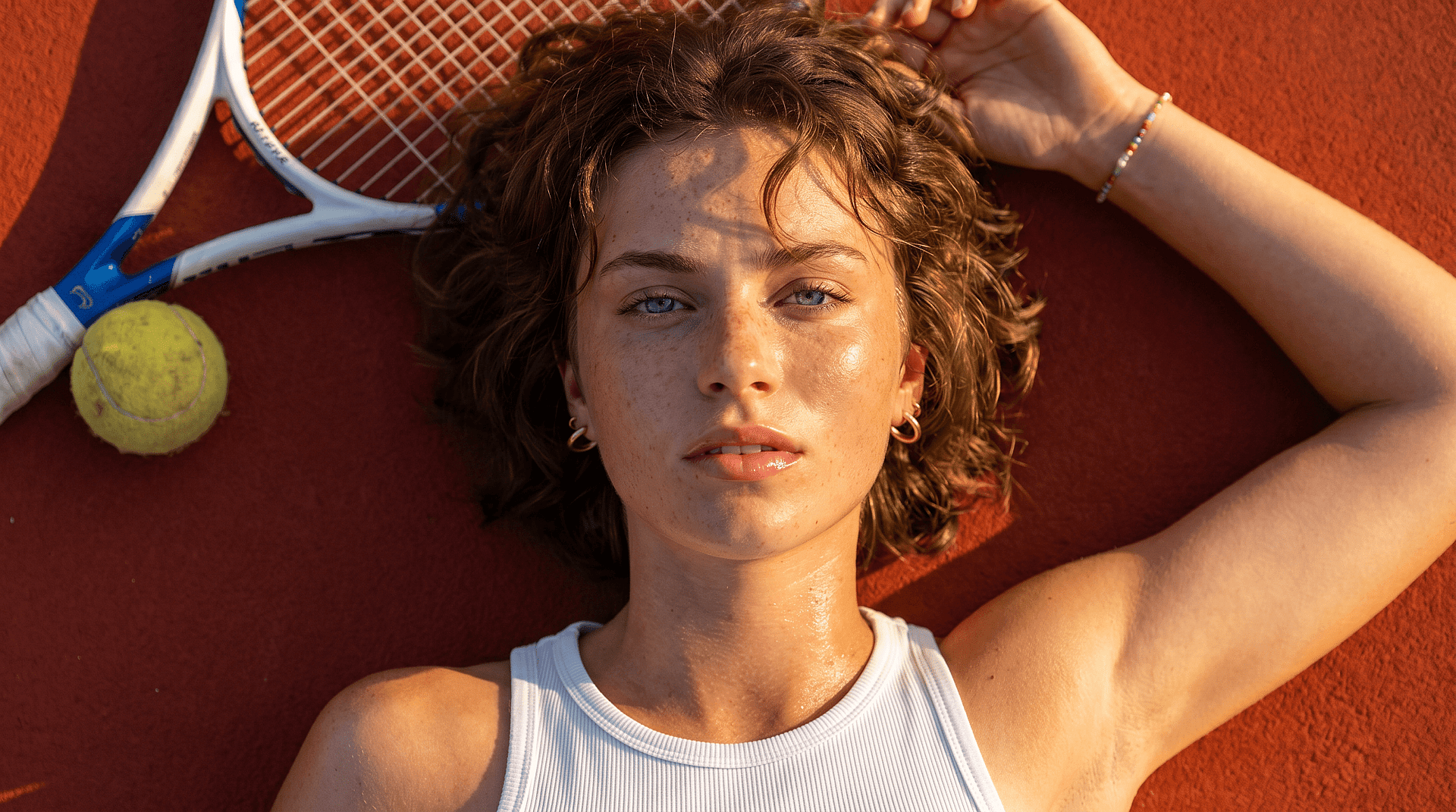
Pixar-Style Art From a Prompt

No photo needed. Describe the character you have in mind and generate original Pixar-style art from scratch. Good for posters, custom avatars, or whenever you want something that doesn't exist yet.

Try it Now
Before
After
Before After

Animated Pixar Clips

A still portrait is one thing. Take your Pixar character and put it in motion — a short clip for a Reel intro, a birthday video, a story beat. The kind of thing a flat filter will never give you.

Try it Now
#5More FeaturesEdit in CMS ↗

Frequently Asked Questions

The viral Pixar look isn’t an official TikTok or Instagram lens, the versions that circulated were mostly unofficial and have been pulled or renamed. The reliable way to get it now is an AI tool: upload your photo to OpenArt’s Pixar filter, generate your character, and post the result anywhere.
That’s the weakness of most one-shot filters, they redraw your face from scratch each time. OpenArt uses identity-preserving models (Nano Banana Pro, Seedream) plus its Character feature to lock your real features and keep the same Pixar you across every image.
Yes. Upload a pet, couple, or family photo and the filter keeps each subject’s likeness while applying the Pixar style, great for gifts and keepsakes.
It is an online, browser-based tool inside OpenArt’s editing suite. There is no separate dedicated mobile app needed; you use it on the web from your browser, which keeps it accessible without an install.
Yes. You can turn your photo into a Pixar character for free, right in your browser — no app to install. Free generations are watermark-free; upgrade only when you want consistent-character projects and longer videos.
No. The Pixar filter runs entirely in your browser on phone or desktop. Nothing to install, nothing to sign up for just to see your result.
Yes. Use Multi View for nine angles, and the Character feature to keep the same face every time, the full consistent AI character workflow in one place.
Those apps promise to reveal hidden faces and routinely fail, because the data simply is not there to reveal. This is a restoration tool that is honest about reconstructing a natural result. The goal is a clean, usable photo, not a false reveal.
#7OpenArt RecentEdit in CMS ↗

Get Insights from Experts Blog

Get the insights you need. Our experts share actionable hacks, break down the hottest topics, and provide essential how-to guides to help you build, optimize, and scale.

Read More
Create without limits

Join thousands of creators using OpenArt to generate stunning images, videos, and more — all in one platform.

Get Started for Free →