Your Favorite Models — All in One Place, with Unlimited Generations.

Enjoy Limited Time 50% OFF! ›

AI Image Enhancer

Fix the plastic, over-smoothed look and bring real texture back to your images. Upload a photo, set how much skin detail you want, and OpenArt's AI enhances it up to 8K. You stay in control of the result.
Add an image Or drag and drop here · JPEG, PNG, WEBP
Enhance Image Now
#2BenefitsEdit in CMS ↗

Why Use OpenArt’s AI Image Enhancer
Skin that looks real

It removes the uncanny plastic-skin look and restores natural texture, so people in your images look believable.


Detail up to 8K

Enhance your image at 2K, 4K, or 8K so faces and fine details stay sharp at full size.
You control the texture

A simple slider lets you set exactly how much skin detail to add, from a light touch to a close-up finish.

#3Features DetailEdit in CMS ↗

Bring Real Texture And Detail Back To Your Images

OpenArt's AI Image Enhancer is built to fix the smoothed-over, plastic look that flattens skin and detail. It rebuilds natural texture while sharpening your image, and you decide how far it goes.
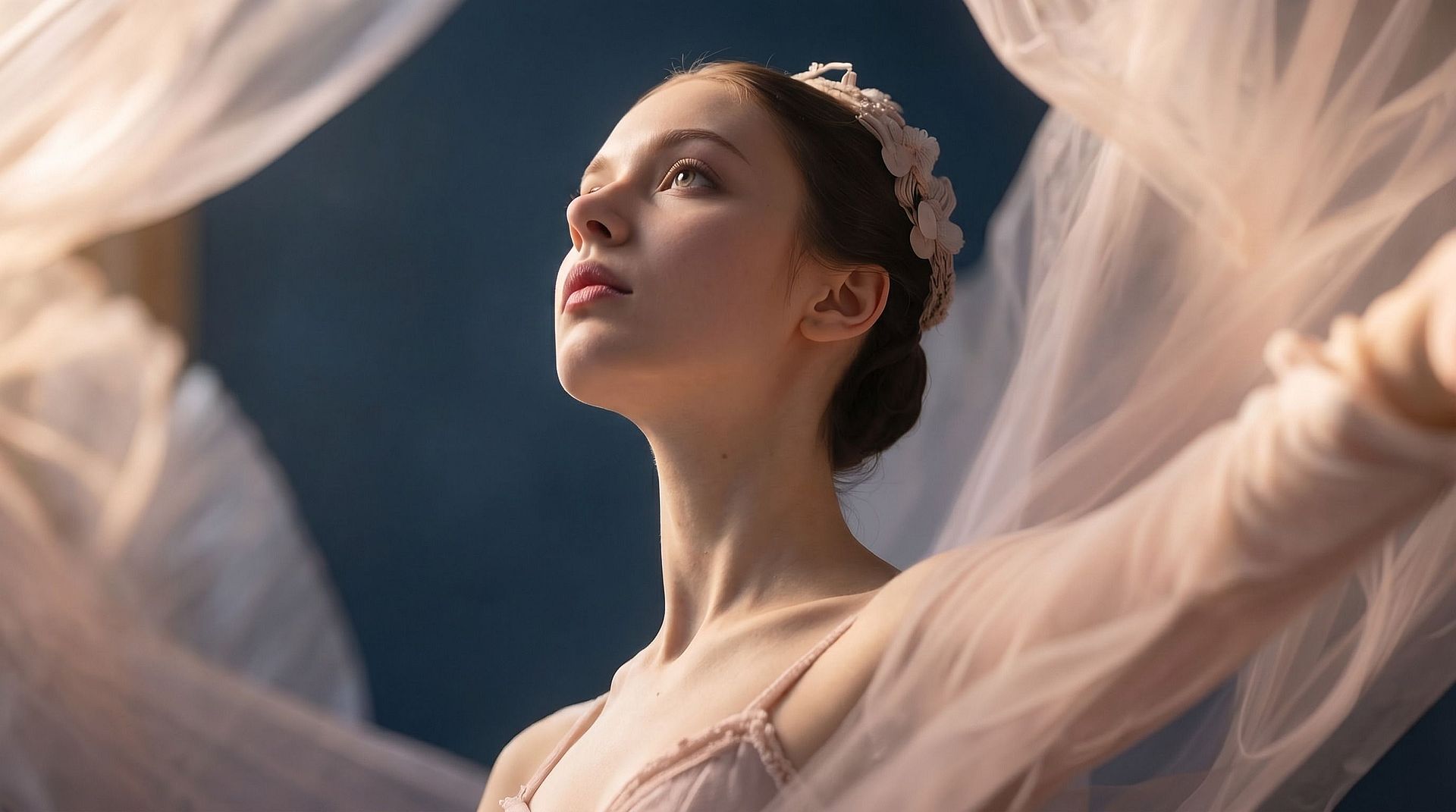
Before
After
Before After

Remove The Plastic Look

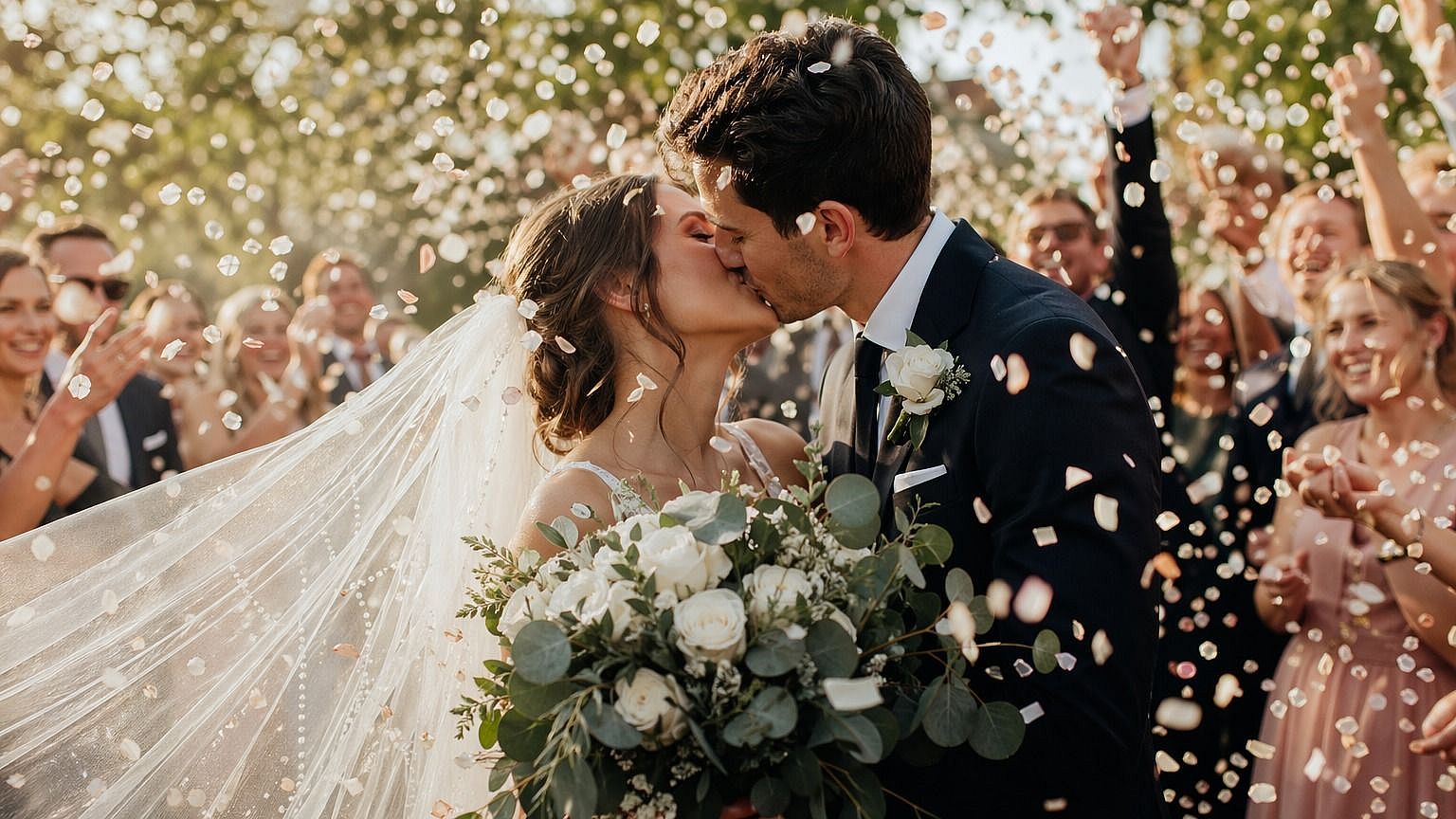
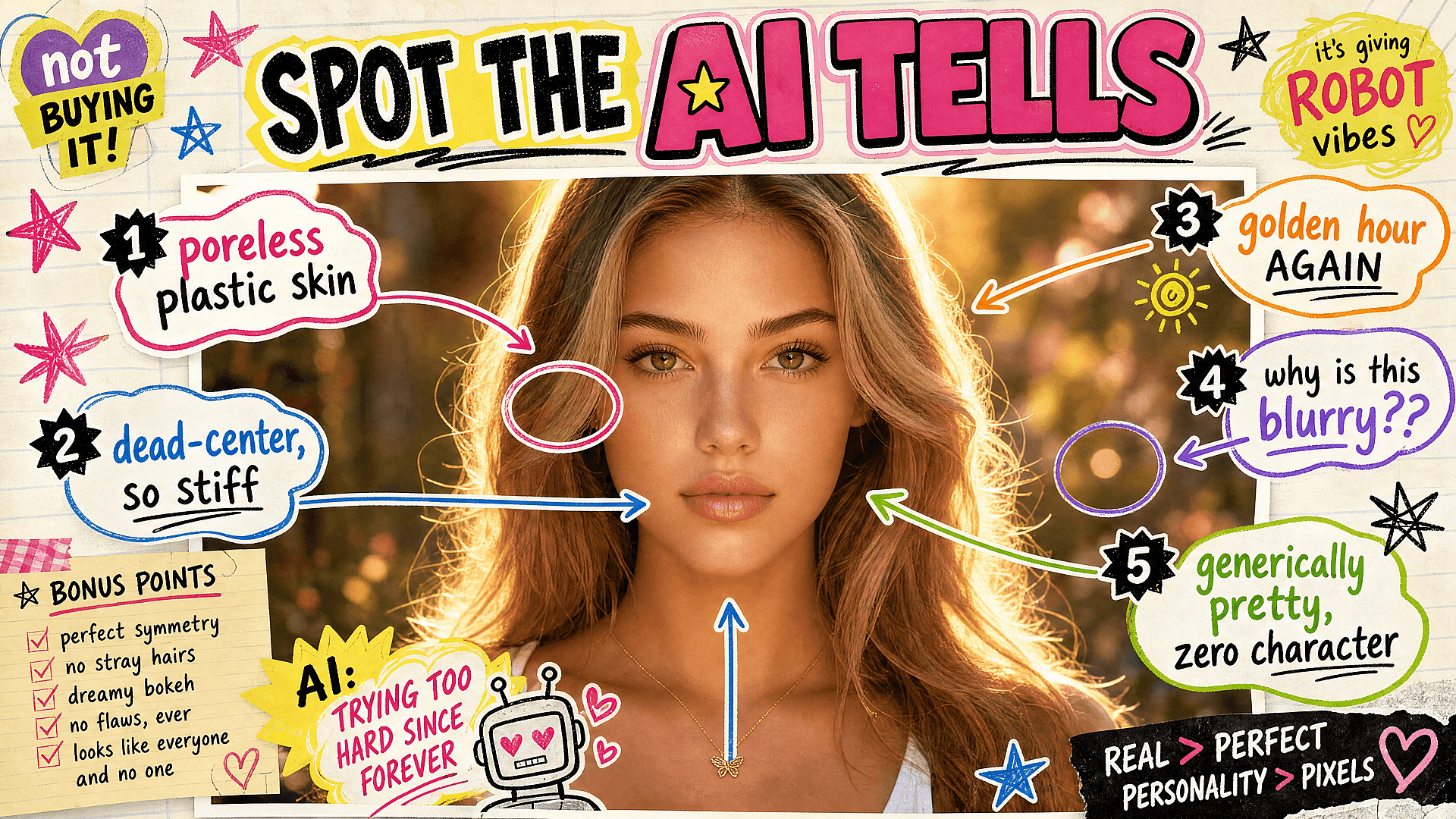
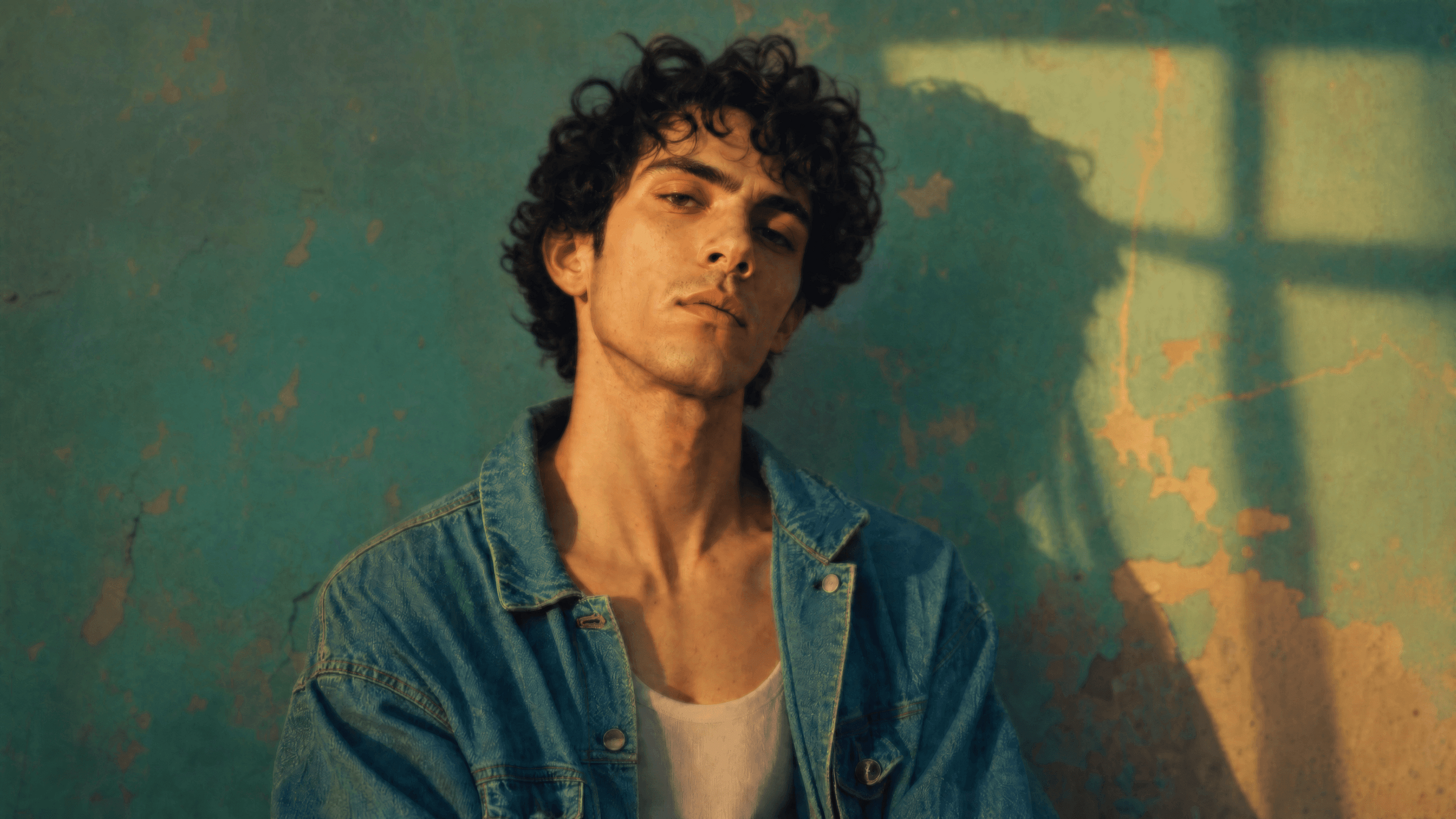
Over-processed and AI-generated images often have skin that looks waxy and fake. The enhancer rebuilds real skin texture so faces look natural again, with pores, detail, and depth instead of a smooth blur.
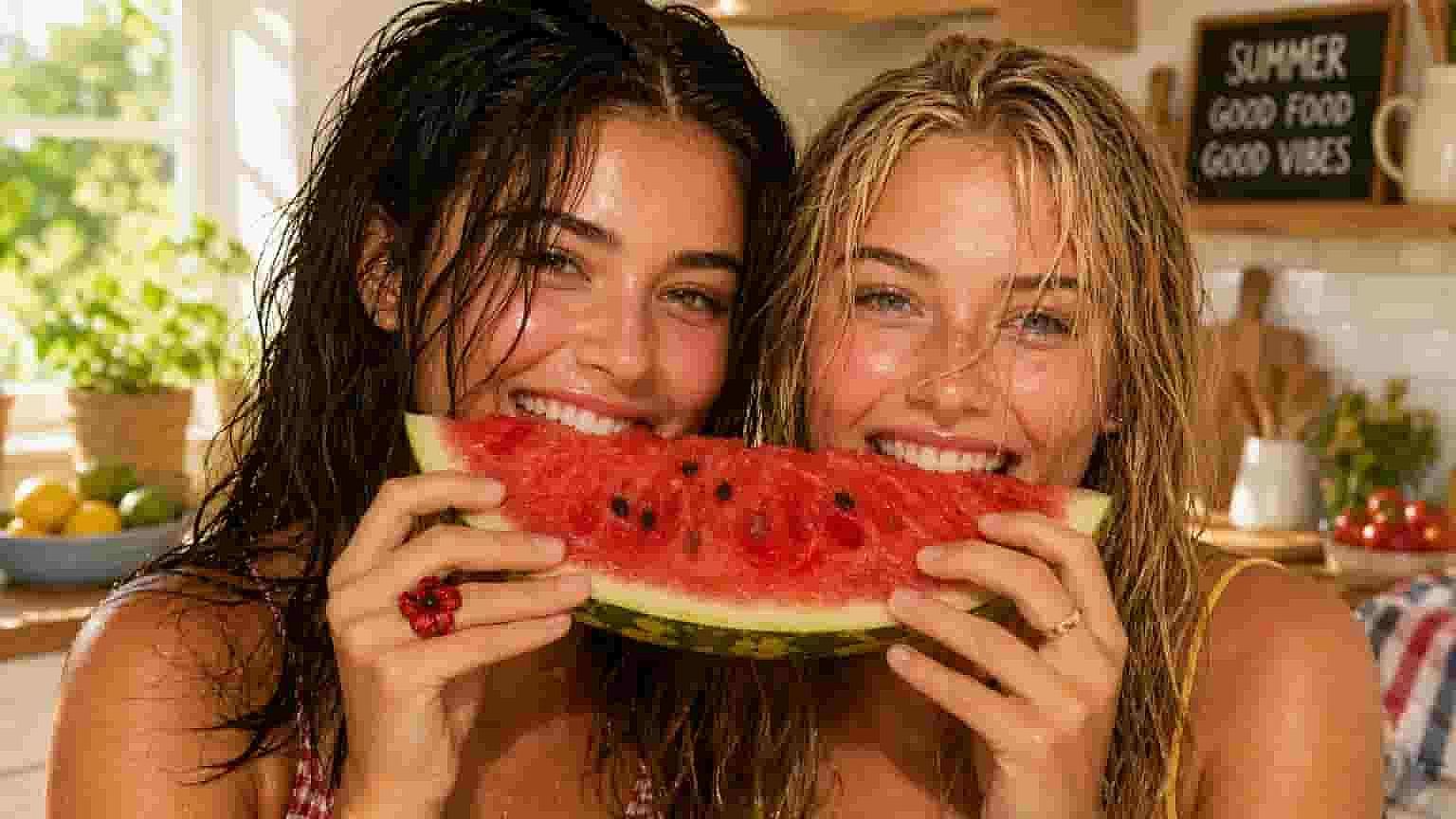
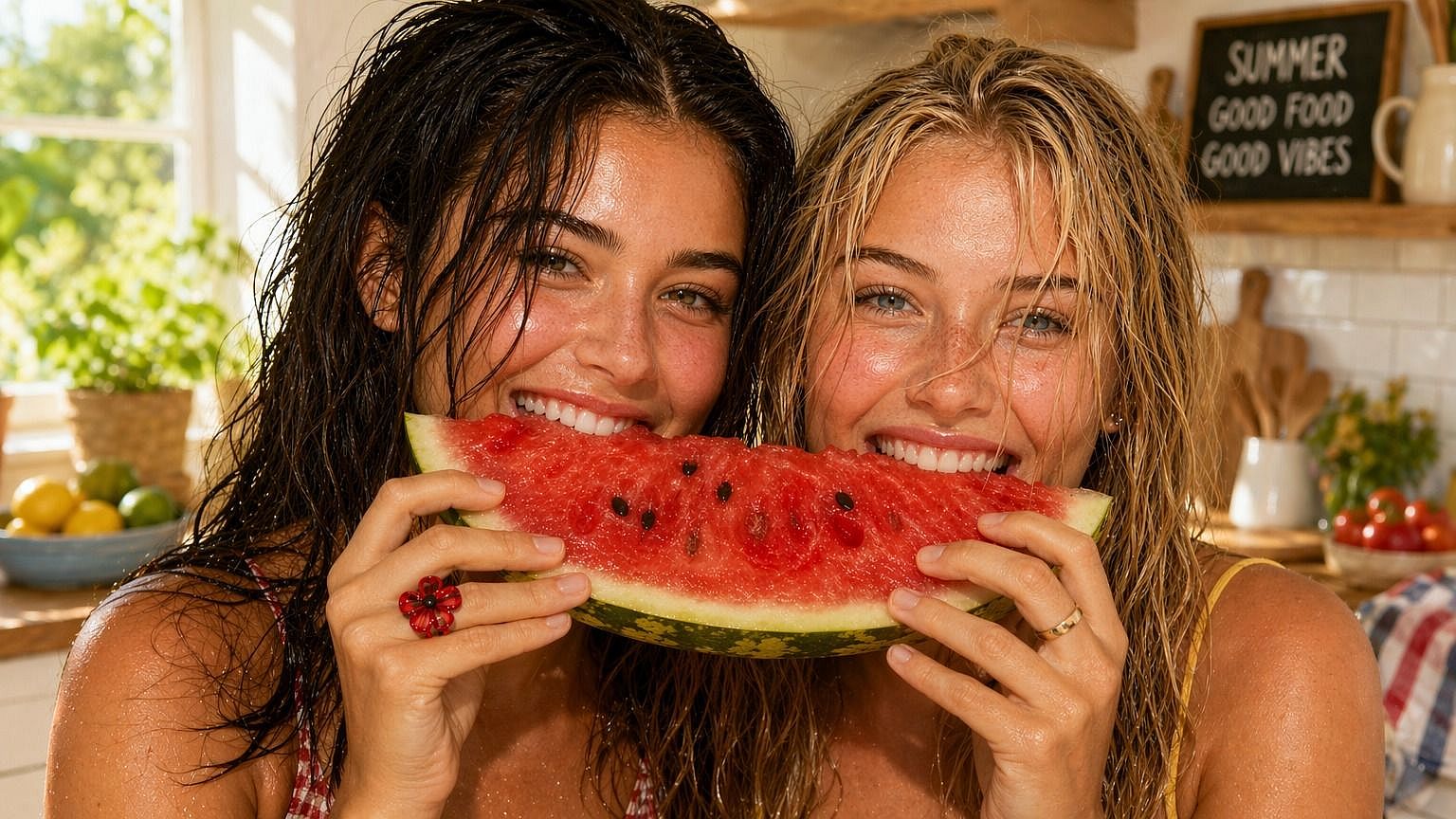
Before
After
Before After

Set The Skin Texture

A slider from 0 to 3.0 controls how much texture the AI adds. Keep it low for a light cleanup, or push it higher for a detailed, close-up finish. You see exactly how strong the effect is.
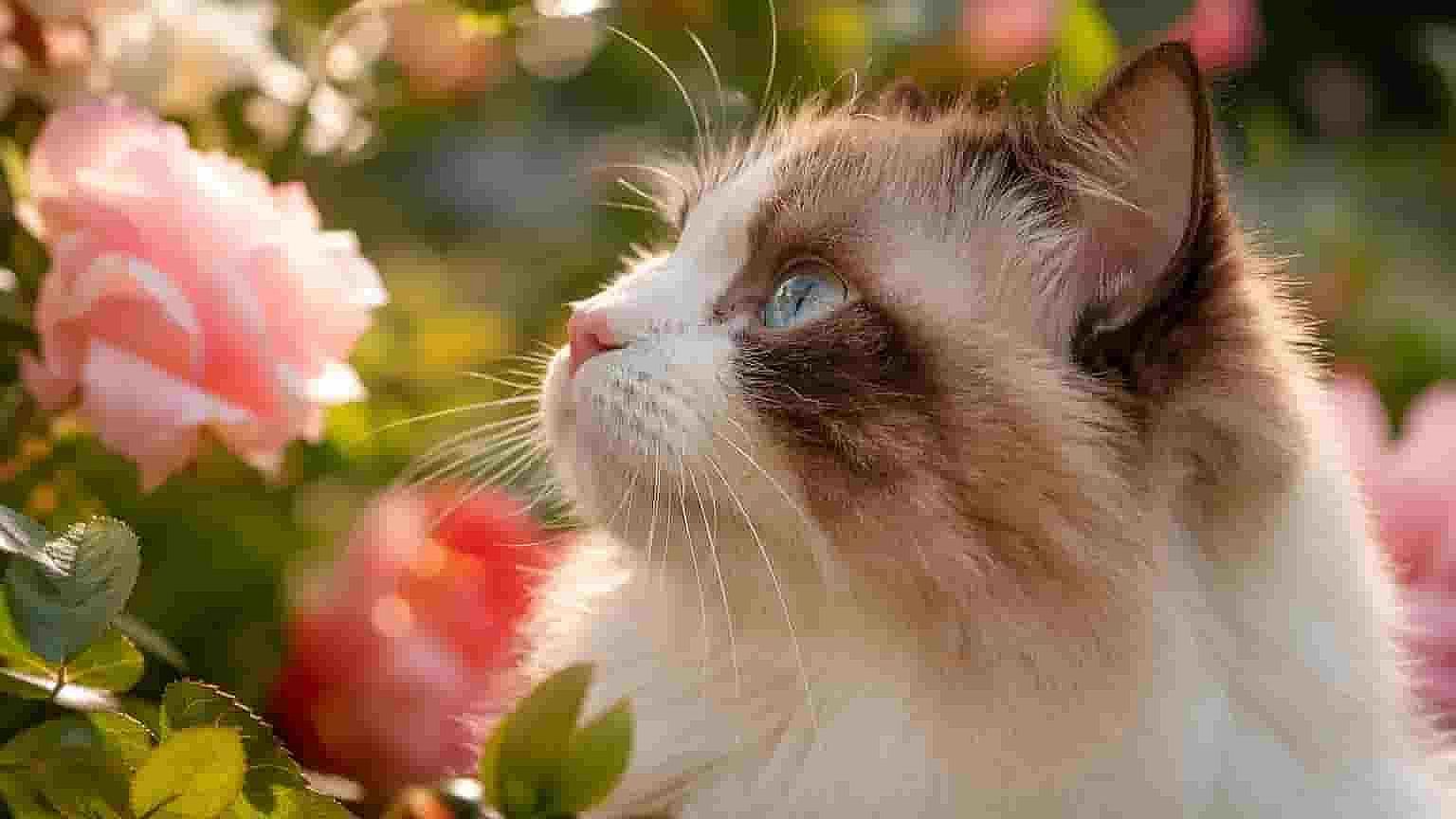
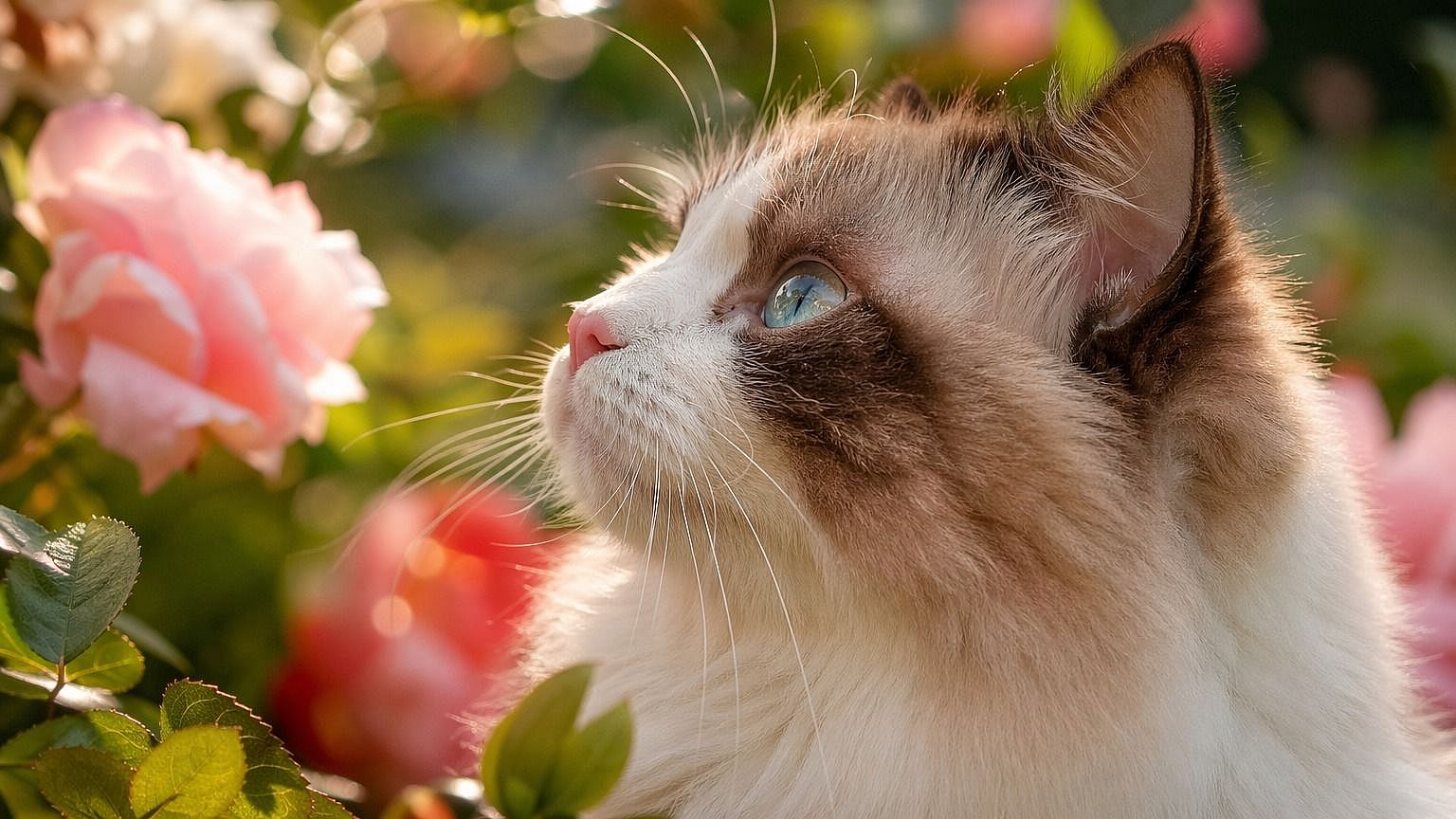
Before
After
Before After

Match It To The Shot

Different shots need different amounts of detail. Lower settings suit full-body images, mid settings suit portraits, and higher settings suit close-ups, so the texture always fits the framing.
Before
After
Before After

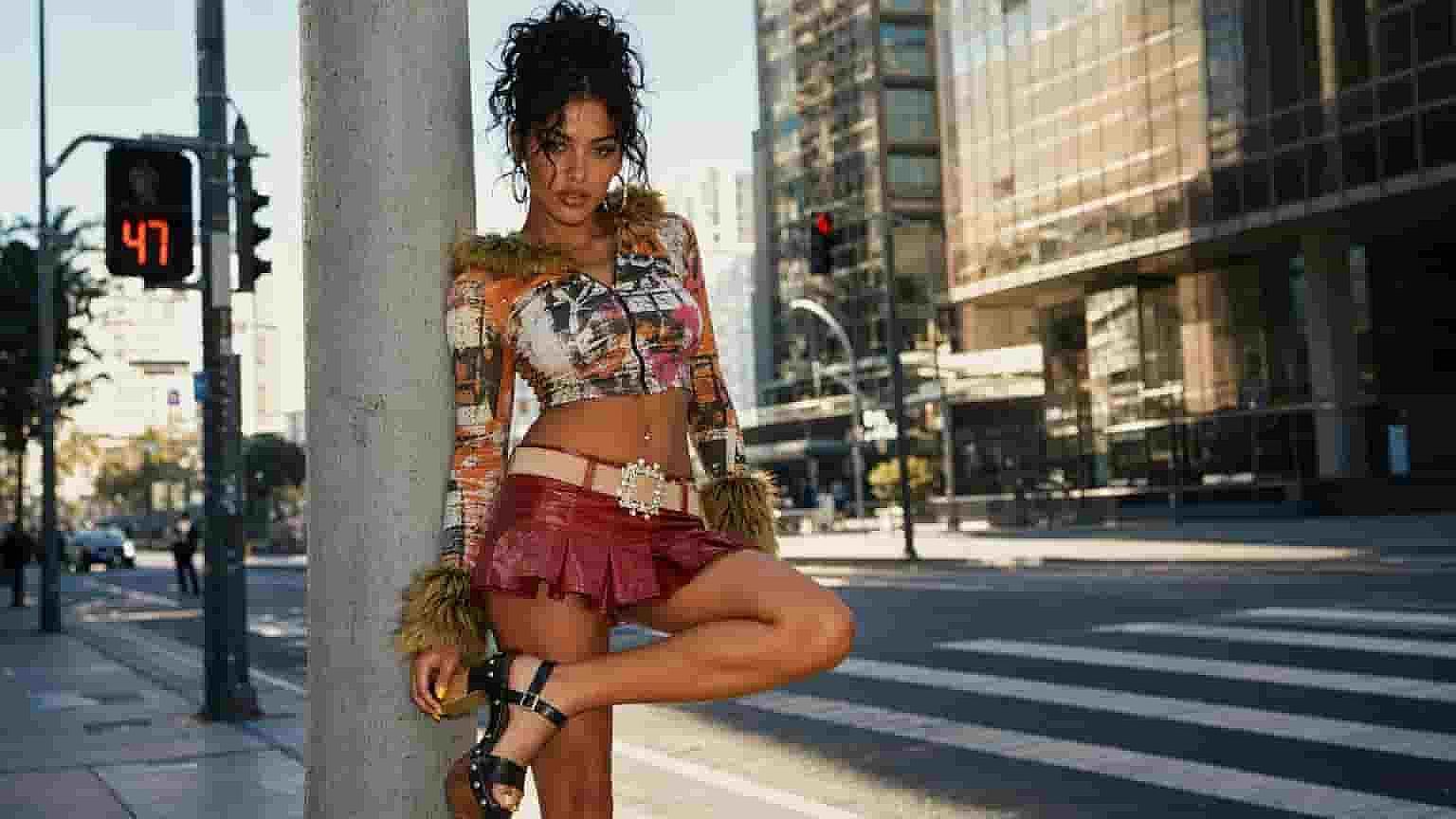
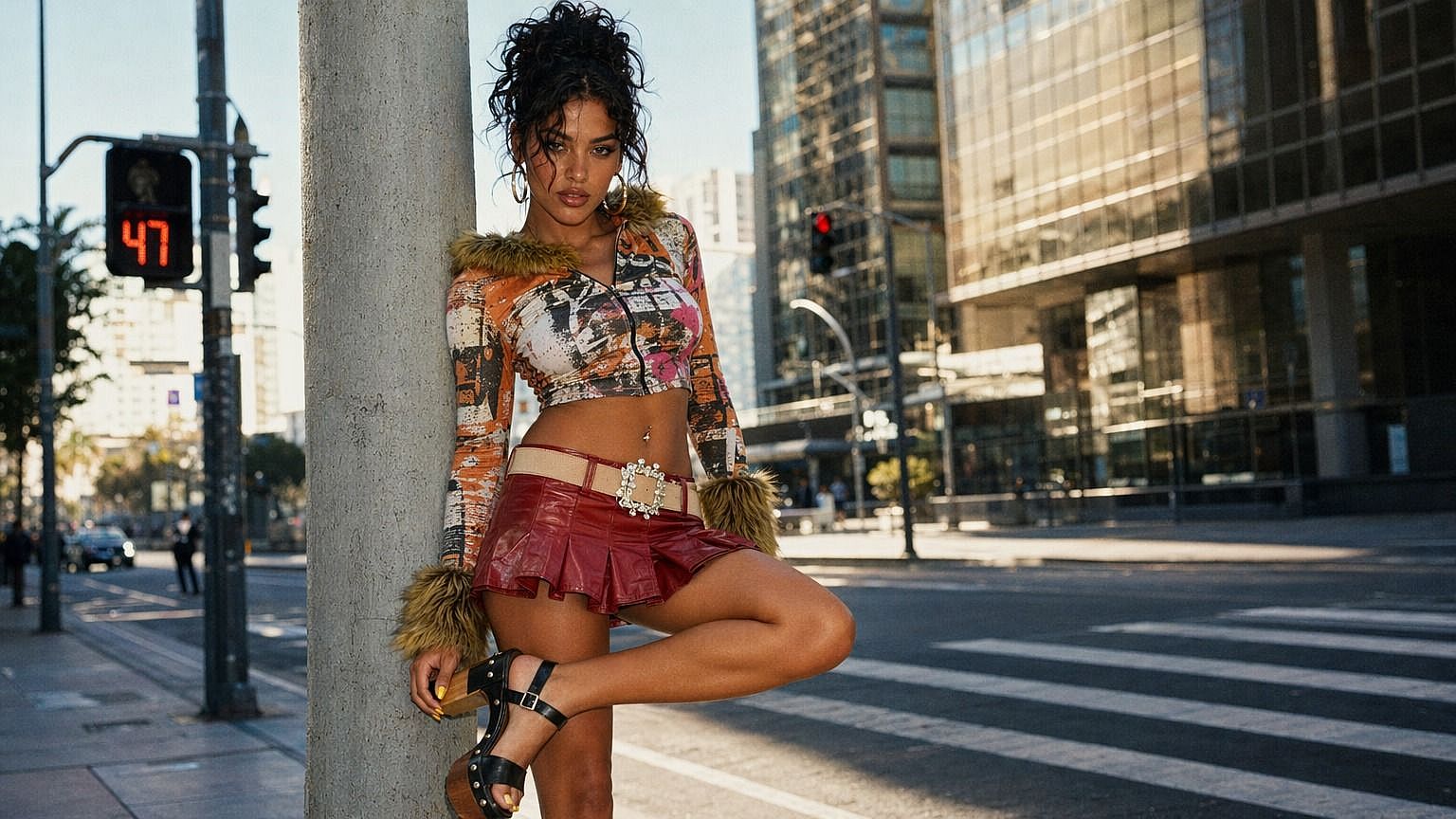
Enhance Up To 8K

Choose 2K, 4K, or 8K output so your enhanced image holds up at full resolution. The result stays sharp and detailed whether it's for a screen, a print, or a large display.

#4How To UseEdit in CMS ↗

How to Use the AI Image Enhancer

Upscaling an image takes three steps.
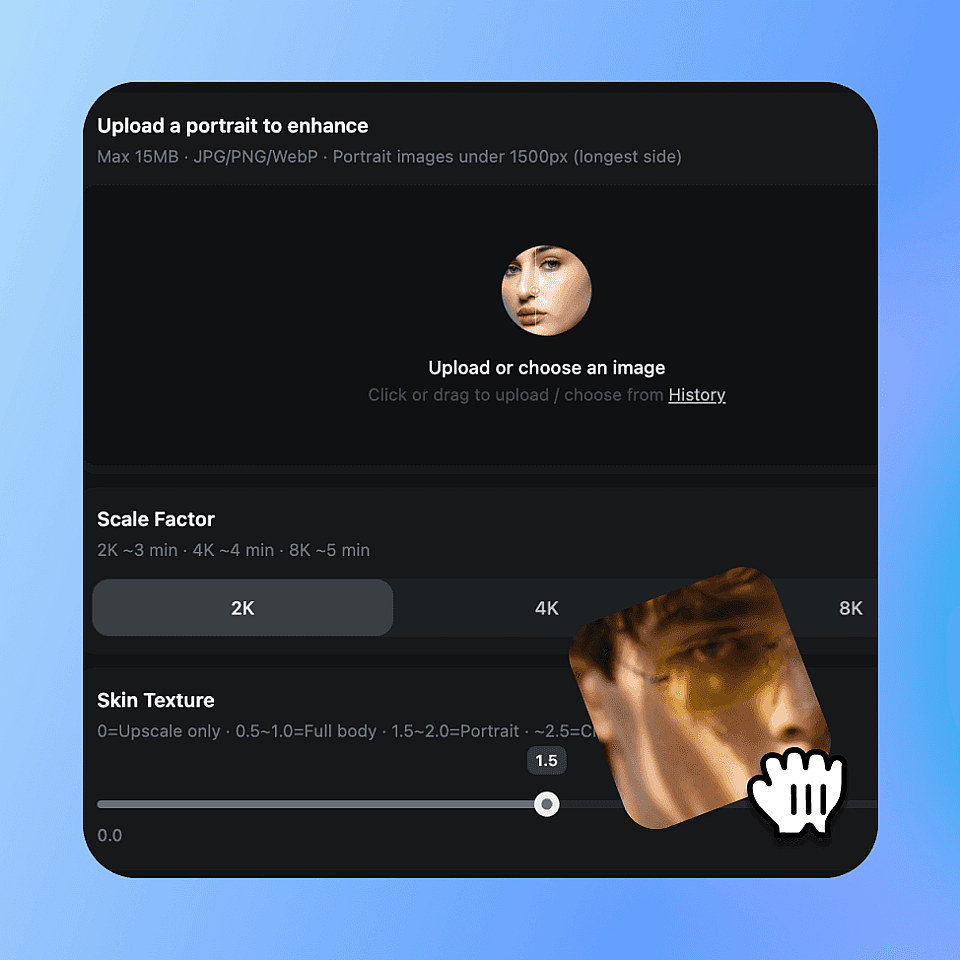
Upload your image
Step 01

Upload your image

Choose the photo or render you want to enhance and drop it in.
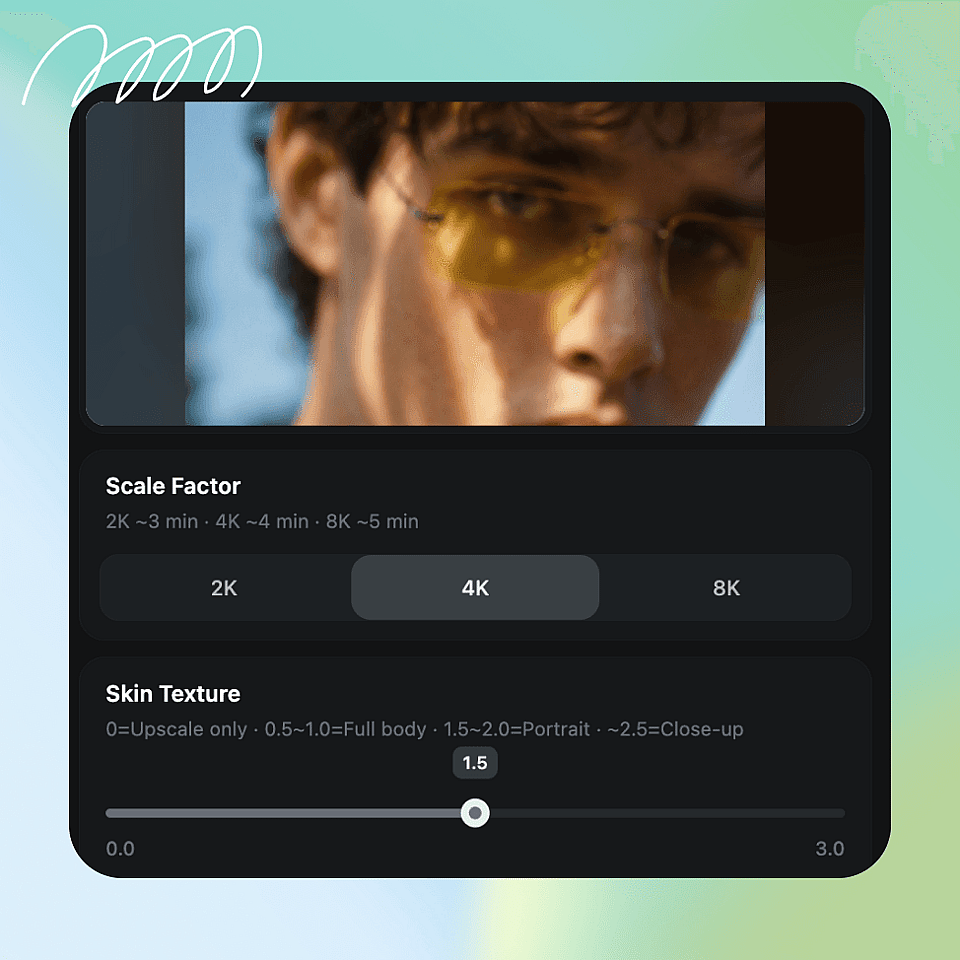
Choose your settings
Step 02

Choose your settings

Pick 2K, 4K, or 8K and set the skin texture slider to match your shot.
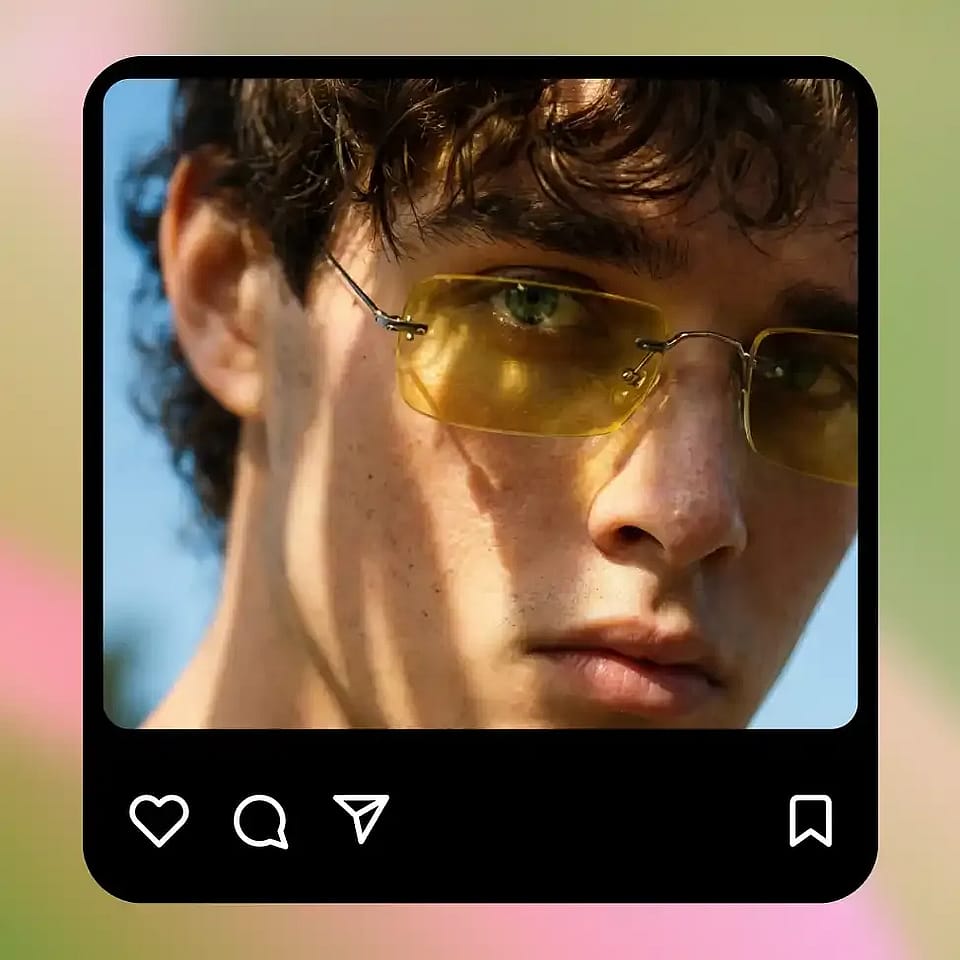
Upscale and download
Step 03

Upscale and download

Run it, check the result, and download your enhanced image.

#5Use CasesEdit in CMS ↗

For Anyone Who Needs Natural, Detailed Images

Wherever skin looks flat, waxy, or over-smoothed, the enhancer brings it back to life.
Before
After
Before After

Portrait Photographers

Retouching can leave skin looking too smooth and fake. The enhancer restores natural texture and sharpens detail, so your portraits look polished and real without hours of manual editing.

Try it Now
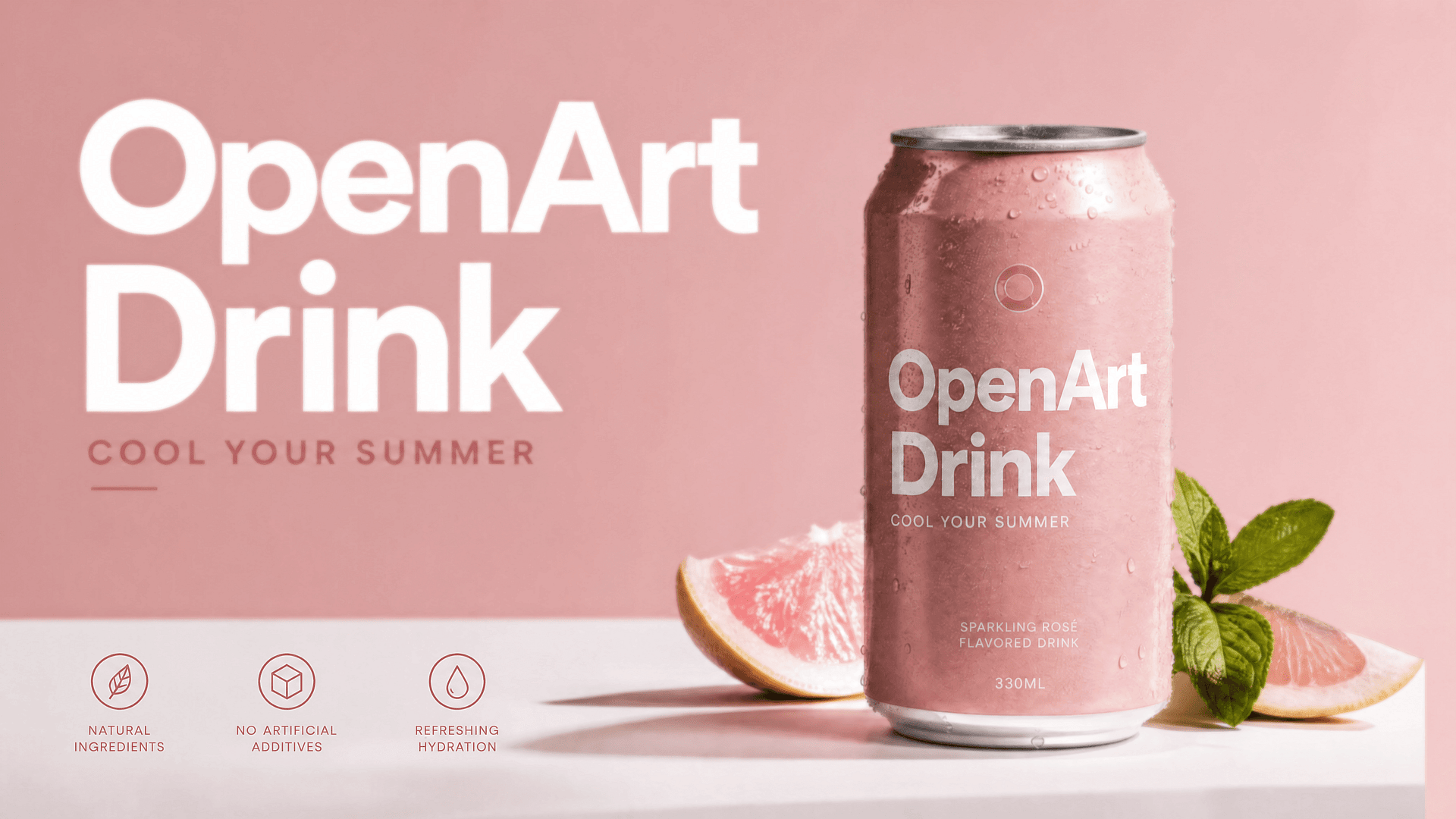
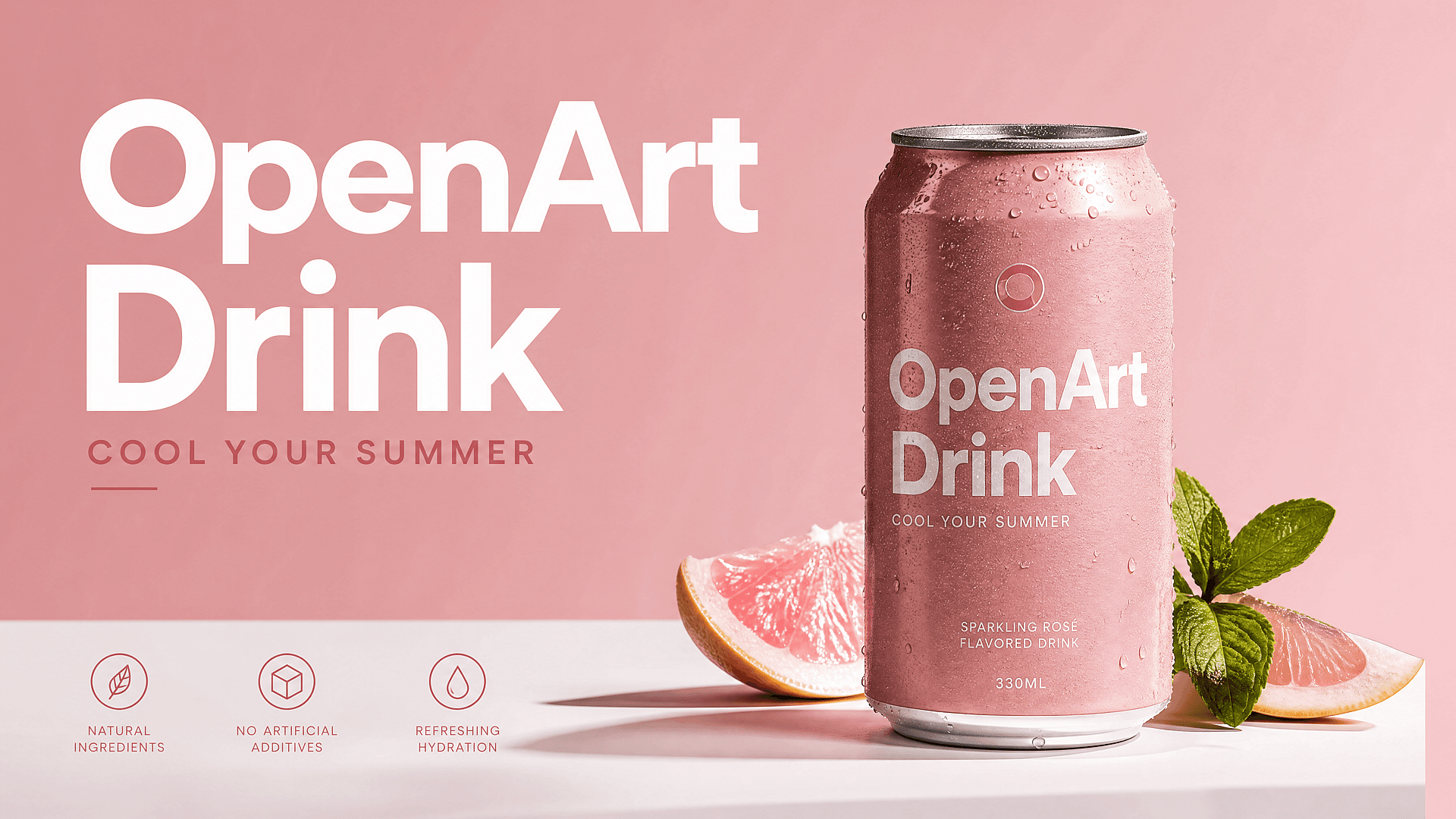
Before
After
Before After

Marketers & Brands

People in ads and product shots need to look natural and high-quality. Enhance campaign images so skin reads as real and the final result holds up across web, social, and print.

Try it Now
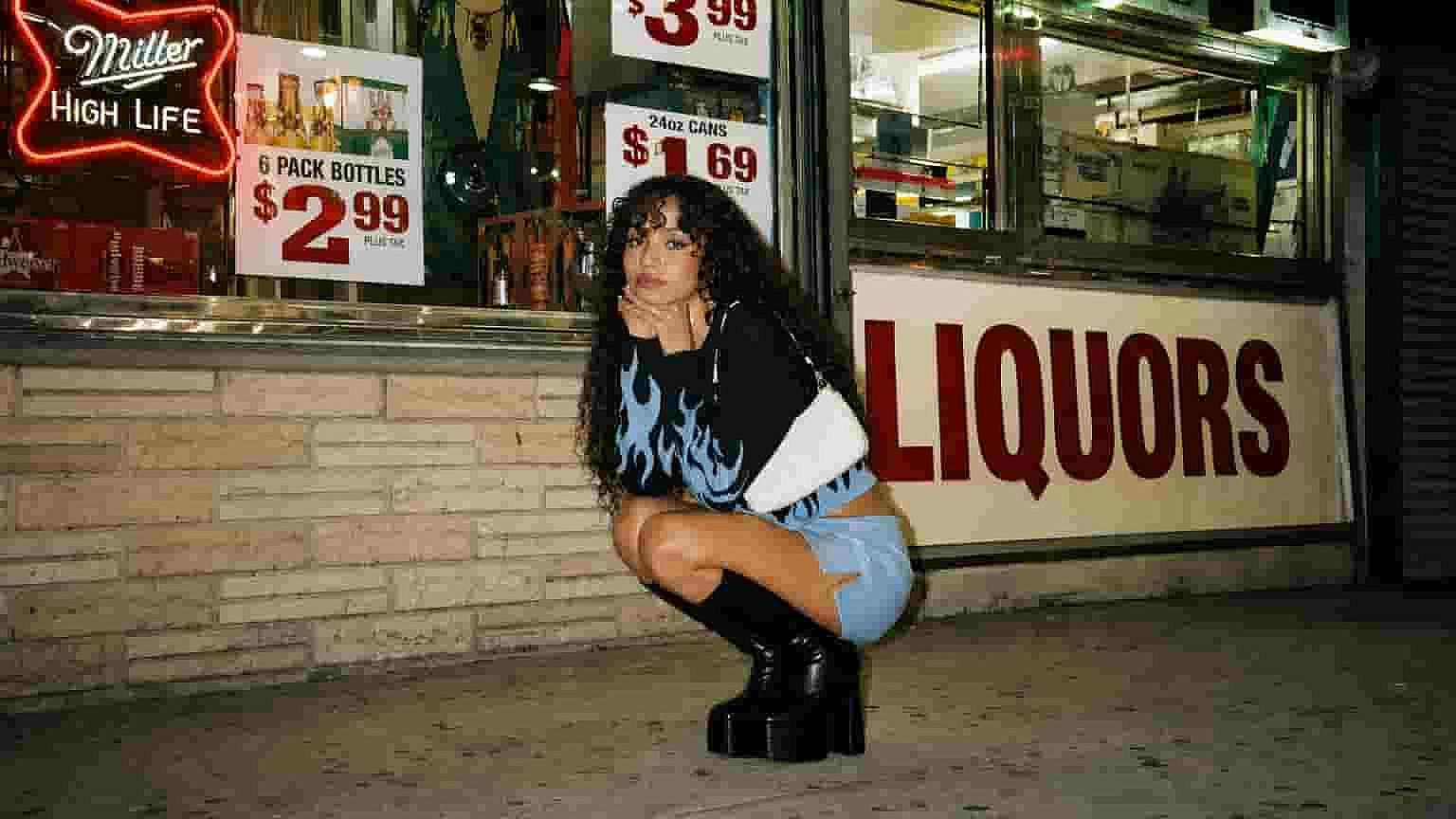
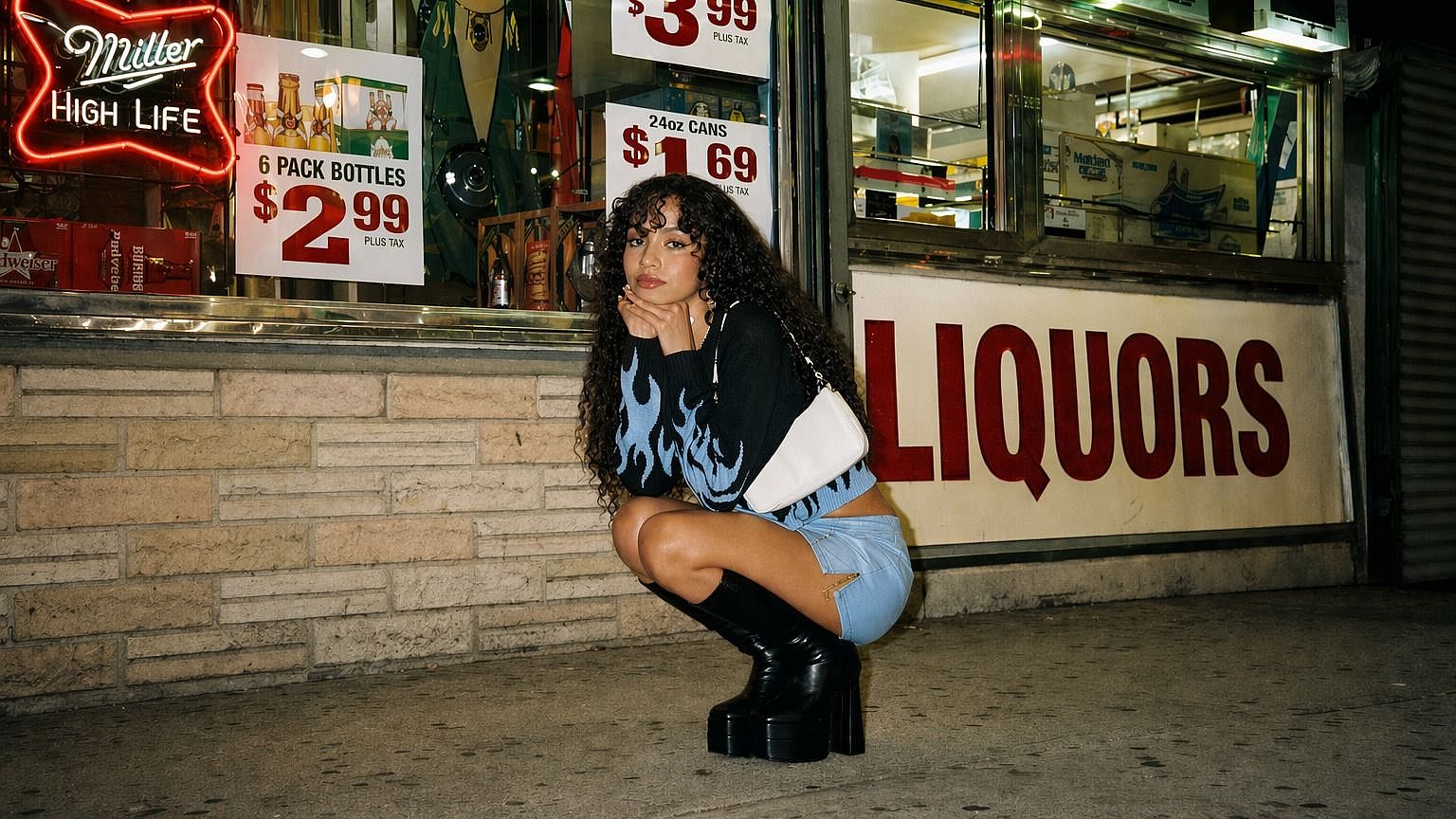
Before
After
Before After

AI Image Creators

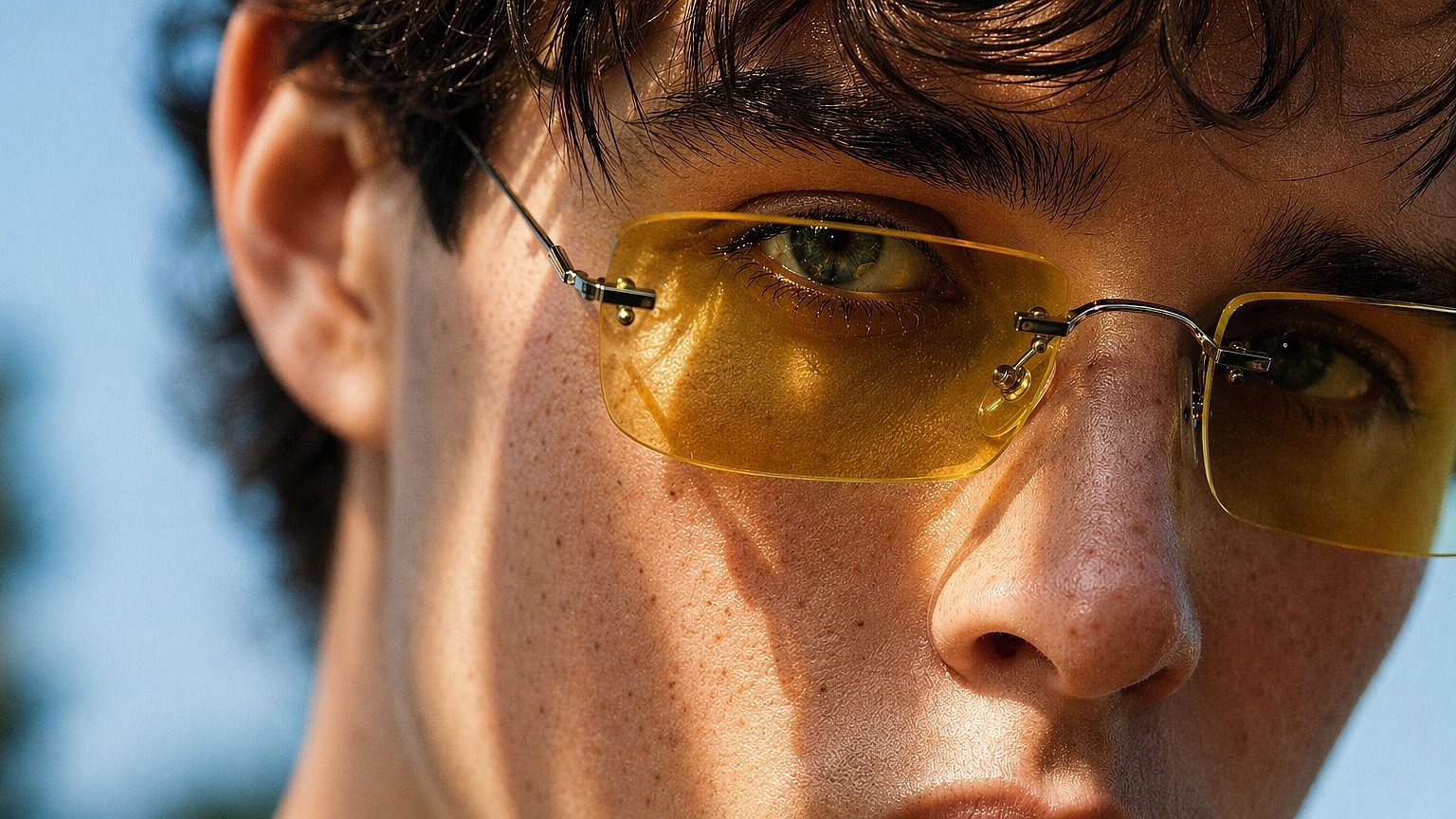
AI-generated faces often come out with that telltale plastic skin. Run them through the enhancer to add believable texture and detail, so your generated portraits look like real photos.

Try it Now
Before
After
Before After

Social Creators & Influencers

Profile shots and content need to look sharp and authentic. Enhance your images so they keep real texture and detail, even after filters or AI edits flatten them out.

Try it Now

Frequently Asked Questions

It's an OpenArt tool that restores natural texture and detail to images, especially skin. It removes the plastic, over-smoothed look and sharpens your image up to 8K.
A lot. A slider from 0 to 3.0 lets you set exactly how much skin texture to add, from a light cleanup to a detailed close-up finish.
You can output at 2K, 4K, or 8K, so your enhanced image stays sharp at full size for screen, print, or large displays.
The focus is on enhancing skin texture and detail while upscaling. The rest of your image stays intact, just sharper and higher resolution.
It fixes skin that looks waxy, flat, or fake, which is common in heavily retouched photos and AI-generated images. It rebuilds real texture so people look believable.
Lower settings work best for full-body images, mid settings for portraits, and higher settings for close-ups. You match the amount of detail to how the shot is framed.
Yes. It's especially useful for AI portraits that come out with plastic-looking skin. It adds the texture and detail that make them look like real photos.
No. You upload an image, set the resolution and slider, and download the result. There's nothing technical to learn.
#7TestimonialsEdit in CMS ↗

Loved by Creators Worldwide

See what our community has to say

I've tried many AI platforms… but OpenArt is still the best for character creation, image-to-video quality, and the variety of models available.

Jan C. Trustpilot

OpenArt offers an excellent array of AI tools… once you learn the features, the creative possibilities are amazing - and their support team is outstanding.

Tom G. Trustpilot

OpenArt is a very versatile AI platform with many image and video models, consistent character creation, and powerful editing tools.

Klant K. Trustpilot

Helpful AI tools all in one place - image and video generation, editing, and more… no need for multiple subscriptions.

Scorpy Trustpilot

Customer service is always quick and helpful… and the platform keeps getting better with new features and tools.

Richard M. Trustpilot

I've tried many AI platforms… but OpenArt is still the best for character creation, image-to-video quality, and the variety of models available.

Jan C. Trustpilot

OpenArt offers an excellent array of AI tools… once you learn the features, the creative possibilities are amazing - and their support team is outstanding.

Tom G. Trustpilot

OpenArt is a very versatile AI platform with many image and video models, consistent character creation, and powerful editing tools.

Klant K. Trustpilot

Helpful AI tools all in one place - image and video generation, editing, and more… no need for multiple subscriptions.

Scorpy Trustpilot

Customer service is always quick and helpful… and the platform keeps getting better with new features and tools.

Richard M. Trustpilot

I've tried many AI platforms… but OpenArt is still the best for character creation, image-to-video quality, and the variety of models available.

Jan C. Trustpilot

OpenArt offers an excellent array of AI tools… once you learn the features, the creative possibilities are amazing - and their support team is outstanding.

Tom G. Trustpilot

OpenArt is a very versatile AI platform with many image and video models, consistent character creation, and powerful editing tools.

Klant K. Trustpilot

Helpful AI tools all in one place - image and video generation, editing, and more… no need for multiple subscriptions.

Scorpy Trustpilot

Customer service is always quick and helpful… and the platform keeps getting better with new features and tools.

Richard M. Trustpilot

With so many AI platforms out there, OpenArt stood out as a stellar choice - I'd recommend it to any creator.

Jon S. Trustpilot

This platform includes everything you need for AI content creation - images, video, characters, audio, and multiple AI models in one place.

Mathew K. Trustpilot

OpenArt is pushing the boundaries of AI video creation… and it's clear the team is committed to improving the creator experience.

Iftikar Z. Trustpilot

I made my first AI music video with OpenArt… and their support team was the best help I've ever experienced.

Mark Trustpilot

I'm very happy with the support - my issue was resolved quickly and the team made the process easy.

Rasmus Trustpilot

With so many AI platforms out there, OpenArt stood out as a stellar choice - I'd recommend it to any creator.

Jon S. Trustpilot

This platform includes everything you need for AI content creation - images, video, characters, audio, and multiple AI models in one place.

Mathew K. Trustpilot

OpenArt is pushing the boundaries of AI video creation… and it's clear the team is committed to improving the creator experience.

Iftikar Z. Trustpilot

I made my first AI music video with OpenArt… and their support team was the best help I've ever experienced.

Mark Trustpilot

I'm very happy with the support - my issue was resolved quickly and the team made the process easy.

Rasmus Trustpilot

With so many AI platforms out there, OpenArt stood out as a stellar choice - I'd recommend it to any creator.

Jon S. Trustpilot

This platform includes everything you need for AI content creation - images, video, characters, audio, and multiple AI models in one place.

Mathew K. Trustpilot

OpenArt is pushing the boundaries of AI video creation… and it's clear the team is committed to improving the creator experience.

Iftikar Z. Trustpilot

I made my first AI music video with OpenArt… and their support team was the best help I've ever experienced.

Mark Trustpilot

I'm very happy with the support - my issue was resolved quickly and the team made the process easy.

Rasmus Trustpilot
#8OpenArt RecentEdit in CMS ↗

Get Insights from Experts Blog

Get the insights you need. Our experts share actionable hacks, break down the hottest topics, and provide essential how-to guides to help you build, optimize, and scale.

Read More
Create without limits

Join thousands of creators using OpenArt to generate stunning images, videos, and more — all in one platform.

Get Started for Free →