AI Vlog Maker
There's a director in all of us, and a story worth sharing. Describe the vlog script and theme, shape it by vibe, and leave with a finished video. All within minutes using OpenArt’s AI vlog maker.
AI Vlog Maker
There's a director in all of us, and a story worth sharing. Describe the vlog script and theme, shape it by vibe, and leave with a finished video. All within minutes using OpenArt’s AI vlog maker.
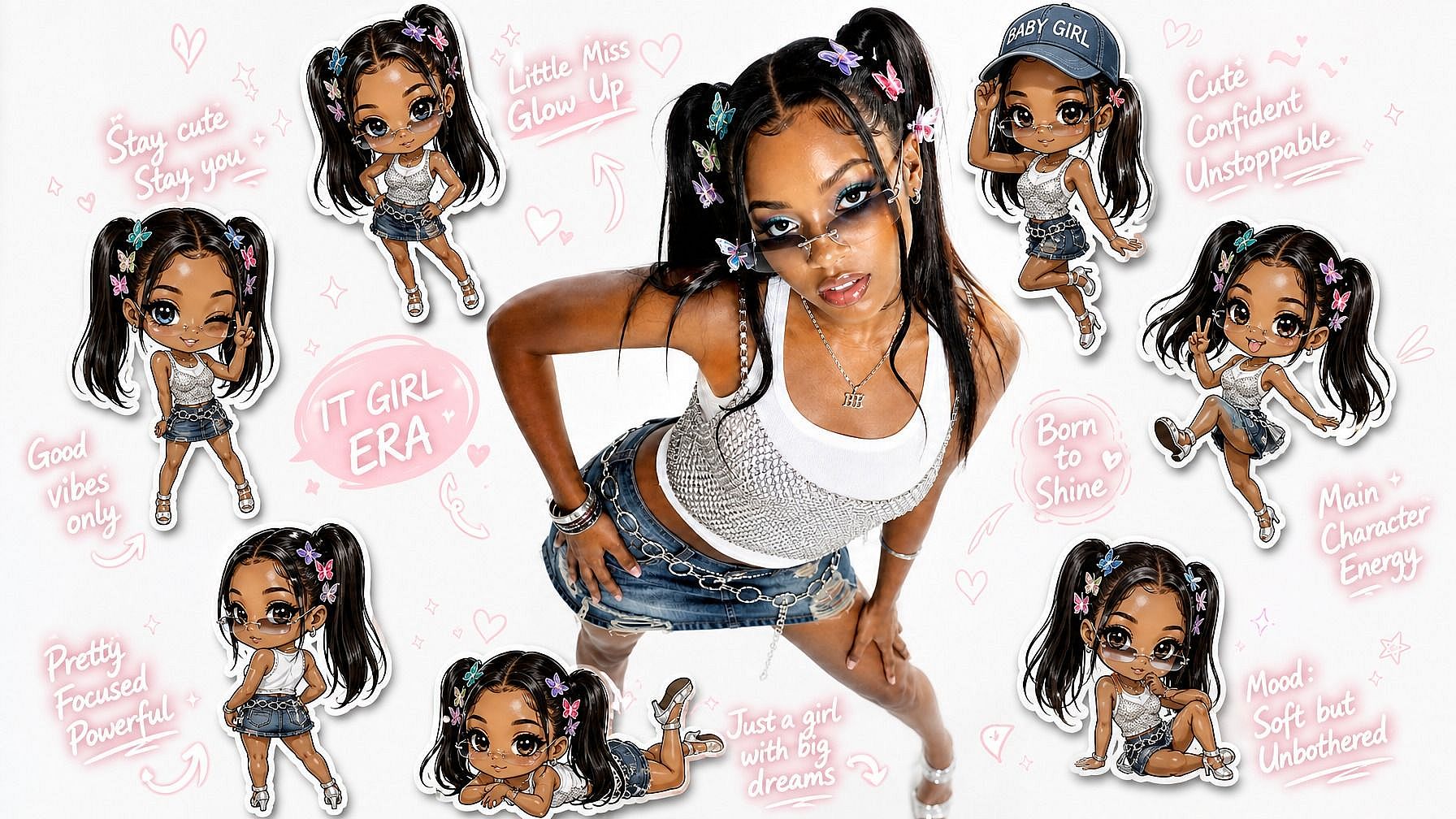
Key Benefits of AI Vlog Generator

From idea to finished vlog
Director handles everything from your concept to the final cut. You shape the story, the scenes, the look, and the voice, then refine after the first pass.

Know more →
Vibe direct your edits
Describe the changes in plain words and Director makes them. No complicated editing or external software needed, just the precise edits you asked for.
Know more →
Production-ready output
Director hands you a finished vlog built to publish, not a rough generation. You leave with a complete video, voice, scenes, and sound included.
Know more →Community Creations
See what people are vibe directing with OpenArt Director, from first-time vloggers telling their own story to creators keeping a channel full without a camera.
Prompt I want a casual UGC ad. Handheld, honest, and easy to believe.
Try it now →Prompt Make a quick street-style creator video with real reactions and natural light.
Try it now →Prompt Create a cinematic city walk with one character and a moody, grounded feel.
Try it now →Prompt I want a warm lifestyle scene, like it was shot by a small film crew.
Try it now →Prompt Turn this into a polished ad with a strong hook and a clean final shot.
Try it now →Prompt Make a vertical micro-drama moment with natural acting and quick tension.
Try it now →Prompt Create a stylish music video shot that moves with the beat, not too perfect.
Try it now →Prompt Make a playful animated story beat with clear action and a cute mood.
Try it now →Prompt Create a relaxed podcast promo with warm lighting and natural gestures.
Try it now →Prompt I want a casual UGC ad. Handheld, honest, and easy to believe.
Try it now →Prompt Make a quick street-style creator video with real reactions and natural light.
Try it now →Prompt Create a cinematic city walk with one character and a moody, grounded feel.
Try it now →Prompt I want a warm lifestyle scene, like it was shot by a small film crew.
Try it now →Prompt Turn this into a polished ad with a strong hook and a clean final shot.
Try it now →Prompt Make a vertical micro-drama moment with natural acting and quick tension.
Try it now →Prompt Create a stylish music video shot that moves with the beat, not too perfect.
Try it now →Prompt Make a playful animated story beat with clear action and a cute mood.
Try it now →Prompt Create a relaxed podcast promo with warm lighting and natural gestures.
Try it now →Key Features of AI Vlog Maker
OpenArt Director is powered by the combination of the best AI language, image, and video models, including GPT Image 2, Seedance 2.0, and more.
A consistent host and look
Keep your host, voice, and visual style steady across every episode. Upload your logo and look once, and every vlog stays on brand automatically, so your channel reads as one recognizable series.
Your voice, your way
Add your own voice or direct a character to narrate, and Director keeps it natural and in sync. Whether you appear on camera or stay faceless, your vlog still sounds like you.
Built for every vlog style
Daily life, travel, tutorials, storytelling, and sponsored posts: one tool covers every kind of vlog. Whatever you want to share, you direct it the same way.
Two ways to direct and create
Chat with the AI naturally to build scenes on the fly, or take granular control with a structured editor for precise adjustments. You direct your way, whether that is loose and fast or careful and exact.
How to Make a Vlog with OpenArt Director
Vibe directing your vlog takes three simple steps.
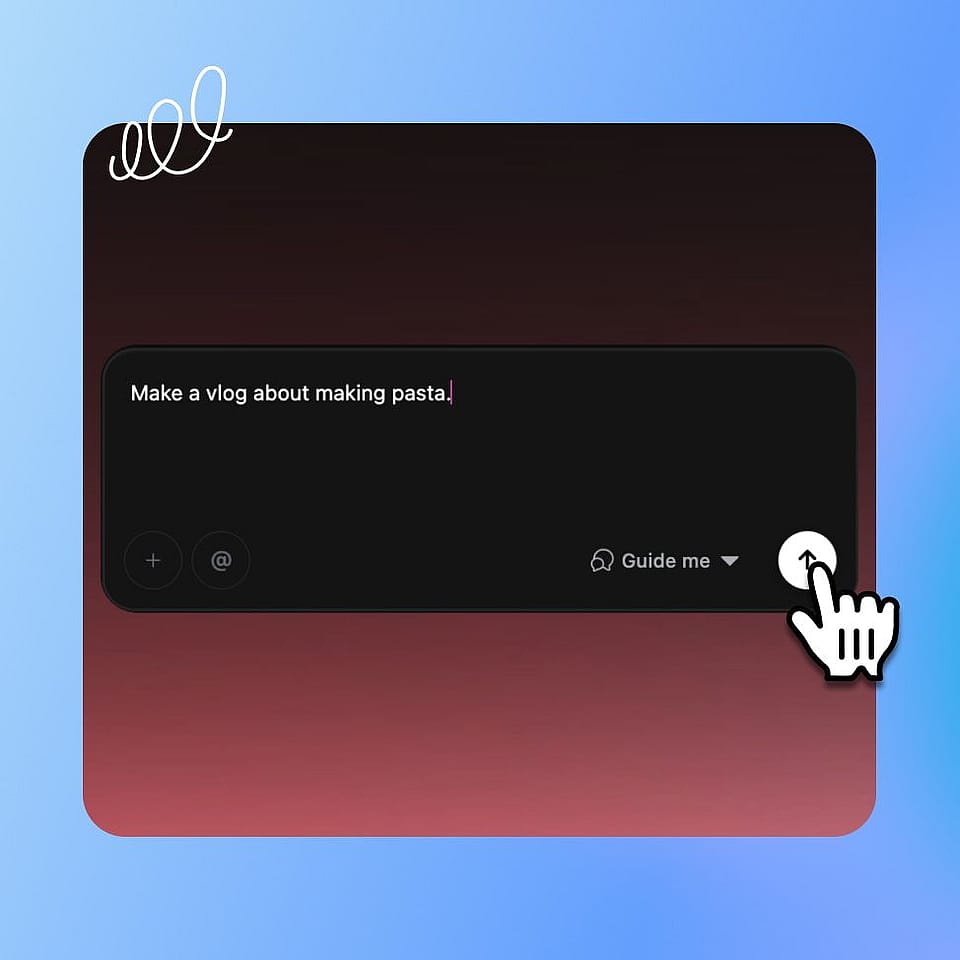
Describe your vlog.
Type the idea you want to share. Add an image of a scene or a person you want to see, a soundtrack, your voice, or even a video to guide it.
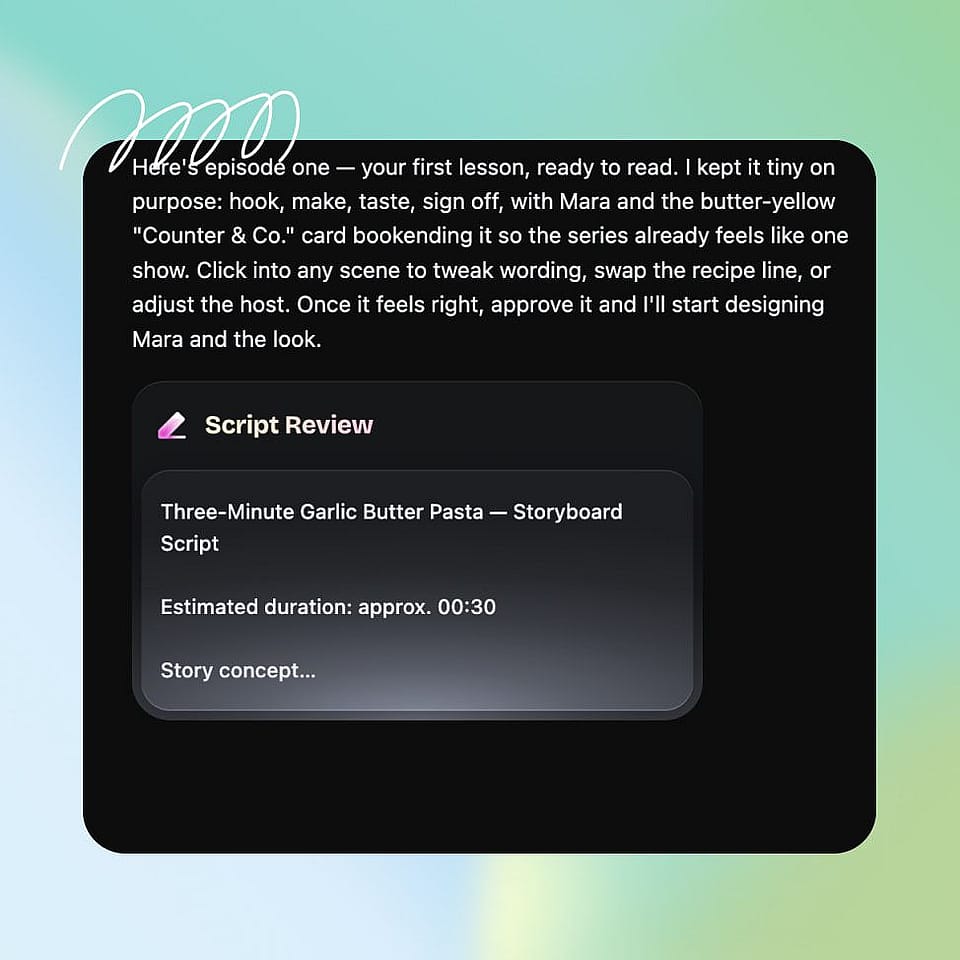
Set the direction.
Chat with the AI the way a director would, shaping the host, the story, the scenes, and the pacing at each step.
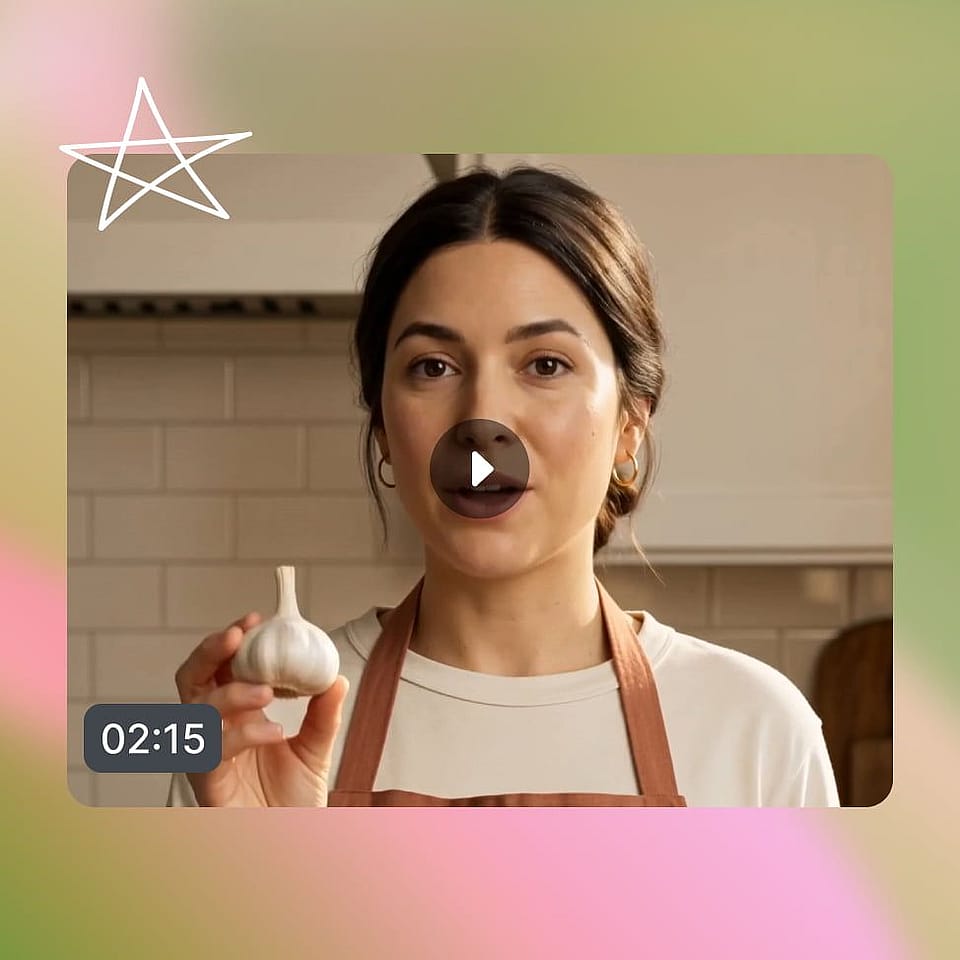
Watch it come together.
Watch the results take shape. If you don't like a single frame or the whole vlog, just tell Director what to change and it does exactly that, nothing more.
Designed to Direct Every Vlog Style
These are just a few types of the vlogs people direct with OpenArt Director. If you can imagine it, you can direct it.
Daily and lifestyle vlogs
Turn an ordinary day into a vlog worth watching. Direct the moments, the mood, and the pacing scene by scene until it feels right. Keep your look consistent so every upload feels like part of the same series.
Try it NowTravel and adventure vlogs
Bring a trip to life, whether you filmed it or only imagined it. Direct sweeping scenes, set the mood with music, and shape the story until it captures the feeling of being there. Leave with a finished travel piece ready to post.
Try it NowTutorial and how-to vlogs
Teach something clearly without a studio setup. Direct each step so the lesson stays simple and visual, and keep your host and branding steady so the series feels like one coherent show. Your audience follows along from the first second to the last.
Try it NowStory-driven and personal vlogs
Tell a real story, a memory, or a journey that means something to you. Direct the narration and the visuals together, shaping the pacing and the payoff by talking until the moment lands. The result feels personal and finished, not pieced together.
Try it NowBrand and sponsored vlogs
Make sponsored vlogs that feel authentic, not like a hard sell. Keep the product and your look consistent across the whole video, so the partnership still feels like your channel. Spin up versions to see what connects with your audience.
Try it NowFrequently Asked Questions
Get Insights from Experts Blog
Get the insights you need. Our experts share actionable hacks, break down the hottest topics, and provide essential how-to guides to help you create, optimize, and scale.
Read More