Your Favorite Models — All in One Place, with Unlimited Generations.

Enjoy Limited Time 50% OFF! ›

AI Poster Maker

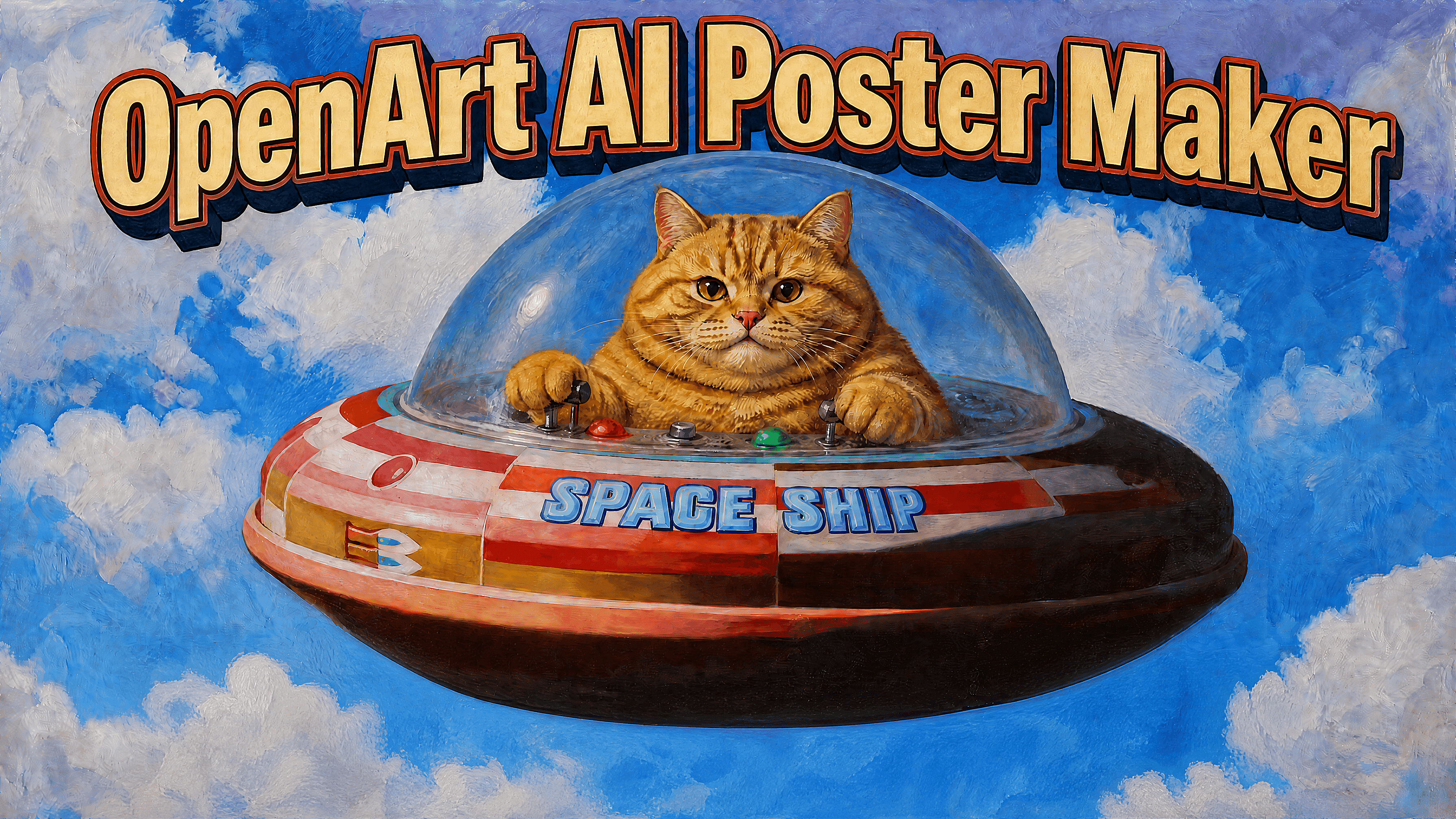
Create posters online for free with OpenArt. Generate event posters, movie posters, product ads, party invites, and more from a simple prompt, then customize and export your design in minutes.

Add image reference
Generate Poster Now
#2Best ResultsEdit in CMS ↗

Why Choose OpenArt for AI Poster Design

Poster Concepts from a Simple Prompt

Describe the poster you need in one sentence or a full creative brief. OpenArt can turn it into a set of visual directions, then help you push the strongest one further. This is useful when you know the offer, event, or audience but do not want to stare at a blank canvas.

Multiple Styles in One Workspace

Different projects call for different visual styles. Create business posters, movie posters, illustrated graphics, product advertisements, or social media promotions without switching between tools. Choose the model that best fits your project and compare multiple versions side by side.

Consistent Subjects Across Campaigns

If your campaign features the same person, mascot, character, or product across multiple posters, consistency is important. OpenArt’s Character feature helps maintain a consistent appearance across different designs and formats.

#3How To UseEdit in CMS ↗

How to Use AI Poster Maker

Creating a poster takes just in three steps.
Pick a Model and Write Your Prompt
Step 01

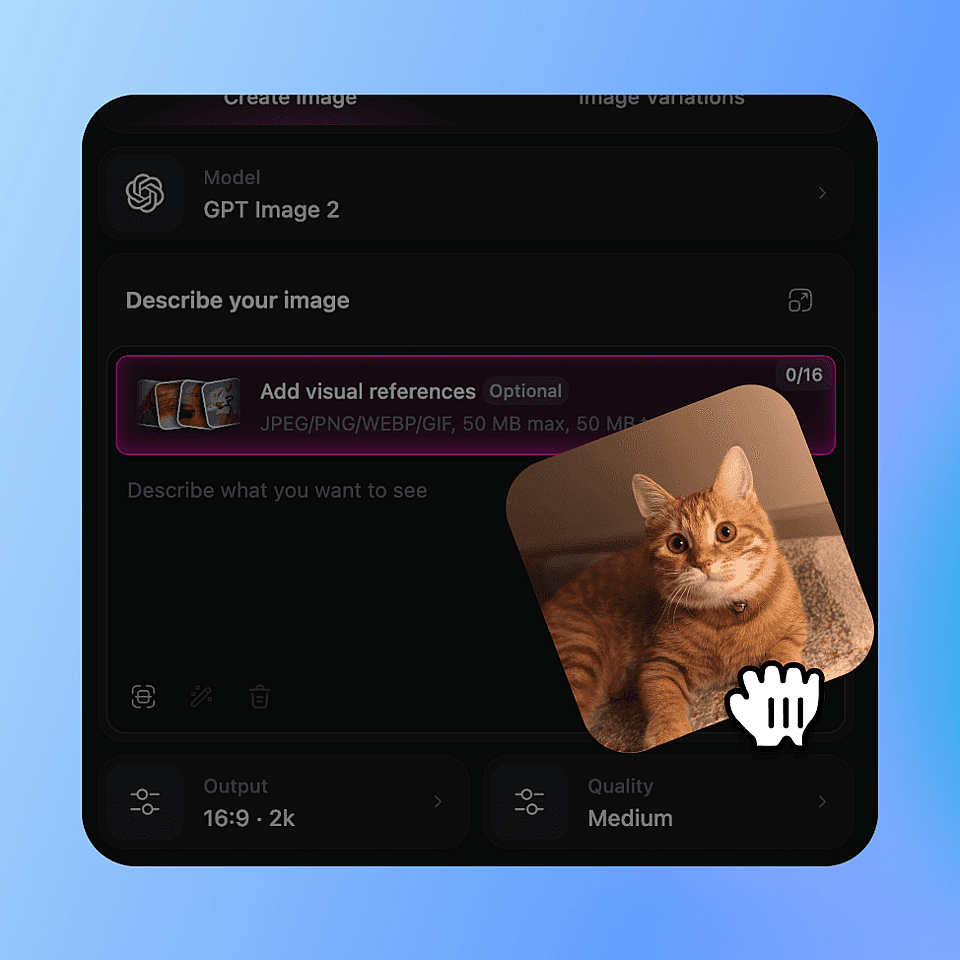
Pick a Model and Write Your Prompt

Choose a model under Model or Character (GPT Image 2 is great for posters), then describe your poster in the Prompt field: what it promotes, the title, date, and style.
Set Output and Generate
Step 02

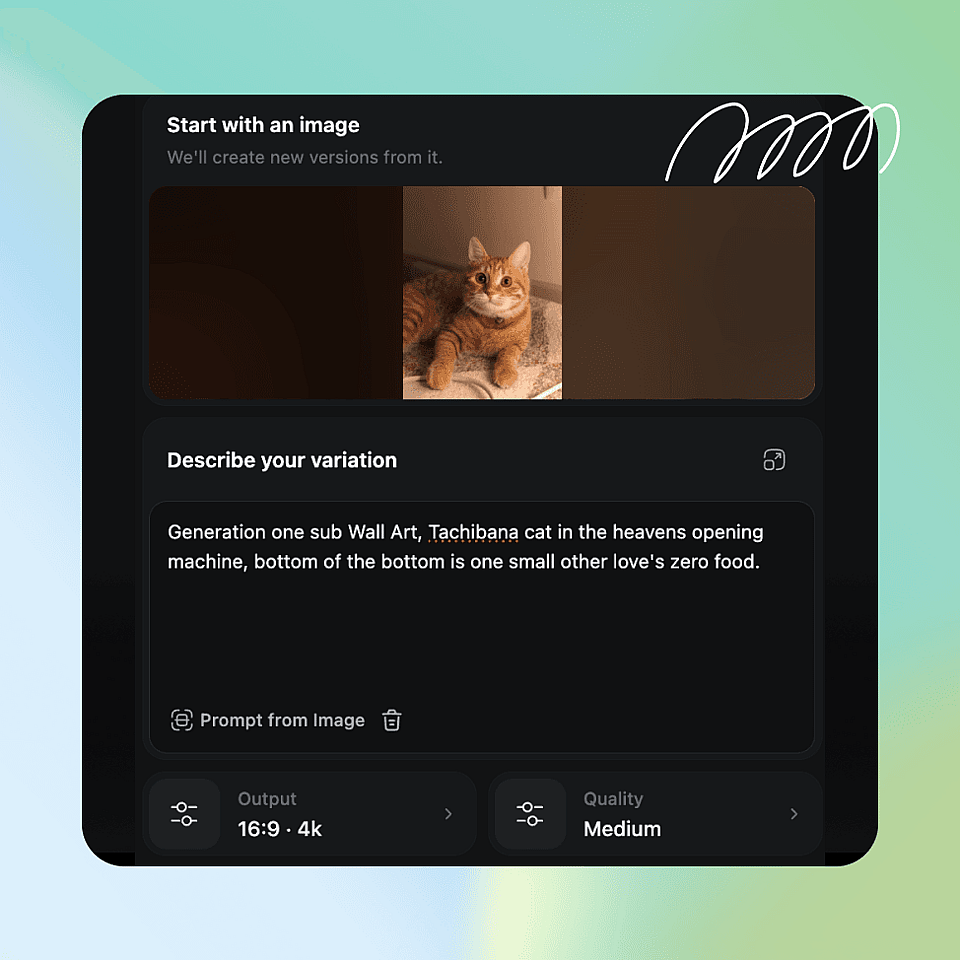
Set Output and Generate

In Output Settings, pick the Size (poster ratio), Resolution, and Number of Images. Click Create and keep the strongest result.
Refine and Export
Step 03

Refine and Export

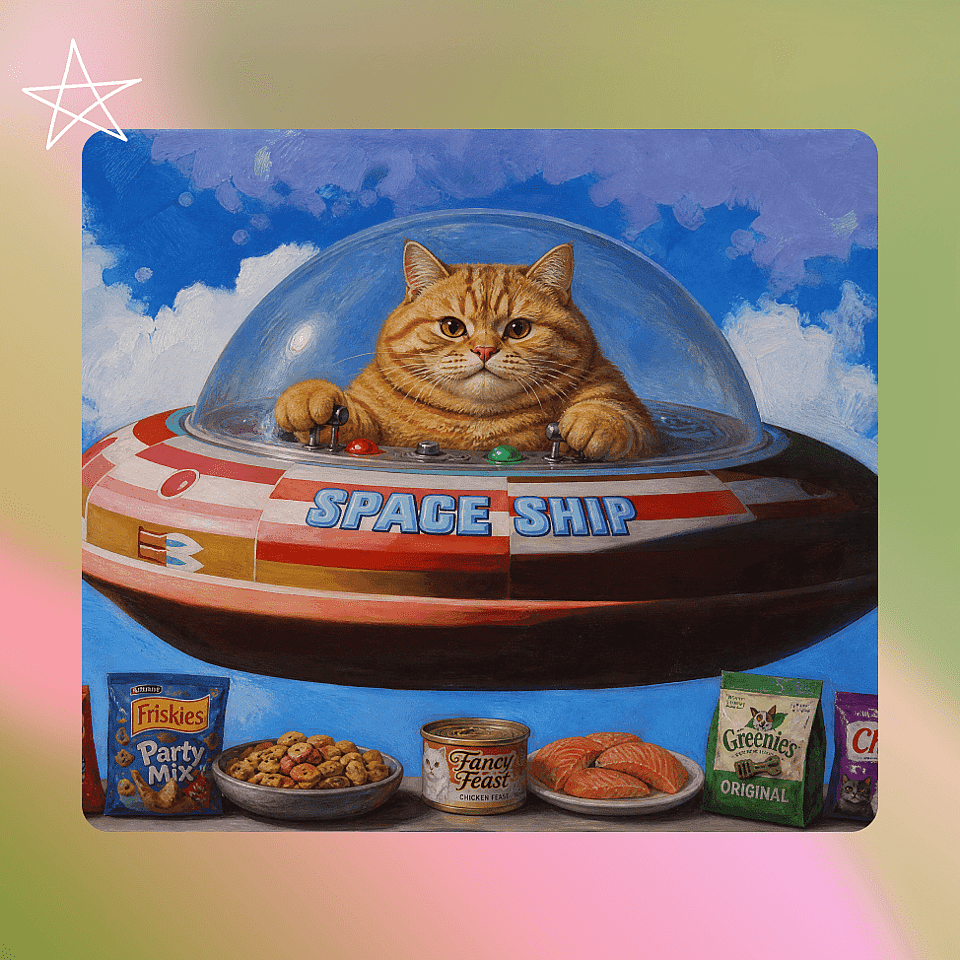
Use Edit Image to fix details, Image Upscale for a sharper version, then download for social, web, or print.

#4Use CasesEdit in CMS ↗

Create Posters for Every Use Case

Poster searches are broad because people use posters for many jobs. OpenArt works best when you match the prompt to the purpose, not just the style.
Event Posters

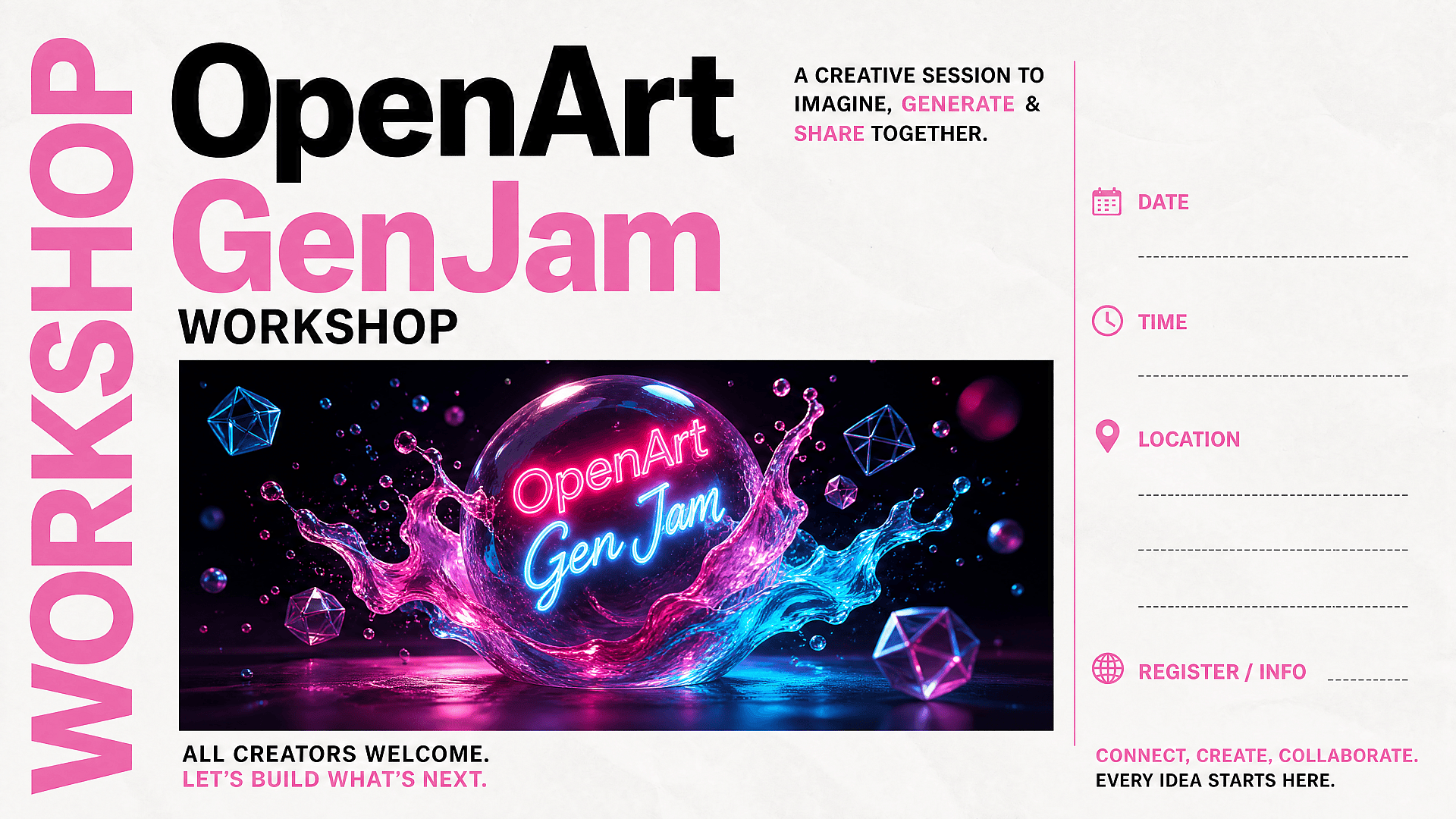
Event Posters

Open houses, pop-ups, school events, talks, conferences, meetups, and community announcements. Give OpenArt image generator the event name, date, location, audience, and mood. Ask for clear space for key details so the design is easy to scan.

Try it Now
Movie Posters and Fan Posters

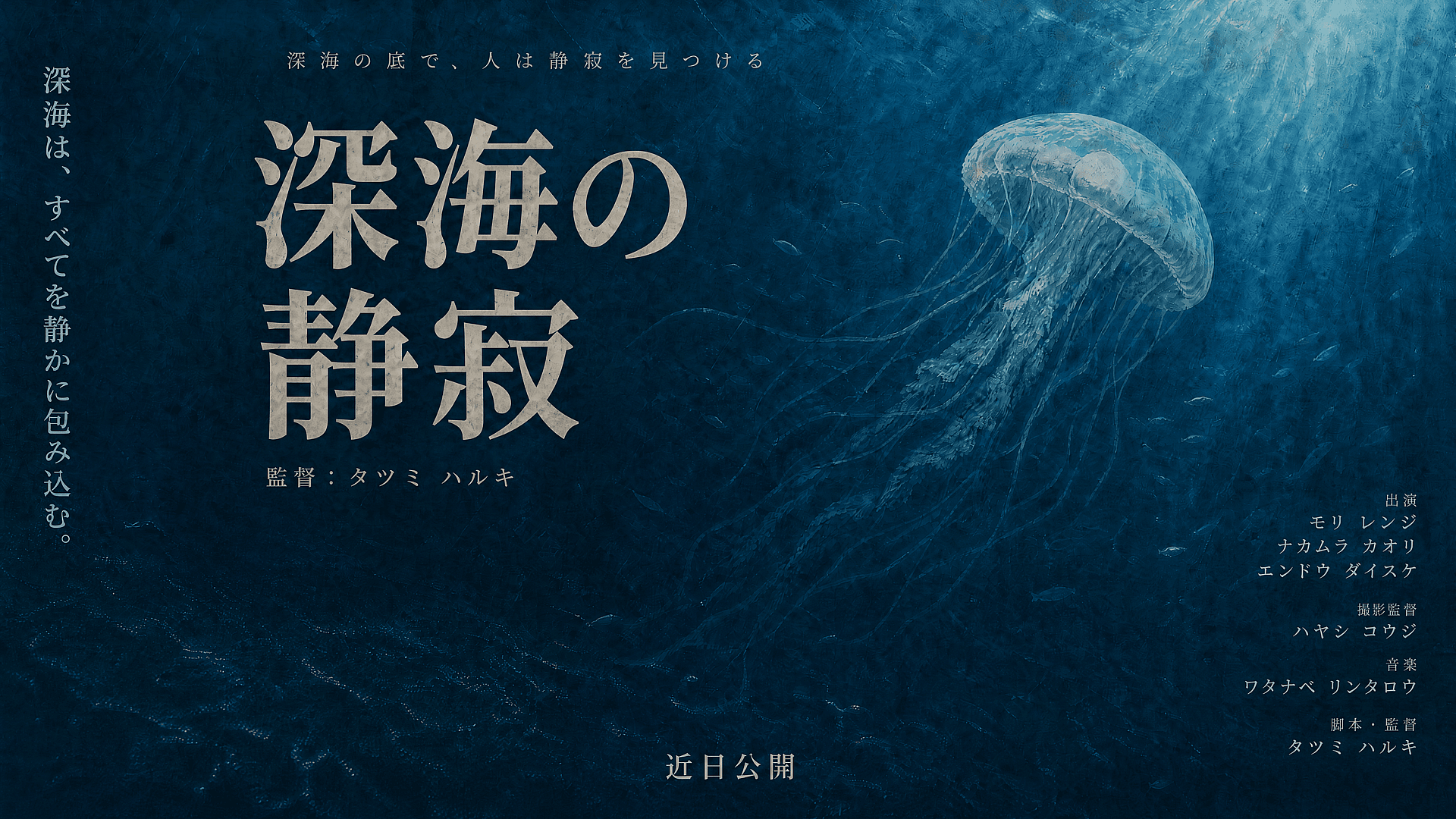
Movie Posters and Fan Posters

Build cinematic key art with a strong title, a central character, dramatic lighting, and a clear genre signal. Try horror, sci-fi, romance, documentary, anime, noir, fantasy, or action styles. Use Character when the same actor or fictional lead needs to stay consistent across multiple concepts.

Try it Now
Quote Posters and Wall Art

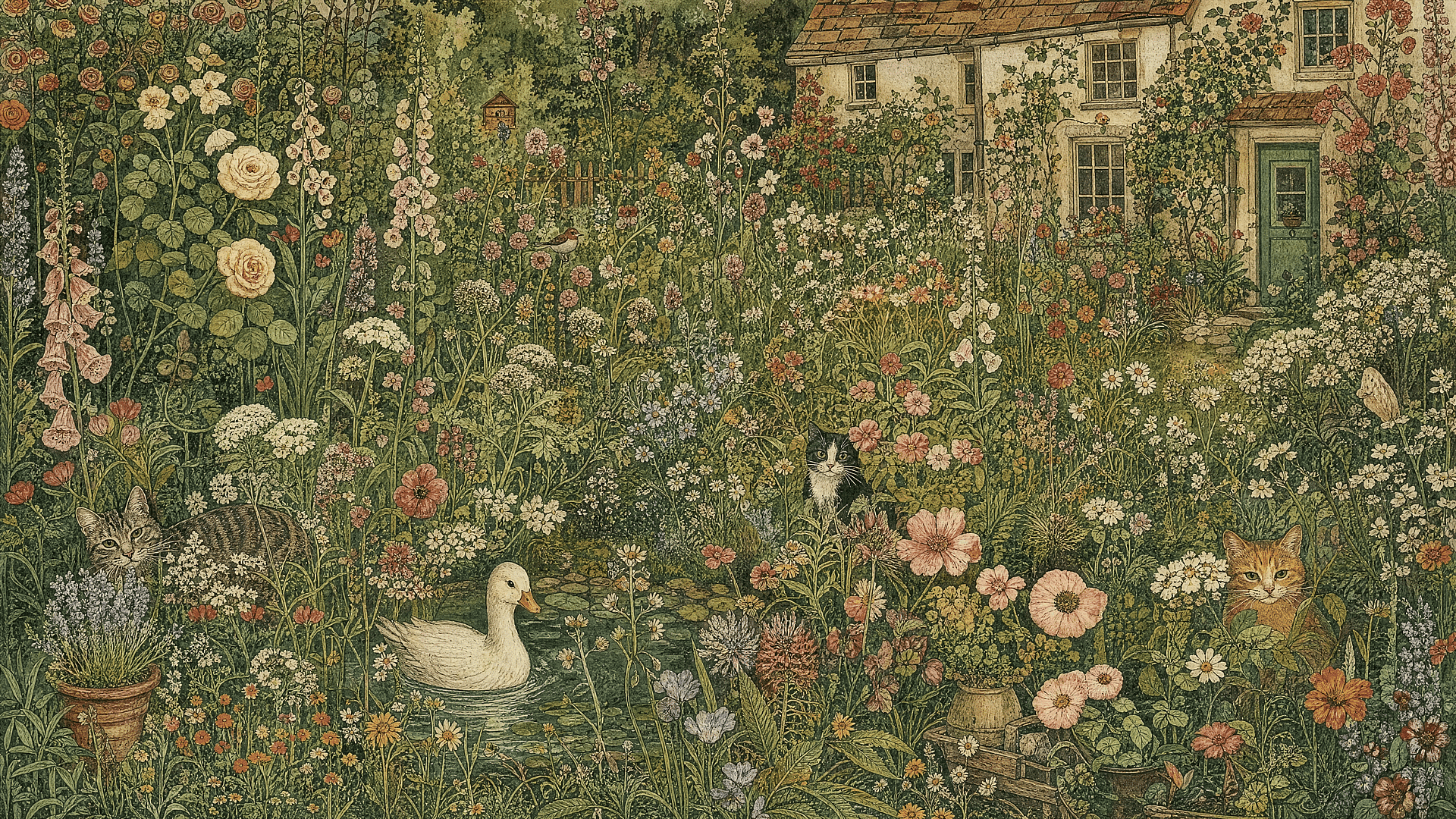
Quote Posters and Wall Art

Generate wall art, motivational posters, typography prints, dorm decor, classroom posters, or minimalist quote designs. For text-heavy art, keep the quote short and ask for a clear typographic hierarchy. Want more creative control? Explore AI Art Generator to take your designs further.

Try it Now
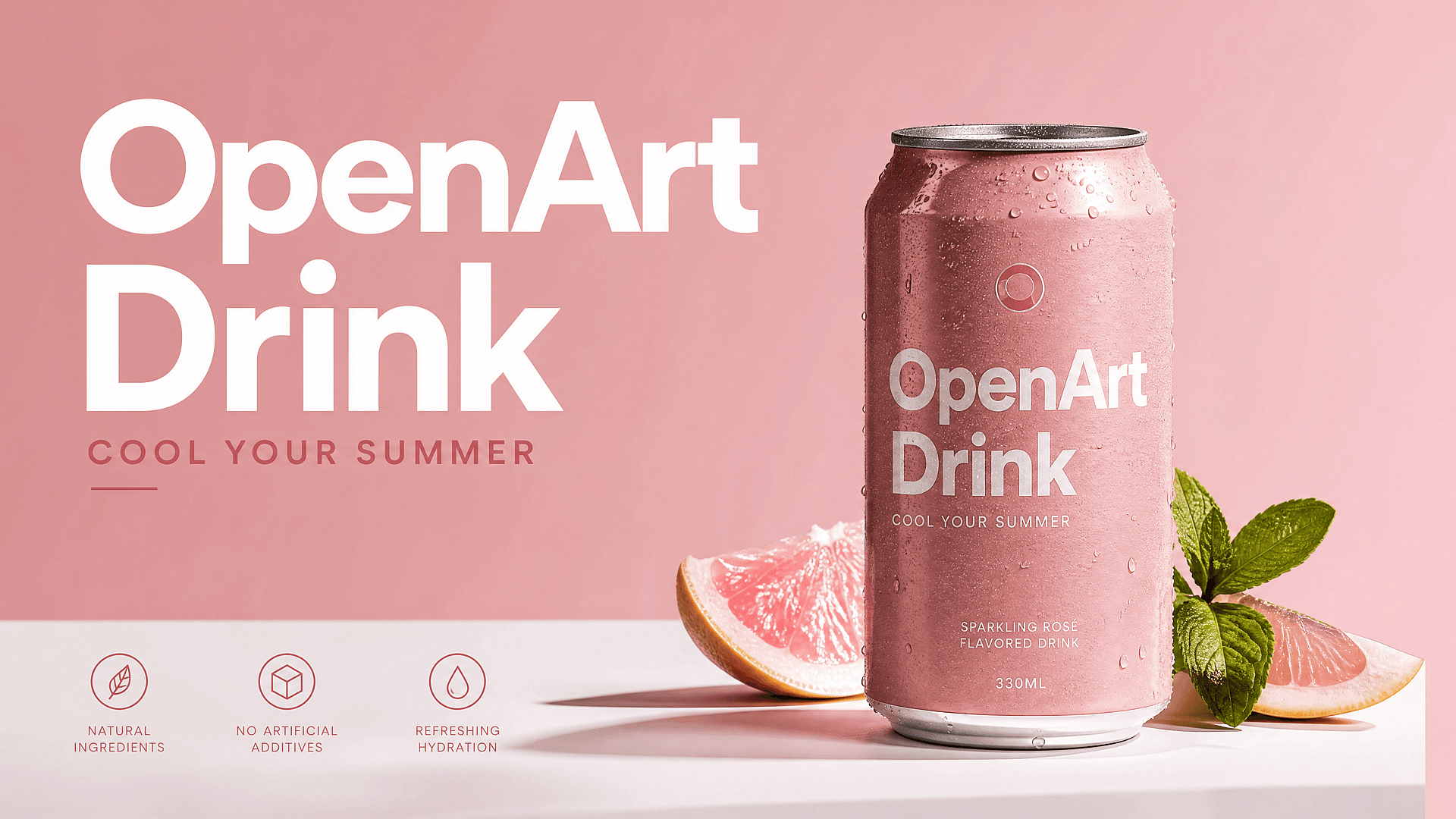
Product and Ad Posters

Product and Ad Posters

Turn a product photo into a campaign poster. Add the product name, offer, target audience, seasonal hook, and background style. This is useful for ecommerce drops, sale announcements, local business promos, beauty products, food posters, and app launch visuals.

Try it Now
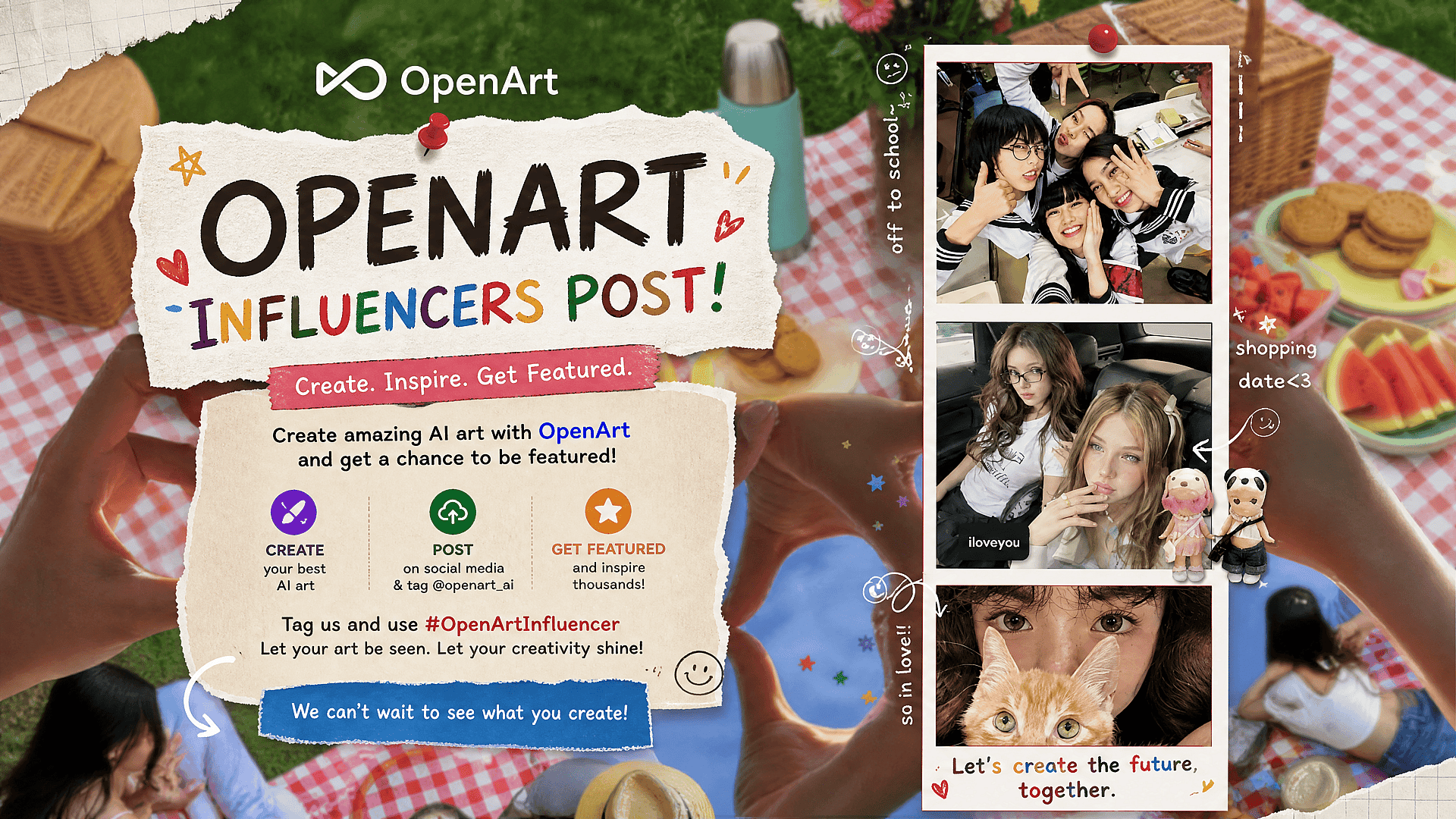
Social Media Posters

Social Media Posters

Create campaign posters for Instagram, Pinterest, TikTok covers, LinkedIn posts, YouTube community posts, and email banners. Create campaign posters for Instagram, Pinterest, TikTok covers, LinkedIn posts, YouTube community posts, and email banners. Use brand colors, logo references, and a clear headline. Then adapt the strongest direction into more sizes for the campaign. If you need a logo, use OpenArt's Logo Maker to design one before building your campaign.

Try it Now
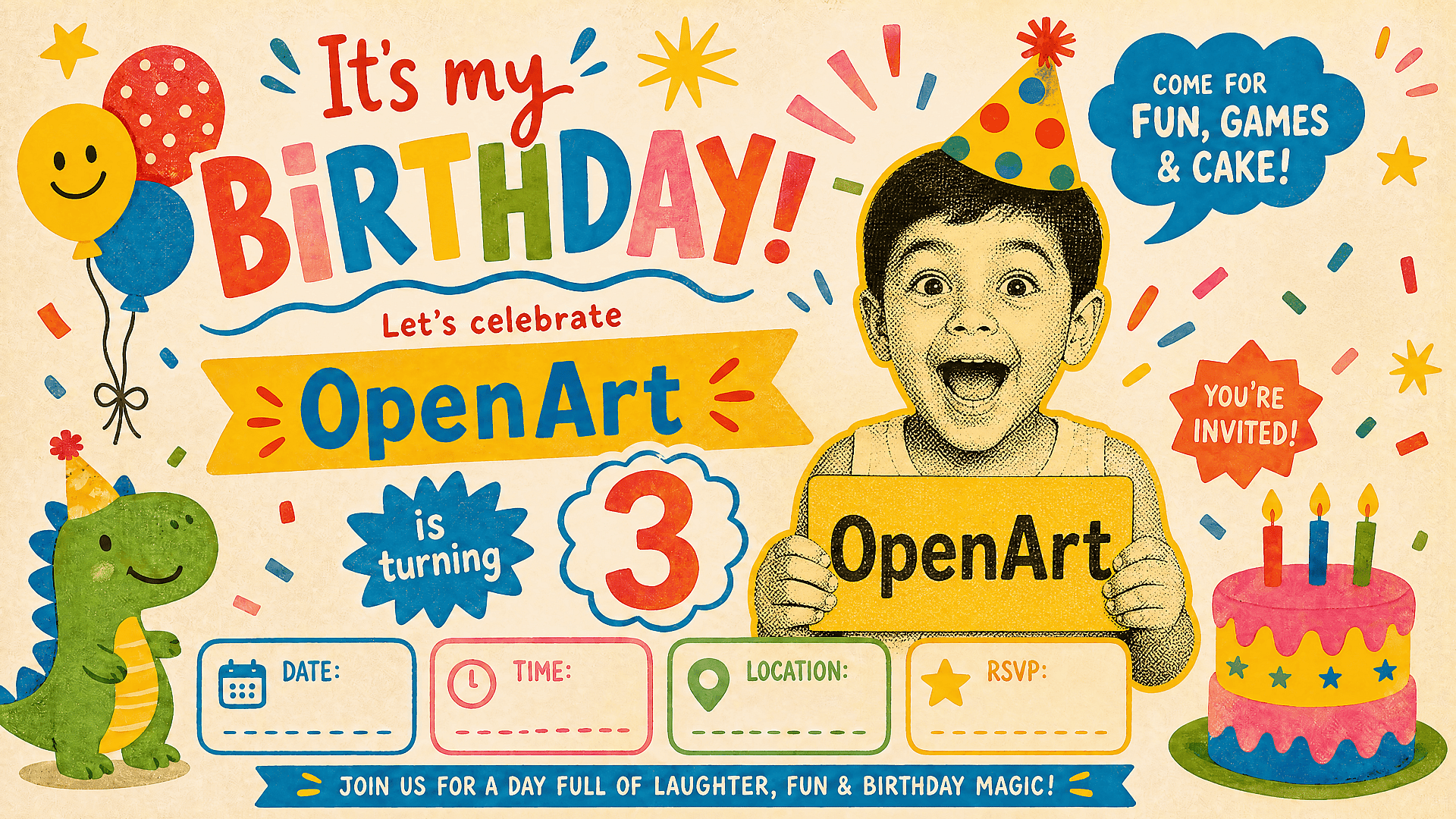
Birthday and Invitation Posters

Birthday and Invitation Posters

Make personalized posters for birthdays, baby showers, graduations, weddings, club nights, school events, and holiday parties. Prompt for the name, date, theme, color palette, and atmosphere. Keep the visual playful but the details readable.

Try it Now
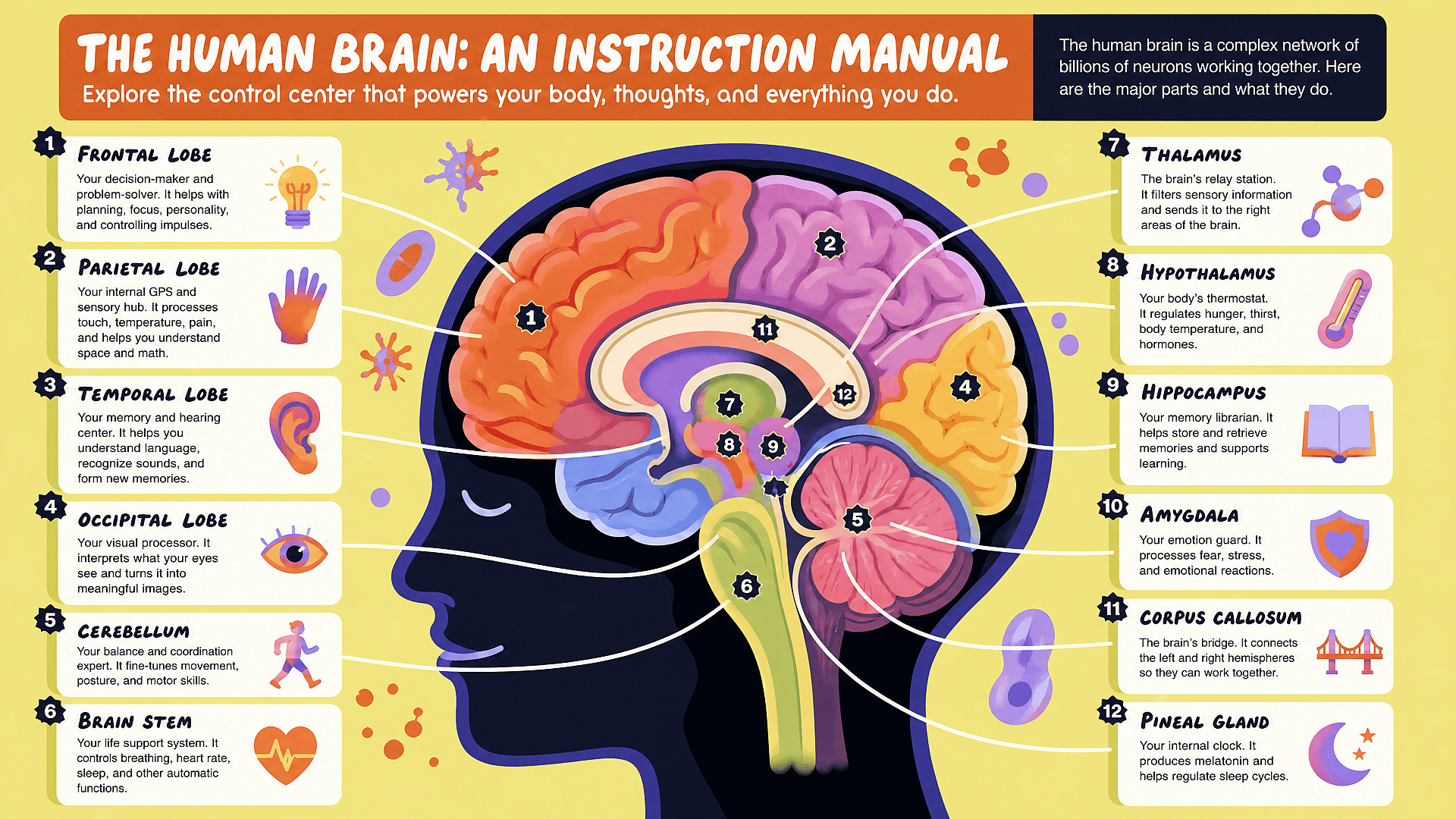
Educational and Research Posters

Educational and Research Posters

Create cleaner poster concepts for class projects, science fairs, campus events, and research presentations. Ask for structured sections, clear headings, icon-style visuals, and enough spacing for readable information.

Try it Now
#5Feature ChipsEdit in CMS ↗

Frequently Asked Questions

An AI poster maker is a tool that turns a prompt, reference image, or campaign idea into a poster concept. Instead of starting with a blank design file, you describe the poster you need and generate visual options you can refine.
You can create event posters, movie posters, product posters, ad posters, birthday posters, party invites, academic posters, quote posters, social media posters, and campaign key art. The best prompt includes the poster purpose, title, audience, required details, style, and size.
Yes. OpenArt works well for AI movie poster concepts, fan posters, fictional film posters, and genre key art. Include the movie title, genre, character description, lighting, mood, tagline, and composition in your prompt.
Keep the text short. Put the exact headline, date, and offer in the prompt. Ask for clear hierarchy and readable typography. For final production, treat the AI poster as the visual concept and place mission-critical copy in your design workflow if you need full control.
OpenArt is useful for both. Posters need more structure than a normal image: title space, focal point, hierarchy, aspect ratio, brand fit, and sometimes readable text. OpenArt’s mix of models and editing tools makes it easier to move from image generation to a finished campaign visual.
Yes. You can start creating on OpenArt for free and use free credits to test poster ideas. For larger campaigns, higher volume, or advanced workflows, paid plans give you more room to generate, edit, and upscale.
Use GPT Image 2 when your poster needs strong layout, headline placement, and structured text. Use Nano Banana Pro when the subject needs to stay consistent. Use Seedream 5.0 Lite for photoreal people or product visuals. Use Recraft V4 for graphic, illustrated, and brand-friendly poster styles.
Yes. You can start with a product photo, logo, person, character, or visual reference. This is helpful when the poster needs to match a brand, promote a real product, or keep a subject consistent across several designs.
You can create high-resolution poster visuals and upscale them for sharper output. For professional print, check your final dimensions, color profile, bleed, and file format in your print workflow before sending the design to a printer.
#7OpenArt RecentEdit in CMS ↗

Get Insights from Experts Blog

Get the insights you need. Our experts share actionable hacks, break down the hottest topics, and provide essential how-to guides to help you build, optimize, and scale.

Read More
Create without limits

Join thousands of creators using OpenArt to generate stunning images, videos, and more — all in one platform.

Get Started for Free →