AI Hair Color Changer
Try platinum blonde, copper, burgundy, balayage, or any custom shade on your own photo before stepping into a salon. OpenArt's AI hair color changer keeps your face, lighting, and texture intact while it changes the color.
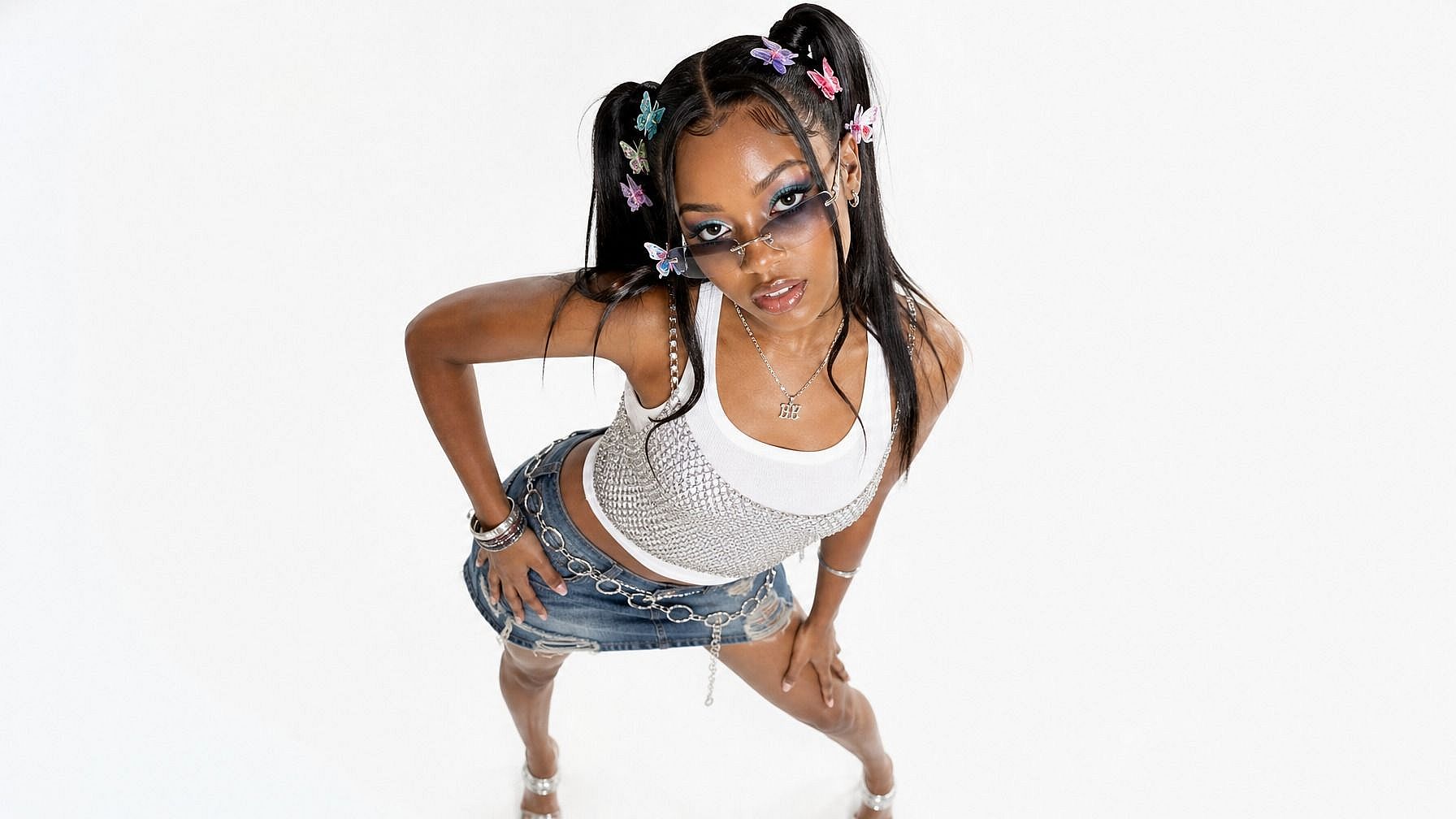
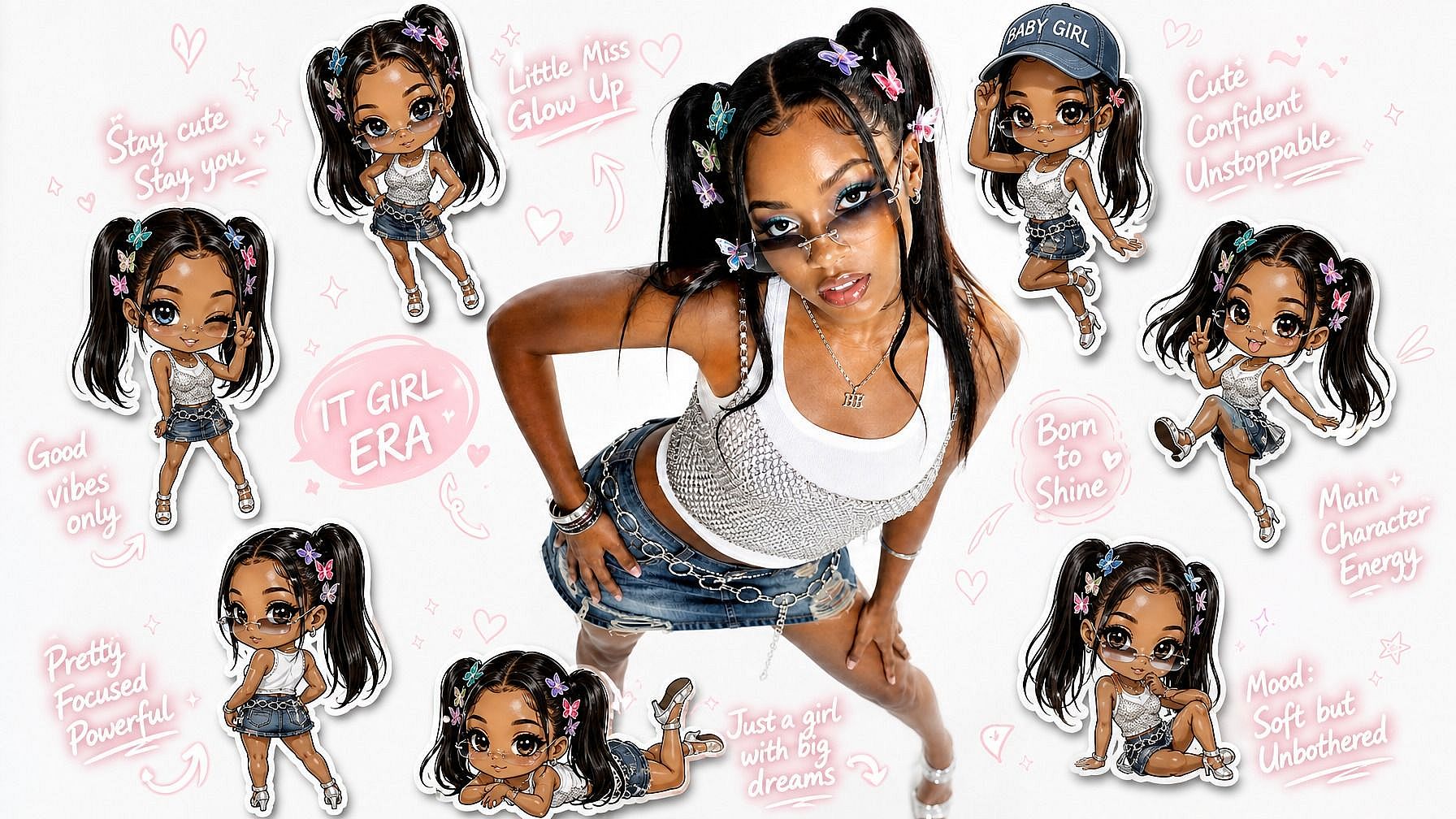



Try Before the Salon
Preview any shade on your own face before booking an appointment. No commitment, no roots, no chemical regret.



Photoreal Output
Highlights, shadows, root fade, and strand-level texture all hold up under close inspection.
100+ Color Presets
Platinum, copper, ash blonde, lavender, fire engine red, balayage, ombre, and more. Or type any custom color in plain English.
Community Creations
See how stylists, salon owners, beauty influencers, and curious clients use OpenArt to preview hair colors and styles.
Preview Any Hair Color in Photoreal Detail
The Hair Color Changer runs on Seedream 5.0, GPT Image 2, and Nano Banana Pro, so highlights, shadows, root fade, and strand texture stay photoreal on your own selfie.

Single-Color Changes
Switch to platinum blonde, copper, jet black, burgundy, ash brown, or any solid shade. Face shape, skin tone, lighting, and hair texture stay untouched. Roots blend naturally to the new color.
Highlights and Balayage
Generate face-framing highlights, lived-in balayage, ombre, sombre, and money-piece looks. Specify zones ("highlights only on the front pieces") through text prompts.
Bold and Fashion Colors
Try lavender, mint, fire engine red, midnight blue, holographic pastel, and split-color looks. Useful for previewing dramatic changes before committing to chemical processing.
Style and Cut Adjustments
Beyond color, change cut length, add bangs, switch from straight to curly, or test a buzz cut. All in the same edit step through text prompts.
Get Insights from Experts Blog
Get the insights you need. Our experts share actionable hacks, break down the hottest topics, and provide essential how-to guides to help you build, optimize, and scale.
Read More