Your Favorite Models — All in One Place, with Unlimited Generations.

Enjoy Limited Time 50% OFF! ›

AI Clothing Generator

Design garments from scratch, swap outfits on a model photo, or generate print-ready merch graphics in seconds. Powered by OpenArt's leading image models, you get realistic fabric, accurate fit, and on-brand visuals across fashion design, e-commerce shoots, and merch production.
Model Kling 3.0
Add a start frame
Add an end frame
Optional
Try Now
#2BenefitsEdit in CMS ↗

Try On Anything

Swap any outfit onto a person photo while keeping pose, lighting, and skin tones intact.

Design from Prompt

Generate dresses, jackets, or streetwear from a single text prompt with editable color and fabric variations.

Merch-Ready Output

Export apparel graphics at print-ready 4500x5400 px with transparent backgrounds for direct upload to Printful or Printify.

#3Community GalleryEdit in CMS ↗

Community Creations

See how fashion designers, e-commerce brands, and merch sellers use OpenArt to design, model, and ship apparel without a photo studio.

#4Features DetailEdit in CMS ↗

Design, Model, and Ship Apparel in One Place

The AI Clothing Generator runs on Seedream 5.0, GPT Image 2, Nano Banana Pro, and Recraft V4, so garments come out with realistic fabric, clean print graphics, and consistent fit across angles.
Outfit Swap on Photos

Outfit Swap on Photos

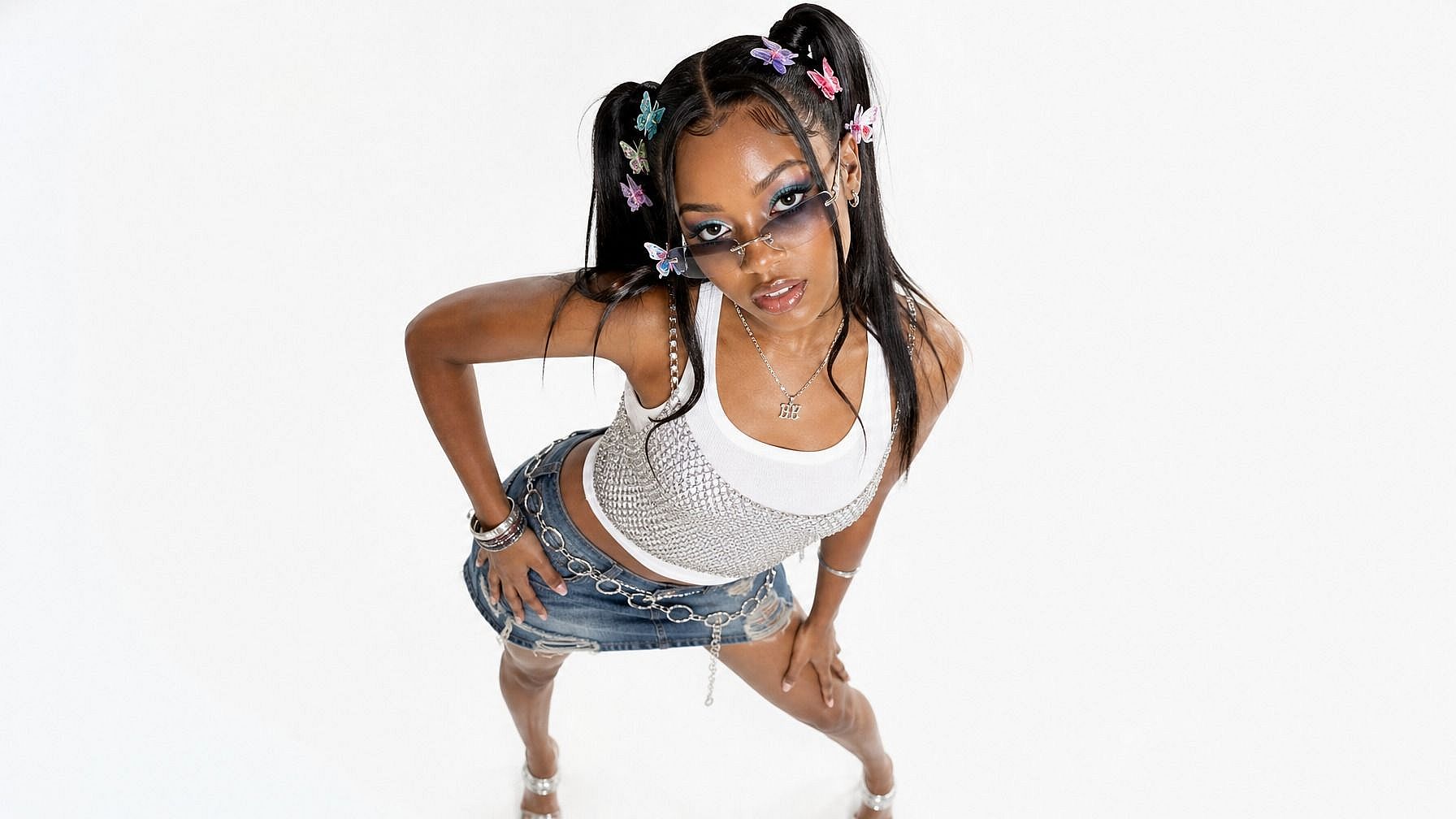
Upload a model photo and change a jacket to leather, a dress to satin, or a basic tee to a printed graphic in seconds. Pose, lighting, and skin tones stay intact. Useful for e-commerce shoots, lookbooks, and pre-sample reviews.

Garment Design from Prompt

Garment Design from Prompt

Type "oversized linen overshirt, sage green, raw hem" and get four fashion-render variations in under 20 seconds. Refine cut, fabric, color, and stitching through simple text prompts. Great for moodboards, pre-tech-pack concepts, and trend exploration.

Print-Ready Merch Graphics

Print-Ready Merch Graphics

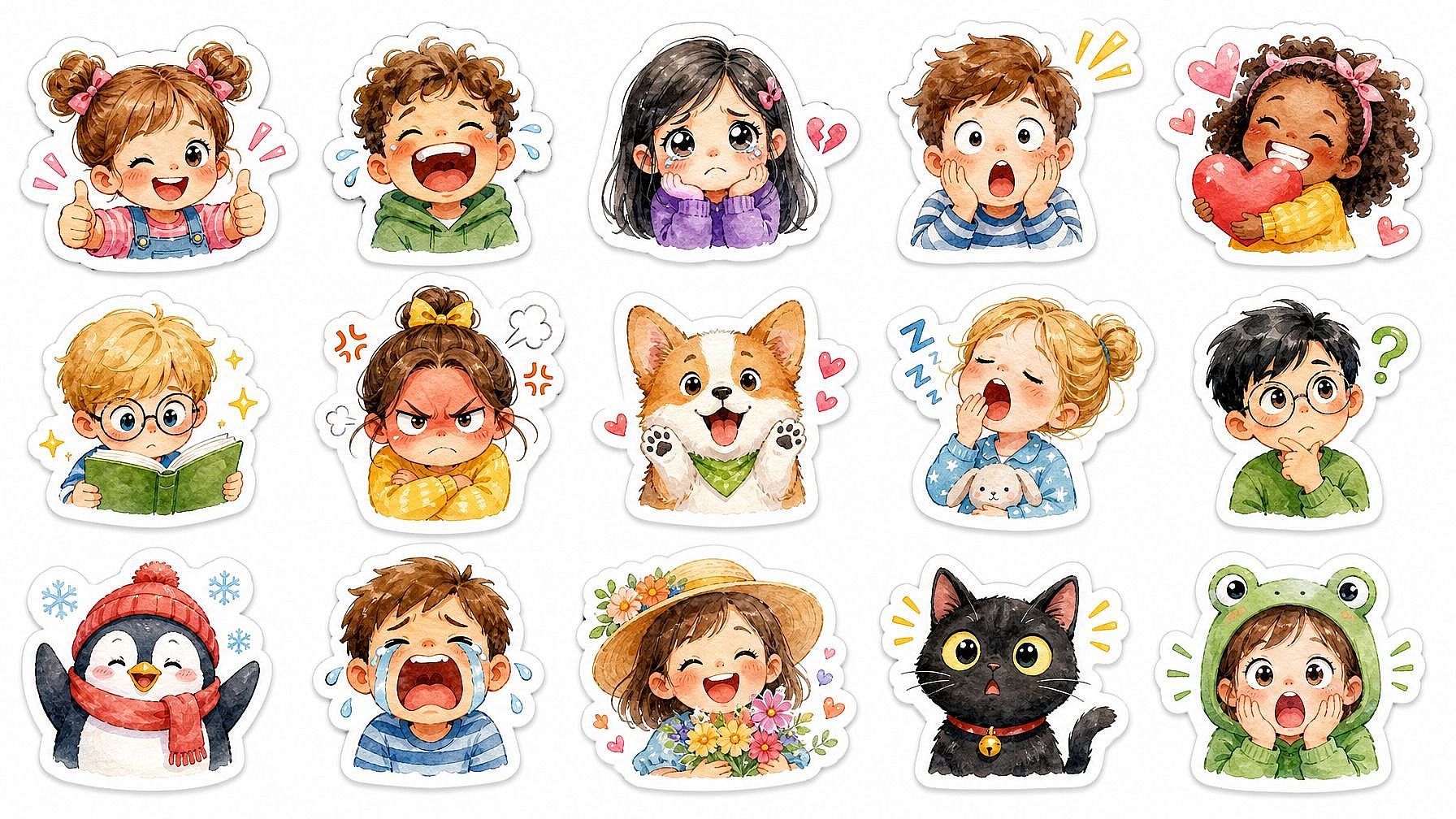
Generate T-shirt, hoodie, tote, and sticker artwork at 4500x5400 px with transparent backgrounds, ready for Printful, Printify, or your own DTG workflow. Recraft V4 handles vector-style line work and clean typography for graphic-tee runs.

One Model, Many Shoots

One Model, Many Shoots

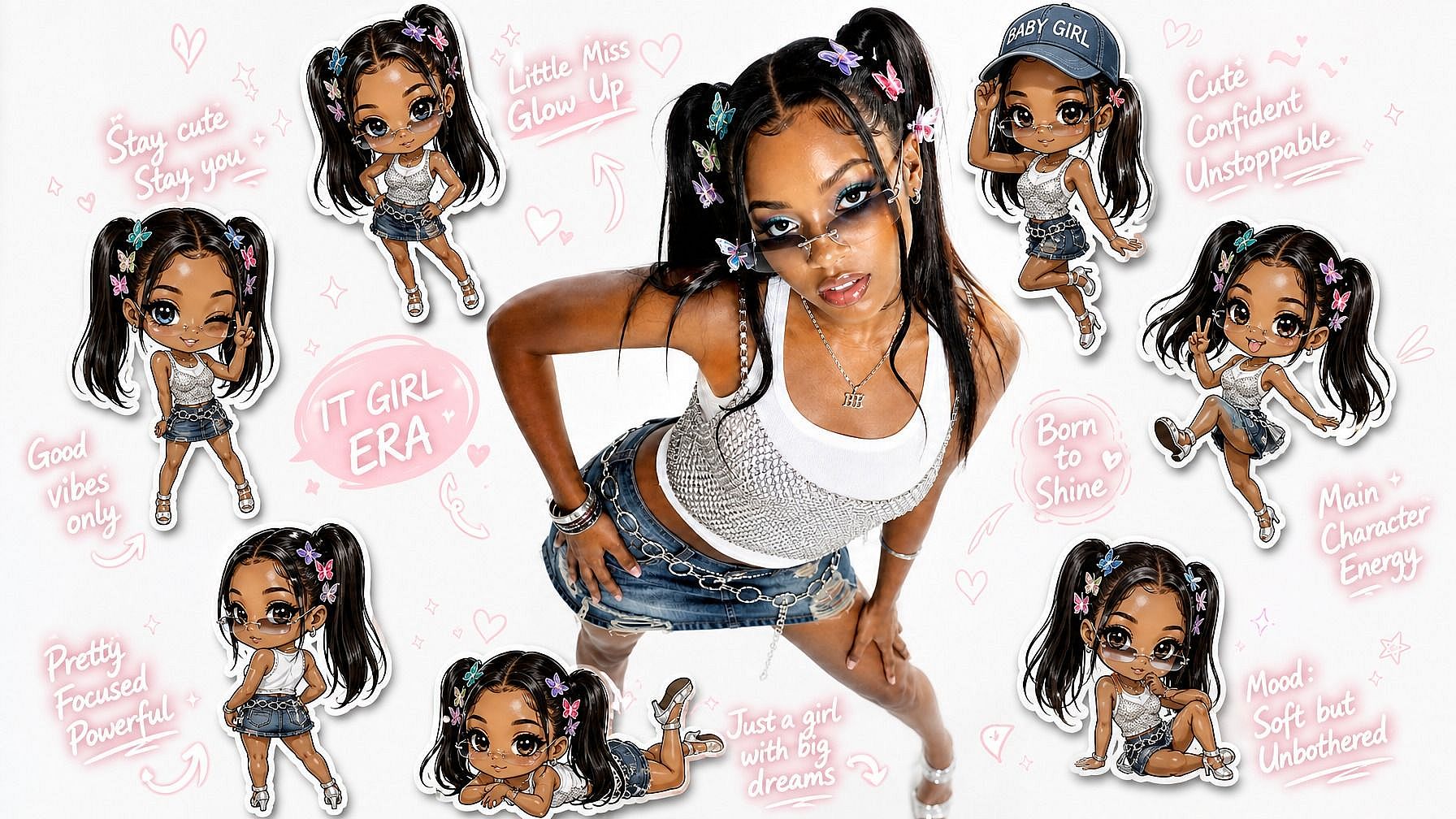
Lock a single model from your Character library and reshoot the same outfit in nine camera angles, multiple settings, and seasonal palettes. No new shoots, no fit inconsistency, no reshoots when the line refreshes.

#5How To UseEdit in CMS ↗

How to Use the AI Clothing Generator

Three steps from concept to deliverable.

1
Step 01

Pick a Model

Choose try-on (upload a model photo), design (start from a prompt or sketch), or merch (start from a graphic idea).

2
Step 02

Describe the Garment

Specify fabric, cut, color, fit, and style ("relaxed-fit hoodie, washed-black fleece, embroidered chest logo"). Add a reference image if you have one.

3
Step 03

Refine and Export

Tweak through text prompting ("lengthen the sleeves, add a drawstring"), then export as JPG, PNG, or transparent PNG for merch.

#6Use CasesEdit in CMS ↗

Made for Fashion, E-Commerce, and Merch

Whether you're sketching a capsule collection or printing your 50th hoodie, the tool fits your stage.

Indie Fashion Designers

Indie Fashion Designers

Sketch a 10-piece capsule in an afternoon: dresses, outerwear, accessories, all rendered on a consistent model. Iterate fabric and color before sending anything to a sample maker.

Try it Now
E-Commerce Brands

E-Commerce Brands

Restyle a single product photo into 12 color and pattern variants without reshooting. Cuts photo-shoot budgets while keeping listing photos consistent across the catalog.

Try it Now
Print-on-Demand Sellers

Print-on-Demand Sellers

Generate apparel graphics at print-ready resolution for Printful, Etsy, Redbubble, and Shopify. Test 30 designs in a day, push only the winners to production.

Try it Now
Stylists and Costume Designers

Stylists and Costume Designers

Mock up outfit combinations on a client or actor reference before pulling samples. Useful for editorial pitches, costume pre-visualization, and red-carpet planning.

Try it Now

Frequently Asked Questions

An OpenArt tool that designs garments from prompts, swaps outfits on model photos, and generates print-ready merch graphics, all from one interface.
Output captures fabric drape, sheen, and texture for common materials like cotton, denim, linen, silk, leather, and knitwear. Best for concepting and visualization, not production tech packs.
Up to 4500x5400 px for print apparel, with transparent backgrounds for direct upload to Printful, Printify, and similar platforms.
Seedream 5.0, GPT Image 2, Nano Banana Pro, and Recraft V4, picked based on whether you need photoreal fabric, garment-on-model fit, or print-ready graphics.
Most try-on tools only swap a garment onto a person. This tool also designs the garment, generates the model, and produces merch graphics in one flow.
Yes. Upload a model photo to try outfits on, or a fabric/garment reference to guide the design. Save the model as a Character to reuse across shoots.
Yes. Lock the model as a consistent character with Character 2.0 and reshoot the same person in any outfit, pose, or setting.
Yes, on the Advanced plan and above. Covers fashion line concepts, e-commerce listing photos, and merch sold on POD platforms.
Yes. Use Multi View to get nine camera angles from a single reference, or Camera Angle Control to specify front, side, back, three-quarter, and detail shots.
Start from a reference image, name specific fabric and fit terms, and use prompts to refine in plain language rather than re-prompting from scratch.
#8OpenArt RecentEdit in CMS ↗

Get Insights from Experts Blog

Get the insights you need. Our experts share actionable hacks, break down the hottest topics, and provide essential how-to guides to help you build, optimize, and scale.

Read More
Create without limits

Join thousands of creators using OpenArt to generate stunning images, videos, and more — all in one platform.

Get Started for Free →