AI Anime Video Generator
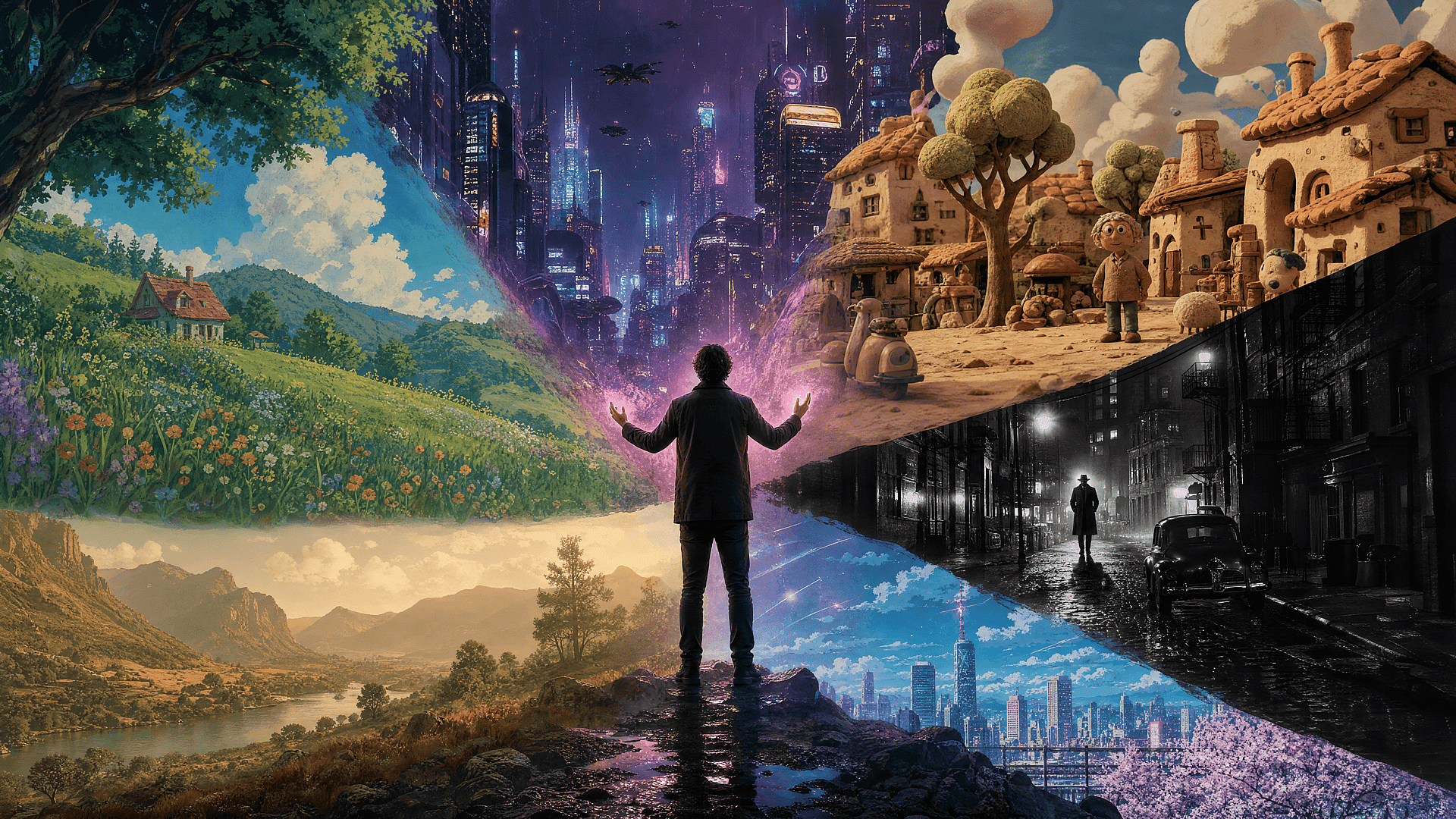
Describe the exact anime style and scene you have in mind, then refine each shot that the AI anime video generator gives, and shape your whole action sequence by vibe.
AI Anime Video Generator
Describe the exact anime style and scene you have in mind, then refine each shot that the AI anime video generator gives, and shape your whole action sequence by vibe.
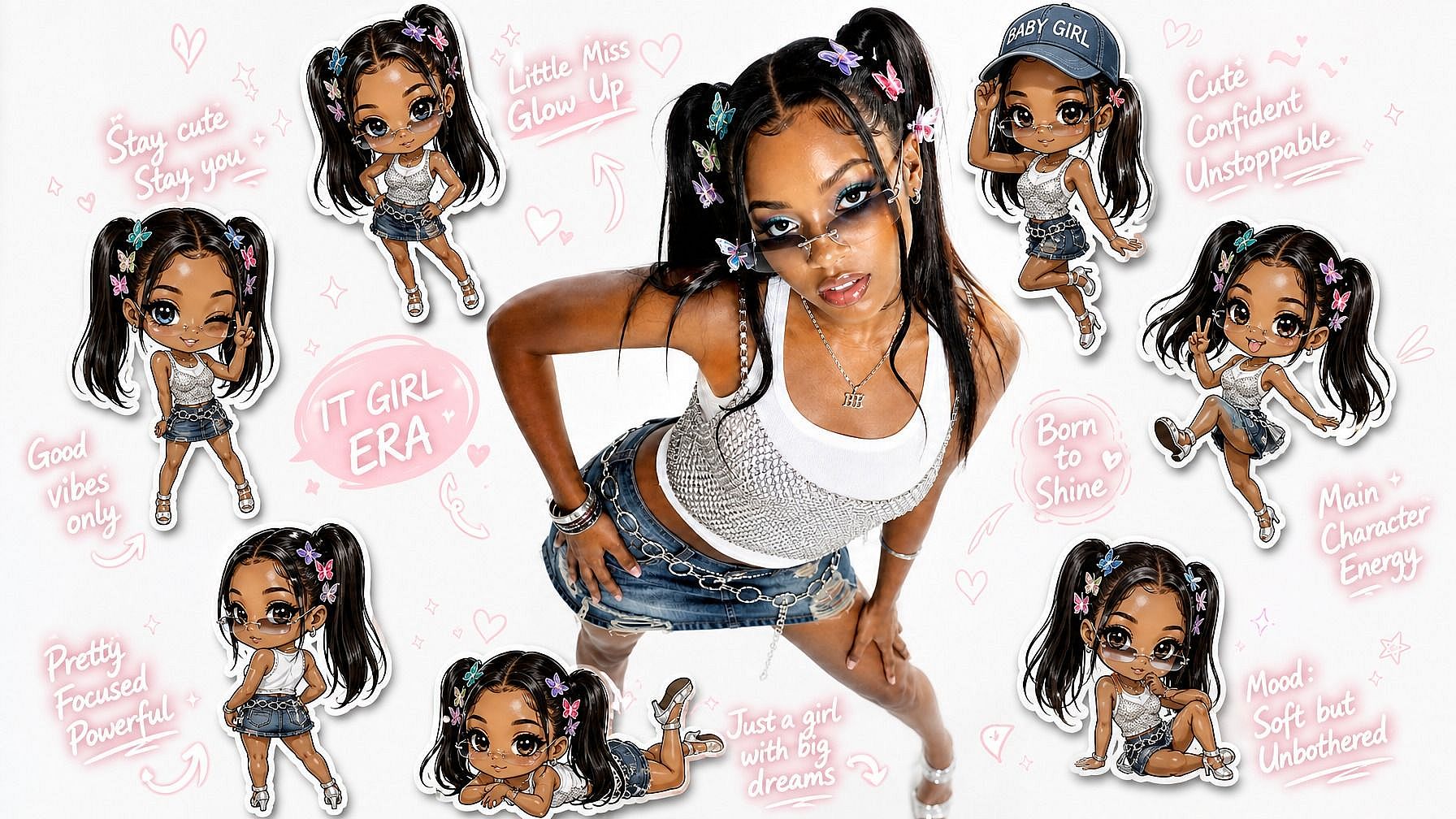
Community Creations
See what people are vibe directing into anime with OpenArt Director, from lifelong fans finally making the story they grew up imagining to creators building whole anime worlds shot by shot.
Key Benefits of AI Anime Video Generator

You retain creative control
You don't just operate the tool. You vibe with it. You call the shots and the AI anime video generator follows your lead, scene by scene.

Know more →
Vibe direct your way with words
Say what you want in plain words, like make it more Shōnen-style or speed up this shot. The AI anime generator responds and reshapes around your note.
Know more →
Make a finished, ready to go clip
Arrive with a scene in your head and leave with a real anime video. The output is the point, not a rough draft to fix later.
Know more →Key Features of AI Anime Video Generator
The AI anime video generator runs on OpenArt Director, which is powered by the best AI video and image models, including GPT Image 2, Seedance 2.0, and more.
Design Your Cast
Build the characters before you animate them. Start from a written description or a reference image, set the hair, the outfit, and the vibe, then save each one so the same design shows up in every scene you make.
Direct by Chatting
Type what should happen in the scene and watch it come back animated. Ask for a slower reaction shot, a harder impact frame, or a rain-soaked mood, and the generator reworks just that beat, so you refine the action without touching a timeline.
Consistent Art Style
Choose an anime look and hold it across the whole project. Whether you want the wash of a Ghibli landscape or the sharp contrast of a battle series, the color, lighting, and line work stay consistent from the first cut to the last.
Add Voiceovers and SFX
A successful anime is half sound. Drop in a track for an opening, add dialogue in any language and the characters lip sync to it, and layer in the hits and ambience that make a scene land. Everything renders together into one finished anime video.
How to Make Anime with OpenArt Director
Vibe directing your anime takes three steps.
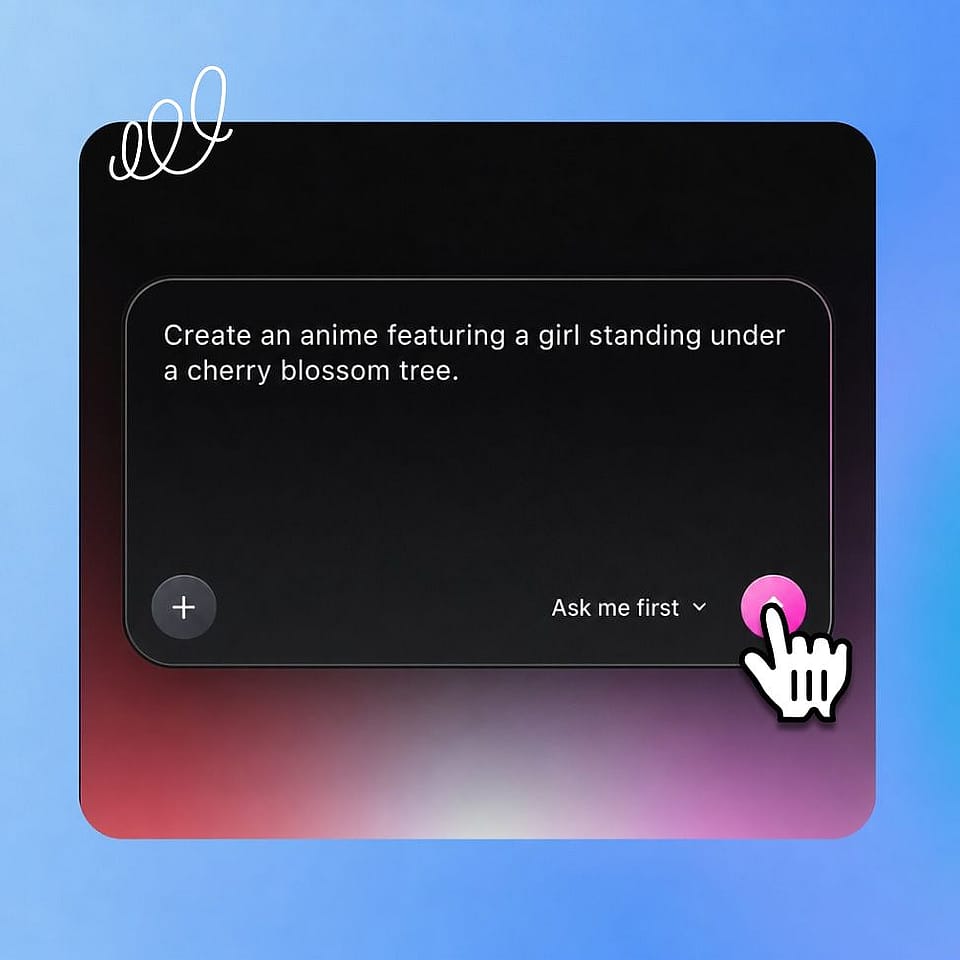
Describe your anime.
Type the scene in your head into the prompt box and say you want it in anime style. Add a music track for an opening, a reference image of your character, or one of your saved characters and worlds.
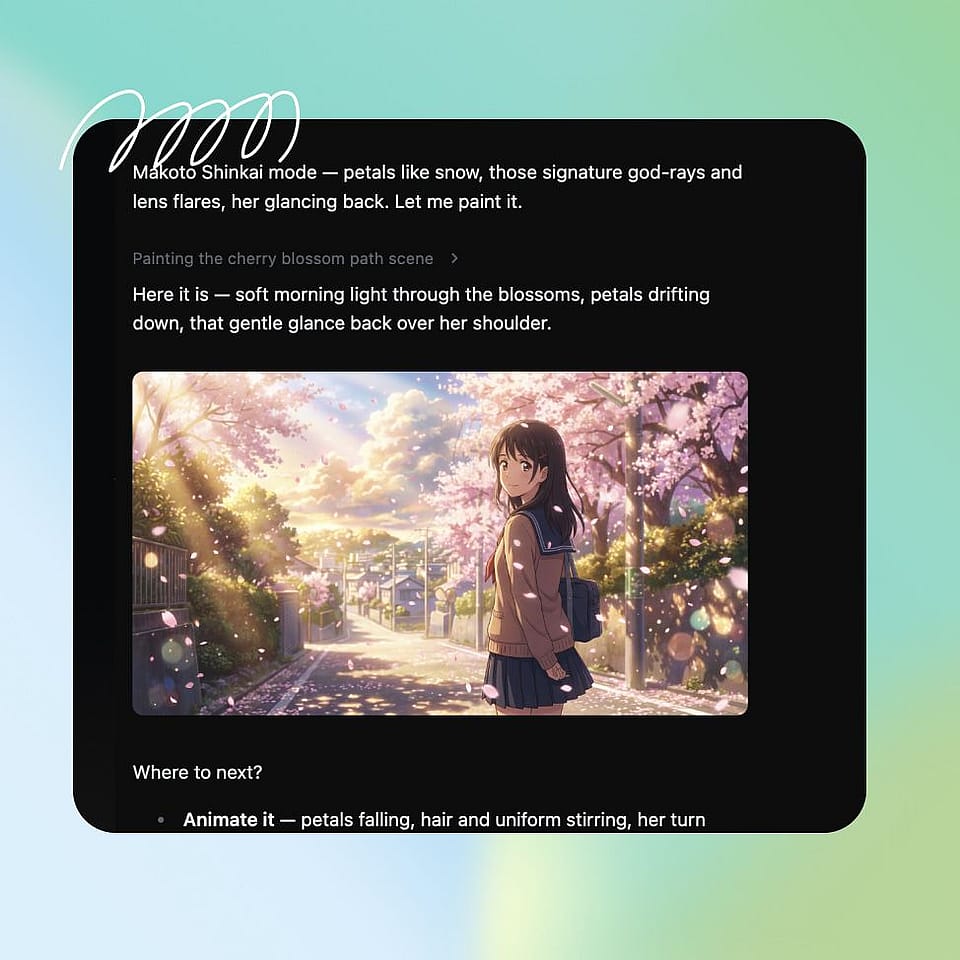
Set the direction.
Let Ori, your AI assistant, ask you about resolution, aspect ratio, and the anime vibe you want, or run it automatically. Then hit Start Directing.
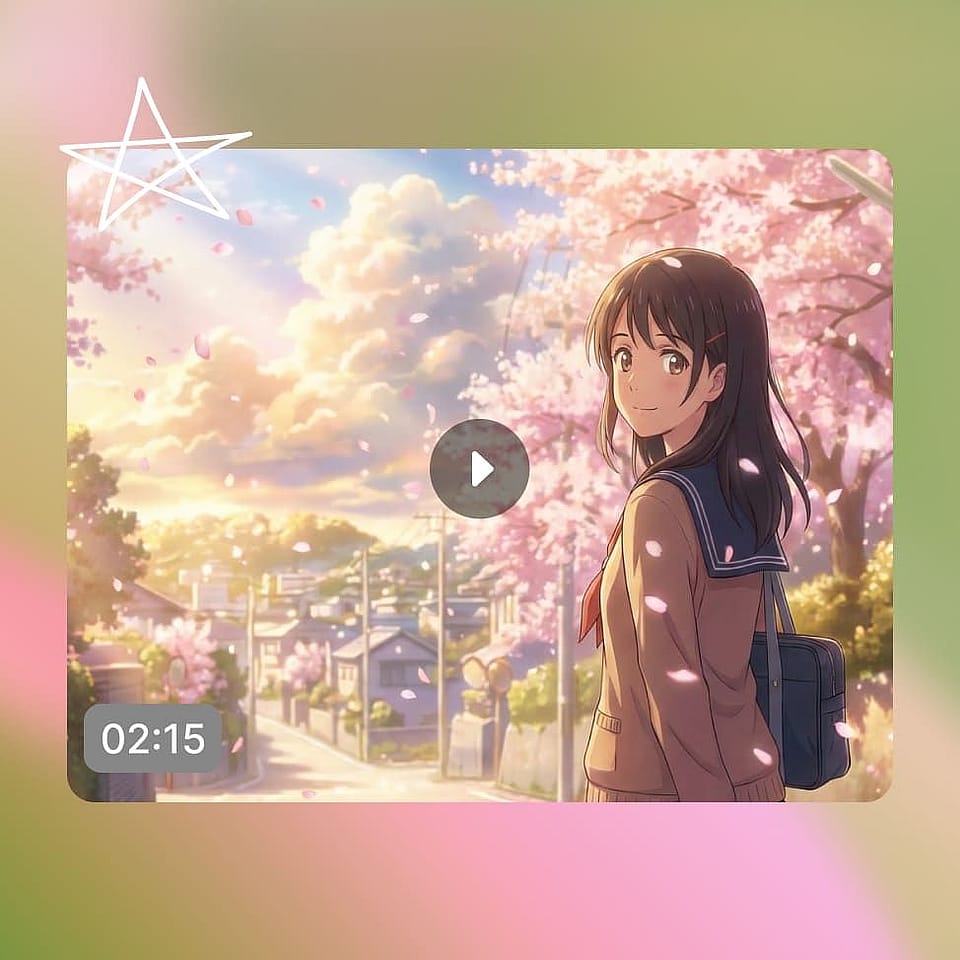
Watch it come together.
Follow Ori's steps as it works, then review your storyboard in Scenes or your finished anime in Timeline.
AI Anime Video Creator is for Everyone
Wherever you sit, from building original anime worlds to making your first clip, OpenArt Director meets you there.
Original Anime Worlds
You have built characters, arcs, and a world in your head for years without a studio to draw them. Now you can animate it scene by scene and finally watch your story move, no animation team required.
Try it NowOpenings and Fight Scenes
You want a scroll-stopping intro or a standalone sakuga moment to post. Create opening sequences, transformation scenes, and fight cuts that look like a real series, then share them anywhere.
Try it NowWebtoon and Manga in Motion
You already write or draw stills and want them animated. Bring your panels and characters in, keep the look consistent, and turn flat pages into moving episodes your readers can watch.
Try it NowFan and Concept Animation
You love a genre and want to make your own version. Remake a moment in a new art style, animate a fan idea, or test a concept before committing to a full project.
Try it NowFrequently Asked Questions
Get Insights from Experts Blog
Get the insights you need. Our experts share actionable hacks, break down the hottest topics, and provide essential how-to guides to help you create, optimize, and scale.
Read More