


Your Favorite Models — All in One Place, with Unlimited Generations.

Enjoy Limited Time 50% OFF! ›

Social Media Video Maker

OpenArt's social media video maker generates a finished video for every platform from one idea. Start from a simple script, vibe direct each shot, and get a perfect, trendy AI video for your socials that doesn’t look like AI at all.

Social Media Video Maker

OpenArt's social media video maker generates a finished video for every platform from one idea. Start from a simple script, vibe direct each shot, and get a perfect, trendy AI video for your socials that doesn’t look like AI at all.

Start Creating for Free
#2BenefitsEdit in CMS ↗

Key Benefits of the Social Media Video Generator

One video, every feed

Generate once and get the video resized for each platform, so a single idea posts to vertical, square, and wide without remaking it three times.


On-brand across posts

Load your logo, colors, and style once and every video holds them, so your feed reads as one brand instead of a pile of mismatched clips.

Fill your content calendar

Turn a list of ideas into a week of posts in one sitting, so you keep a steady cadence without filming or living inside an editor.

#3Community GalleryEdit in CMS ↗

Community Creations

See the social videos people are making with OpenArt, from brand teams to solo creators.

#4Features DetailEdit in CMS ↗

Key Features of Social Media Video Generator

You bring the idea or the footage, and then shape each shot by just chatting with the AI.

Each shot is completely new

This is not a template you drag clips into. The AI generates the video itself from your direction, so you get original footage and motion built for your post, not a stock layout everyone else is using.

One generation for every format

Make the video once and export it sized for every platform, vertical for Reels, TikTok, and Shorts, square for the feed, and wide for YouTube or LinkedIn. The framing and aspect ratio adjusts for each so nothing important gets cropped.

Start from text or images

Begin with a script, a single prompt, or your own clips and images. As a social media video maker and editor in one, it generates new scenes or builds around the footage you already have, whichever way your idea arrives.

Built on the OpenArt Director suite

The social media video generator is part of OpenArt's full Director suite, so the same place that makes your social posts also makes ads, product spots, and longer videos, all on one brand and one workflow.

#5How To UseEdit in CMS ↗

How to Make Social Media Videos with OpenArt

Making a social video takes three steps.
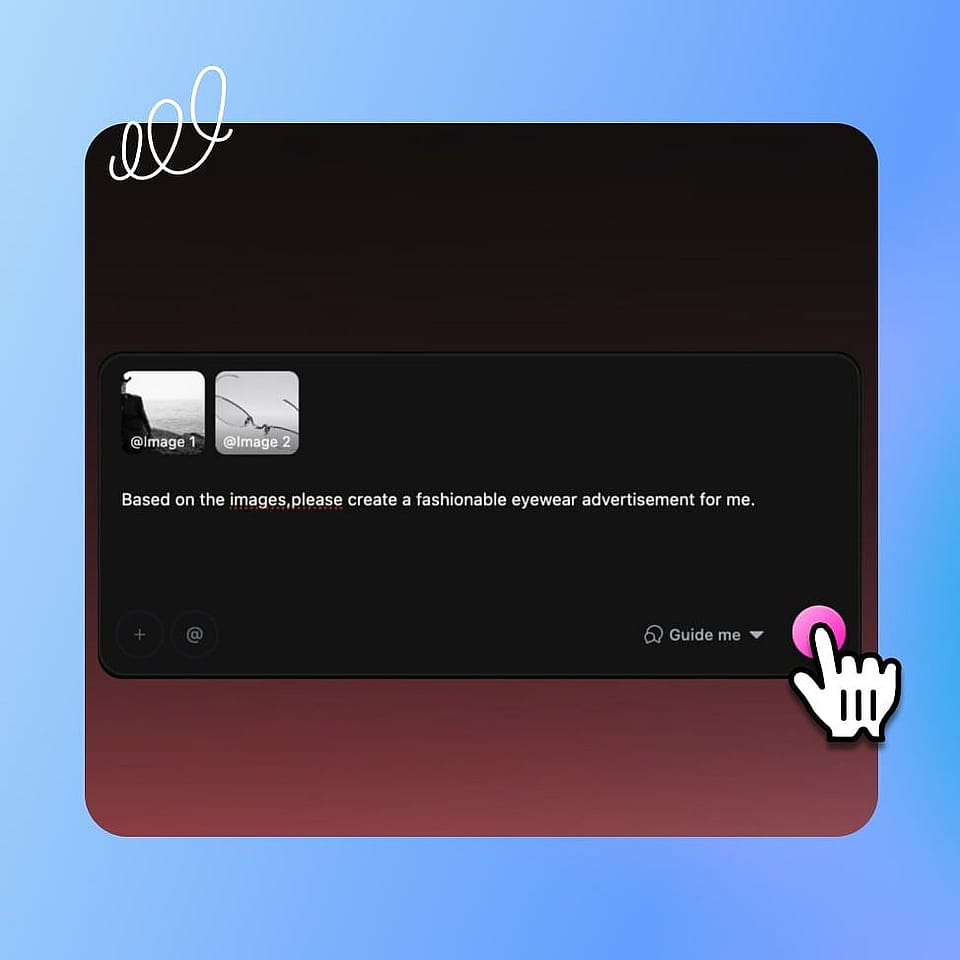
Describe your idea.
Step 01

Describe your idea.

Type a script or prompt, or upload your own clips and images. Add your logo, a soundtrack, or a saved character to steer the look.
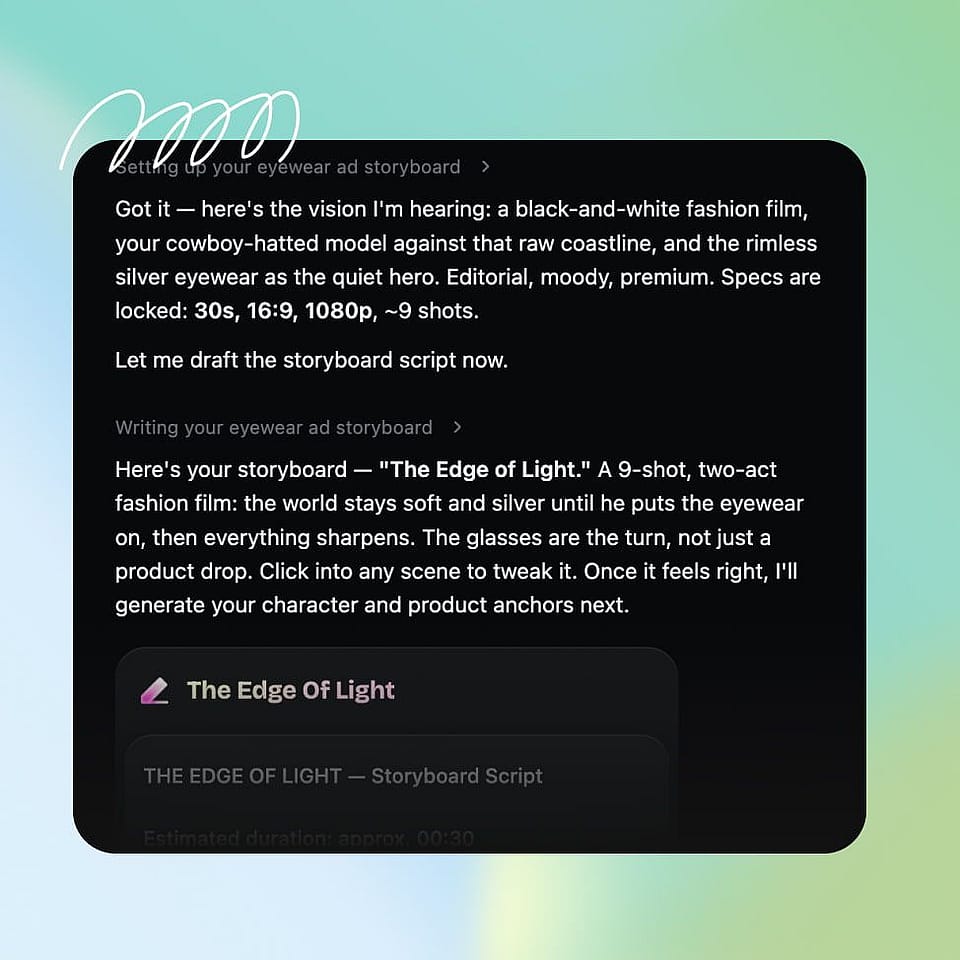
Set the direction.
Step 02

Set the direction.

Choose the platforms and formats you need and confirm the tone. Ori, the built-in assistant, can ask you about each choice or run with the best settings on its own.
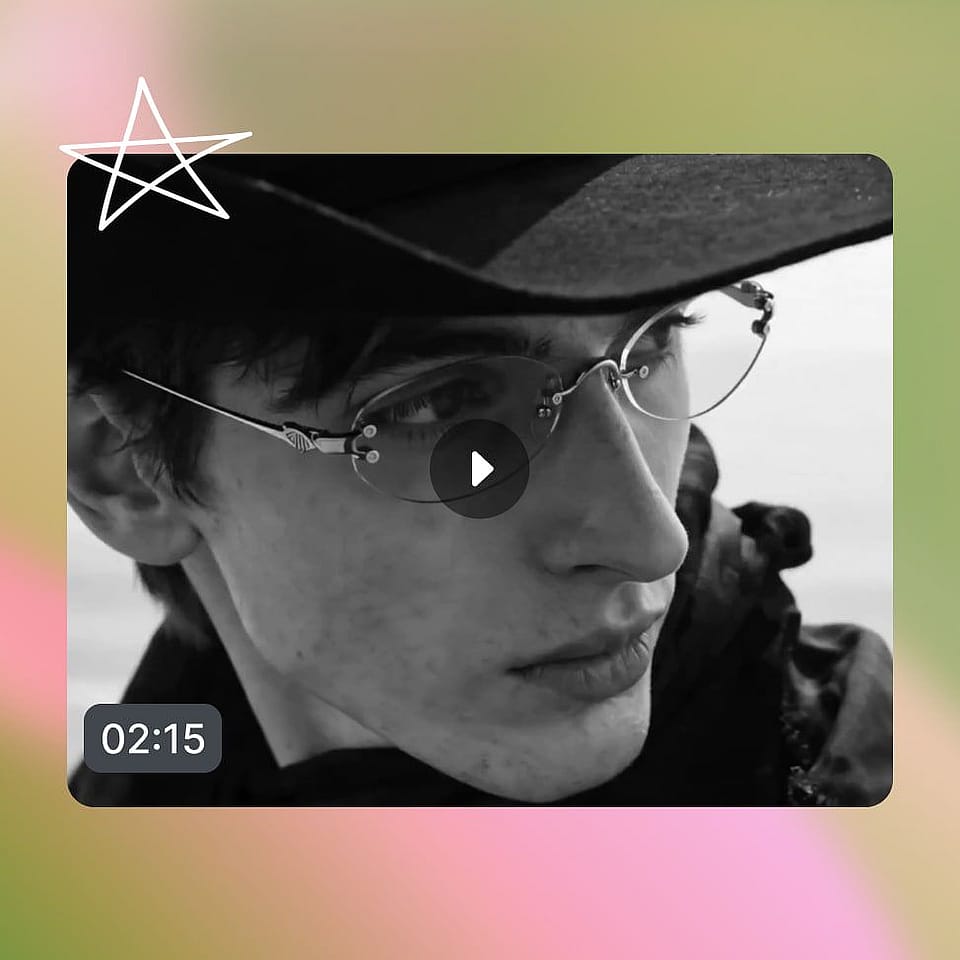
Iterate and download.
Step 03

Iterate and download.

Review the video, make revisions by chatting, then export the video sized for every feed, or generate more posts to fill the week.

#6Use CasesEdit in CMS ↗

Who Makes Social Media Videos with OpenArt

From a brand calendar to a personal channel, here is who uses it and for what:

Social managers and agencies

You run video across brands and platforms and never have enough of it. Generate on-brand posts for every account and every feed, and keep each client active without a shoot for every idea.

Try it Now

Small and local businesses

You need a steady social presence without a marketing team. Create social media videos that promote your product or storefront, sized for each platform, and post consistently without hiring out.

Try it Now

Creators and influencers

You post across feeds and need a constant stream. Turn each idea into platform-ready video and keep your presence going on every channel without burning out on filming and editing.

Try it Now

Personal brands and coaches

You build an audience by showing up consistently. Make polished videos that share your message and look the same across every platform, so your personal brand stays recognizable wherever people find you.

Try it Now

Frequently Asked Questions

It is a tool that turns an idea, a script, or your own footage into finished videos for social platforms. OpenArt's AI social media video maker generates the video and resizes it for each feed, so you create social media videos without an editor or a shoot.
Yes. As a social media video editor and generator in one, it builds around the footage and images you upload, or generates new scenes when you start from a script or prompt.
Yes, your finished videos are yours to use commercially. Run any IP checks in OpenArt if you used reference images or content from somewhere else.
Yes. You can start with the free social media video maker online, then move to OpenArt's plans when you need more exports, longer videos, and higher resolution. The social media video creator free option lets you test an idea first.
It exports in the aspect ratios each platform needs, vertical for Reels, TikTok, and Shorts, square for the feed, and wide for YouTube and LinkedIn, all from one generation.
It generates original video instead of filling a template, builds one cut for every platform, and works from a script, a prompt, or your own clips, so the output is a finished, on-brand post rather than a layout you have to assemble.

Create without limits

Join thousands of creators using OpenArt to generate stunning images, videos, and more — all in one platform.

Get Started for Free →


