


AI Drama Generator
OpenArt's AI drama generator turns a story, a script, or a novel chapter into a vertical short drama. Build episodic micro-dramas with a consistent cast, cliffhanger pacing, voiceover, and captions, for popular formats on ReelShort, DramaBox, and TikTok.
AI Drama Generator
OpenArt's AI drama generator turns a story, a script, or a novel chapter into a vertical short drama. Build episodic micro-dramas with a consistent cast, cliffhanger pacing, voiceover, and captions, for popular formats on ReelShort, DramaBox, and TikTok.
Key Benefits of AI Drama Maker

Built to binge-watch
Every episode ends on a hook. The drama is paced for the swipe, so one cliffhanger pulls a viewer straight into the next part instead of letting them scroll away.

Know more →
Consistent characters
Your leads stay the same people across every episode, the same face, wardrobe, and chemistry, so a multi-part drama reads as one series and not a set of unrelated clips.
Know more →
Any drama genre
Romance, revenge, billionaire, werewolf, time travel. Name the genre and the art style, tone, and stakes shift to match the tropes audiences are already bingeing.
Know more →Community Creations
See the short series and micro dramas people are making with OpenArt's AI drama creator.
Key Features of AI Drama Generator
You bring the plot. It builds the episodes, the cast, and the dialogue.
Script-to-video drama creation
Start from a logline, a full script, or a chapter you want to adapt. The AI drama maker structures it into episodes and scenes, so a story becomes a serial vertical drama without a writers' room or a shoot.
Consistent cast across episodes
Lock your leads from a reference image or the OpenArt Characters library, and the same cast carries every episode. Character consistency is what lets a micro-drama run for ten parts and still feel like one show.
Vertical, narrated, and captioned
Every episode renders vertical for the feed, with dialogue and voiceover in any language, lip synced to your cast, and integrated captions for muted autoplay. The drama arrives ready to post, not as raw footage.
Pick your genre and art style
Set the genre and the AI drama creator leans into its conventions, the slow-burn romance, the boardroom betrayal, the secret-identity reveal, with the lighting, pacing, and tone to match what that audience expects.
How to Make a Short Drama with OpenArt
Vibe directing a short drama takes three steps.
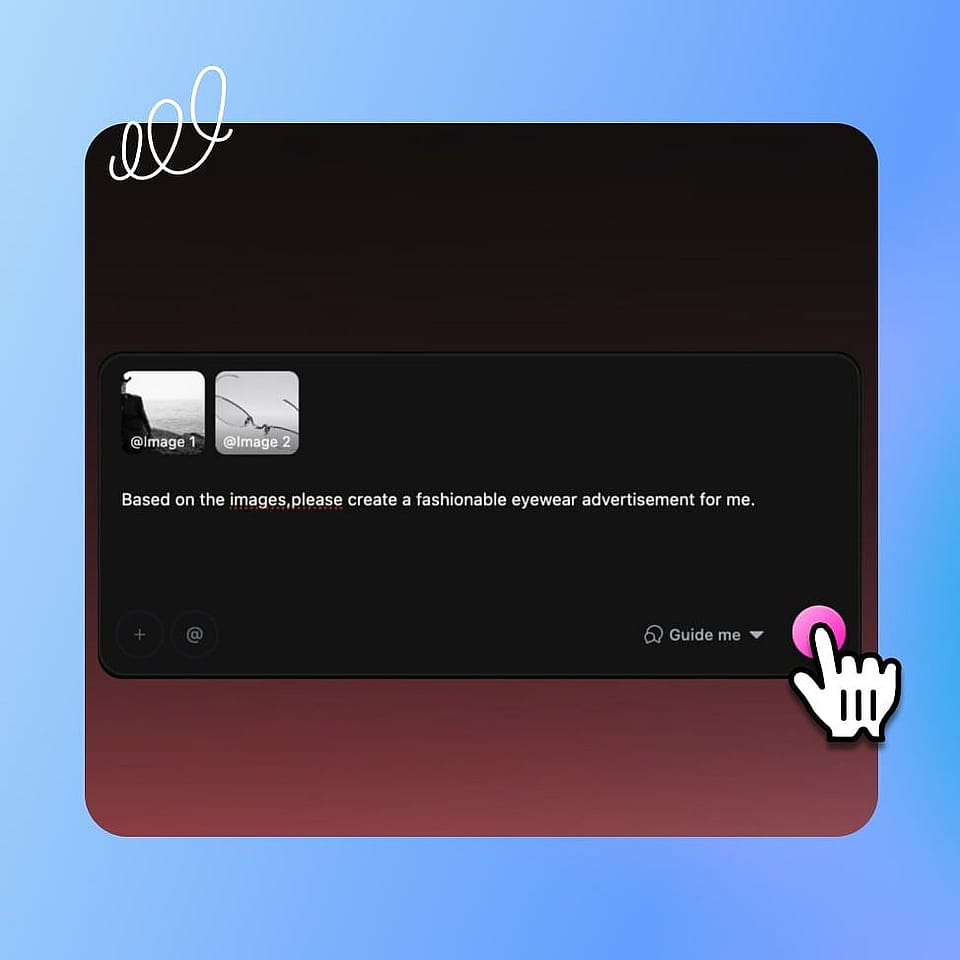
Bring your story.
Type a logline or script, or paste a chapter to adapt, into the prompt box. Add a reference image of your cast or a saved character to lock the leads.
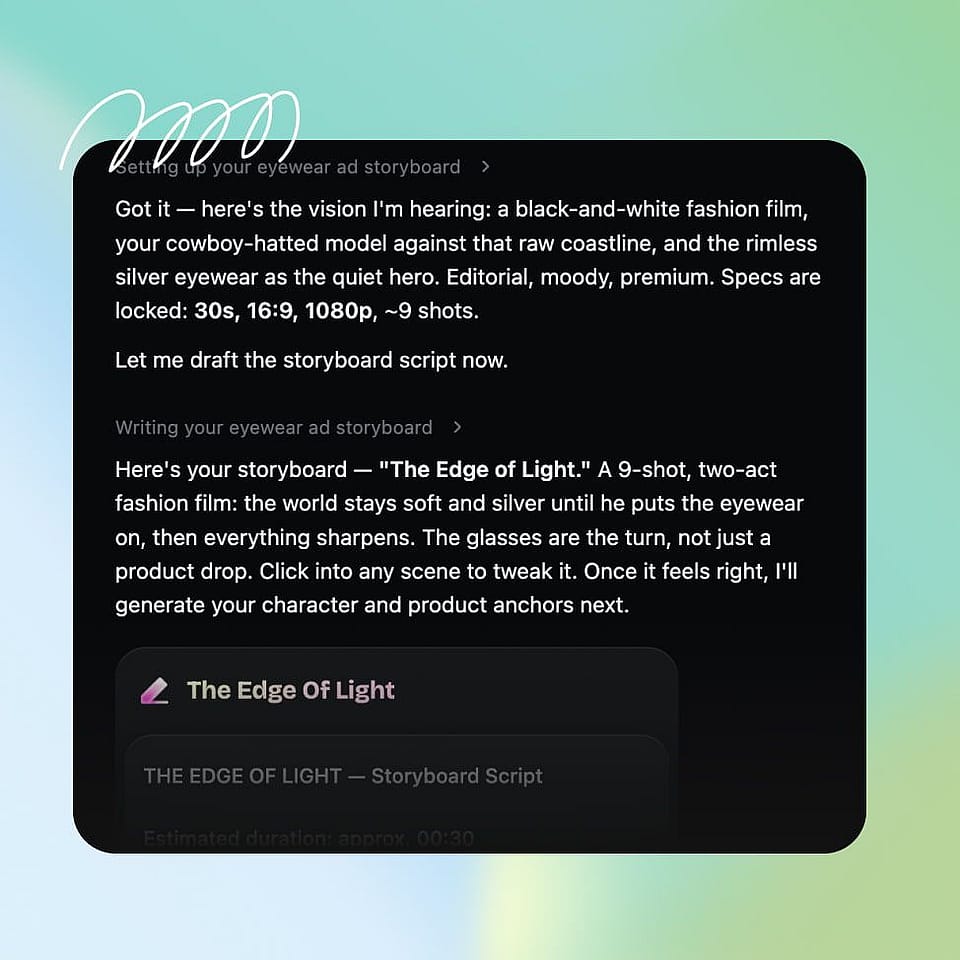
Set the direction.
Choose the genre, the episode length, and the vertical format. Ori, the built-in assistant, can ask you about each choice or run with the best settings on its own.
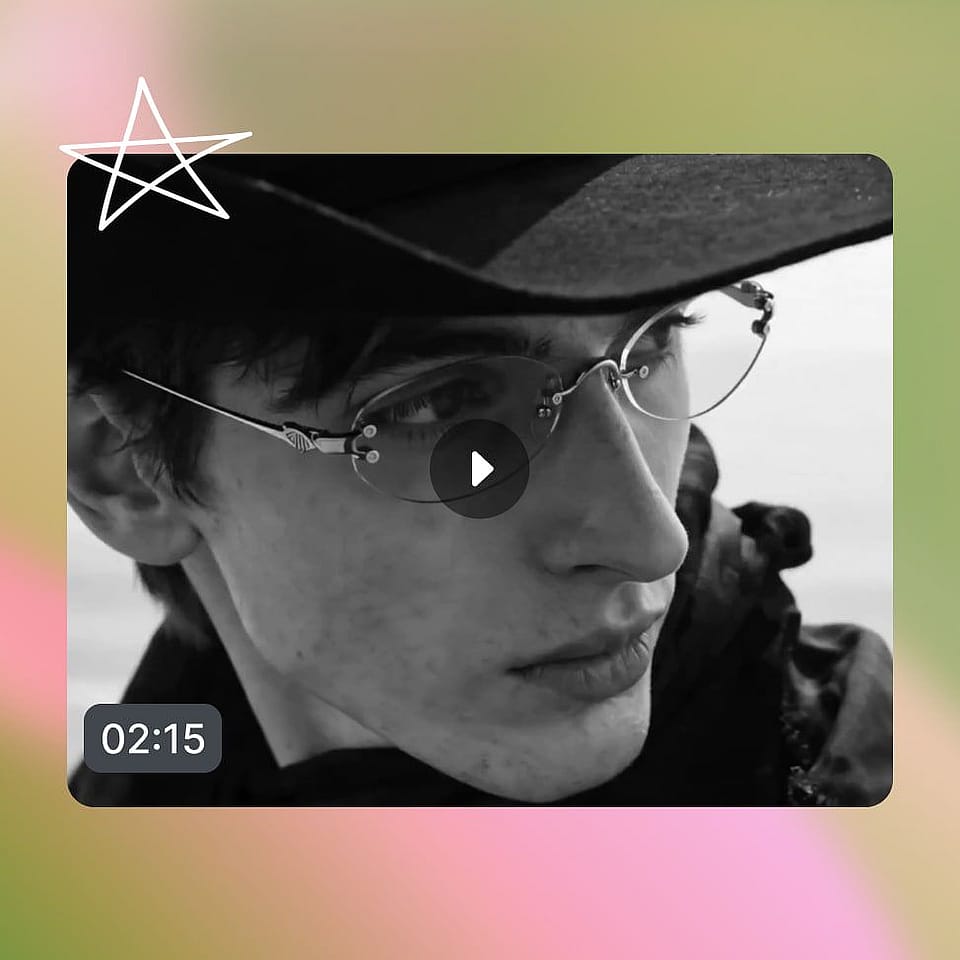
Generate and publish.
Review the episode in Scenes tab or the full cut in Timeline tab, give notes by talking, then export your vertical drama ready for the feed.
Who Makes Micro-Dramas with OpenArt
From a first vertical series to a full release slate, here is who uses it and for what:
Short-drama studios
You produce serialized verticals and the shoot costs are brutal. Generate episodes at the pace a drama platform demands, keeping the cast and look consistent across a whole season without booking actors or sets.
Try it NowCreators and storytellers
You want your own vertical series without a crew. Turn a story you have been carrying into a binge-able micro-drama, episode by episode, and build an audience that comes back for the next part.
Try it NowWriters and novelists
Your story already lives on the page. Adapt a chapter or a plot into a short drama so readers can watch the scenes, not just imagine them, and turn a manuscript into a series people share.
Try it NowBrands and marketers
You want attention that a normal ad cannot buy. Produce a branded mini-drama that hides the pitch inside a story people actually watch, with the same cliffhanger pull that keeps audiences bingeing.
Try it Now



