


AI VIDEO
GENERATOR
Create AI videos with native audio from simple prompts, using text-to-video and image-to-video models on OpenArt’s AI video generator. Free to start!
Introducing OpenArt's AI Video Generator
OpenArt's AI video generator brings text to video, image to video, and full VFX editing into one platform. Manage your prompts, saved characters, and every generation in one place, with no need to juggle separate tools. It runs on the best AI video models in the industry, including PixVerse C1, Seedance 2.0, Veo 3.1, Kling Omni, and Wan 2.7.
Key Features of AI Video Generator
Everything you need to create AI videos on a single platform, without any learning curve.
Text-to-Video Generation
Create AI videos from just words, as the AI builds motion and visual style from your text prompts. Short ones work for quick ideas and detailed prompts get you closer to a specific shot. Use fast models like Grok Imagine and LTX 2.3 for quick clips, or premium models like Seedance 2.0, Veo 3.1, and Kling Omni for studio-quality results.
Image-to-Video Animation
Upload any still image, like a product shot or your own portrait, and OpenArt adds motion and camera movement, then builds out a full environment. Generate fresh AI images right within OpenArt to animate them into videos. You can also pair it with OpenArt's AI character generator to lock in a face or body so it stays consistent across every video.
Art Style and Genre Customization
Create photorealistic, vintage, anime, 3D, watercolor, claymation, pixel art, oil painting, and more without any manual editing. OpenArt's Restyle Video tool, a video-to-video workflow, runs the same video through different presets, so you can compare creative directions before you commit. Apply effects like Ghibli, Rick and Morty, or Retro Pixel Art in one click.
Cinematic Camera Controls
Direct the camera like a filmmaker using simple text prompts. Describe any angle or POV, from sweeping pans and dolly moves to orbits, zooms, and tracking shots. Add AI video effects and change backgrounds or lighting using OpenArt VFX. And with Smart Shot, lay out up to nine angles of the same scene as a storyboard, just like a real multi-cam shoot.
Motion Sync and Lip Sync
Add hyper-realistic body movements to your AI characters. Upload a reference video and Motion Sync transfers the movement onto your character, matching gestures, posture, and pacing frame by frame. Then use Lip Sync to make talking-head and presenter clips with sound, matched to your voiceover.
More Ways to Create and Edit
Take your AI video from first idea to finished HD clip, all in one platform. Generate, animate, restyle, edit, add sound, and upscale without switching tools.
Top AI Models That Power OpenArt's Video Generator
OpenArt gives you access to leading AI video models in one workflow, so you can choose the right model for cinematic generation, animation, motion control, and editing.
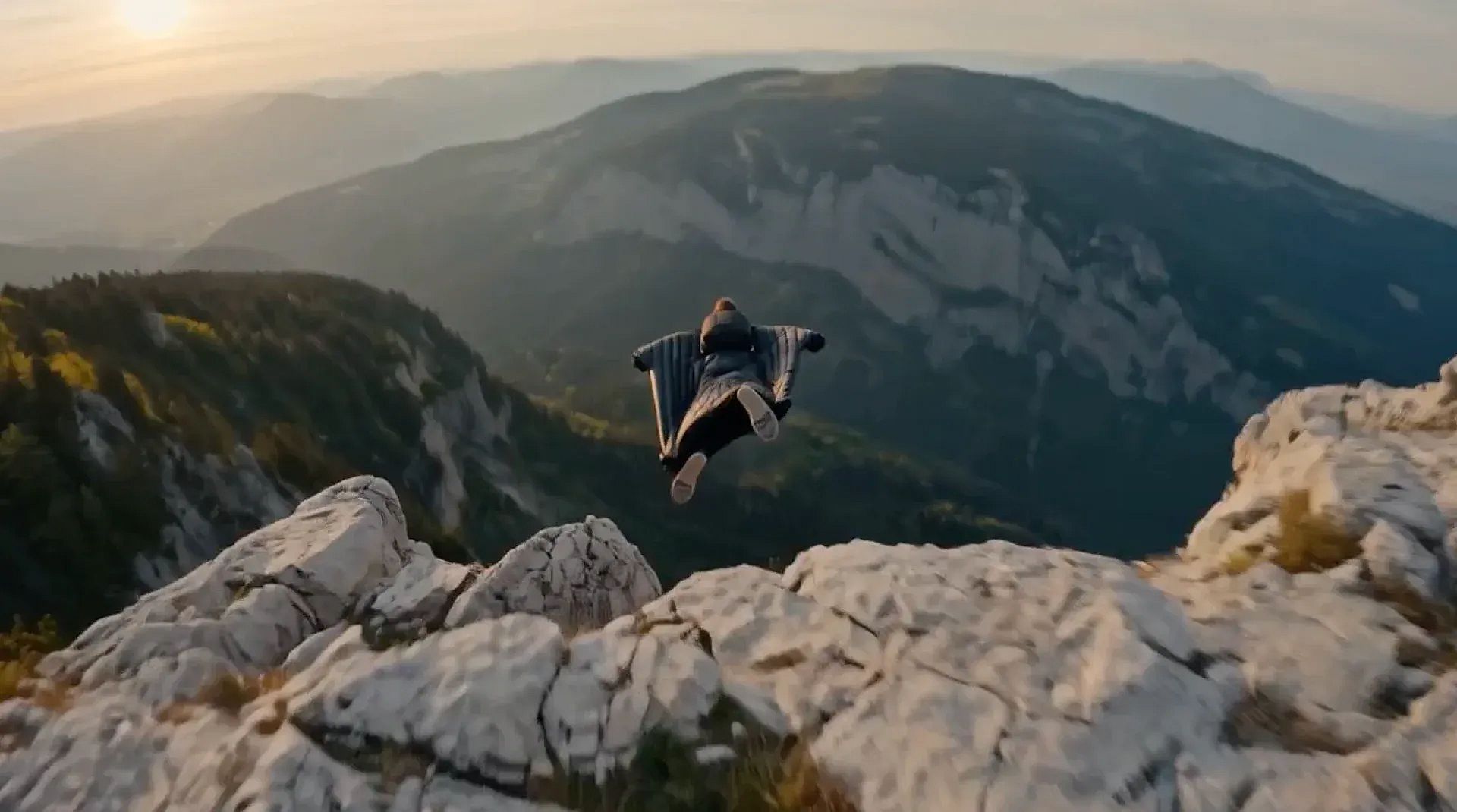

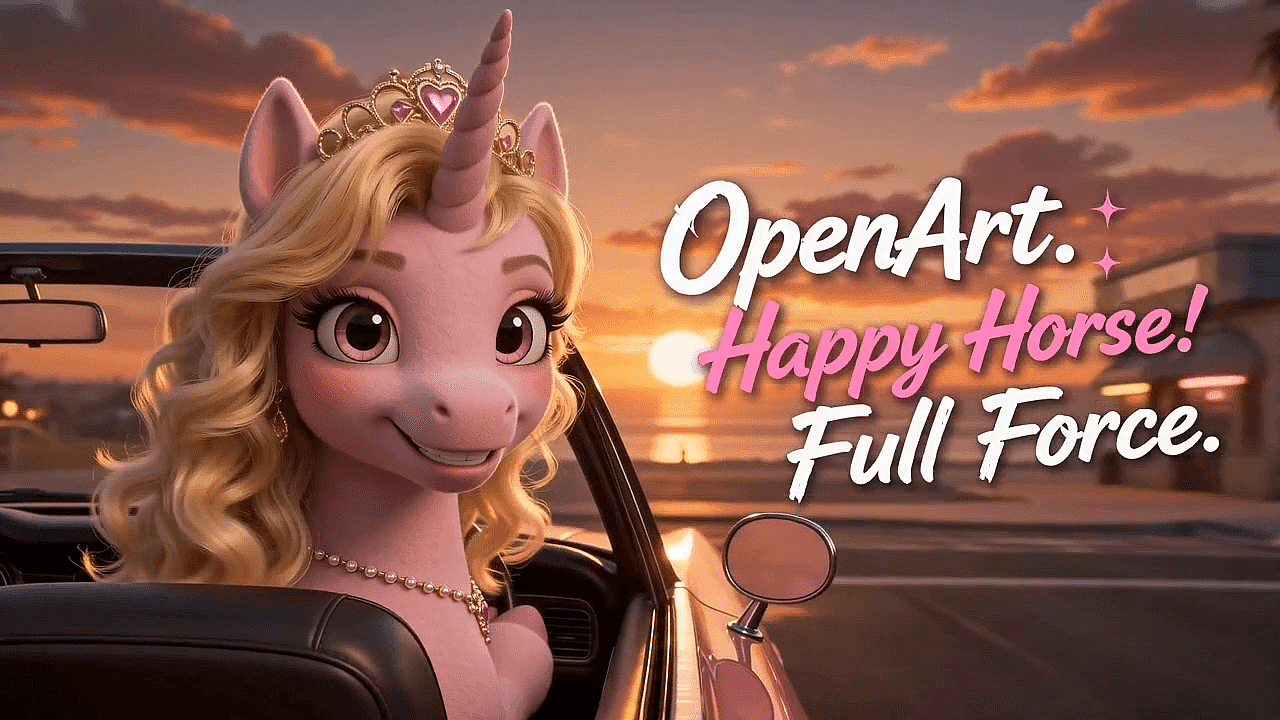

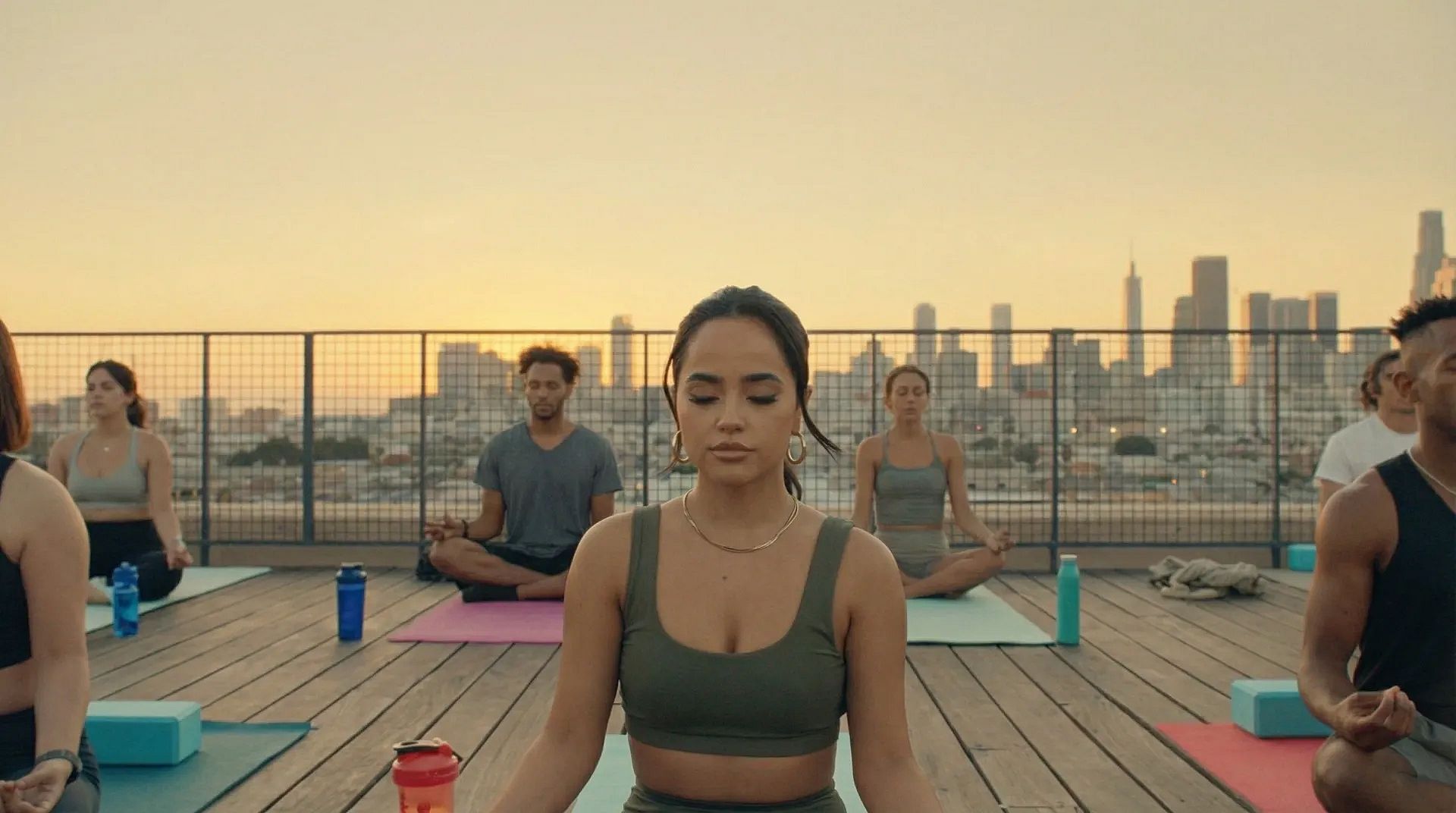

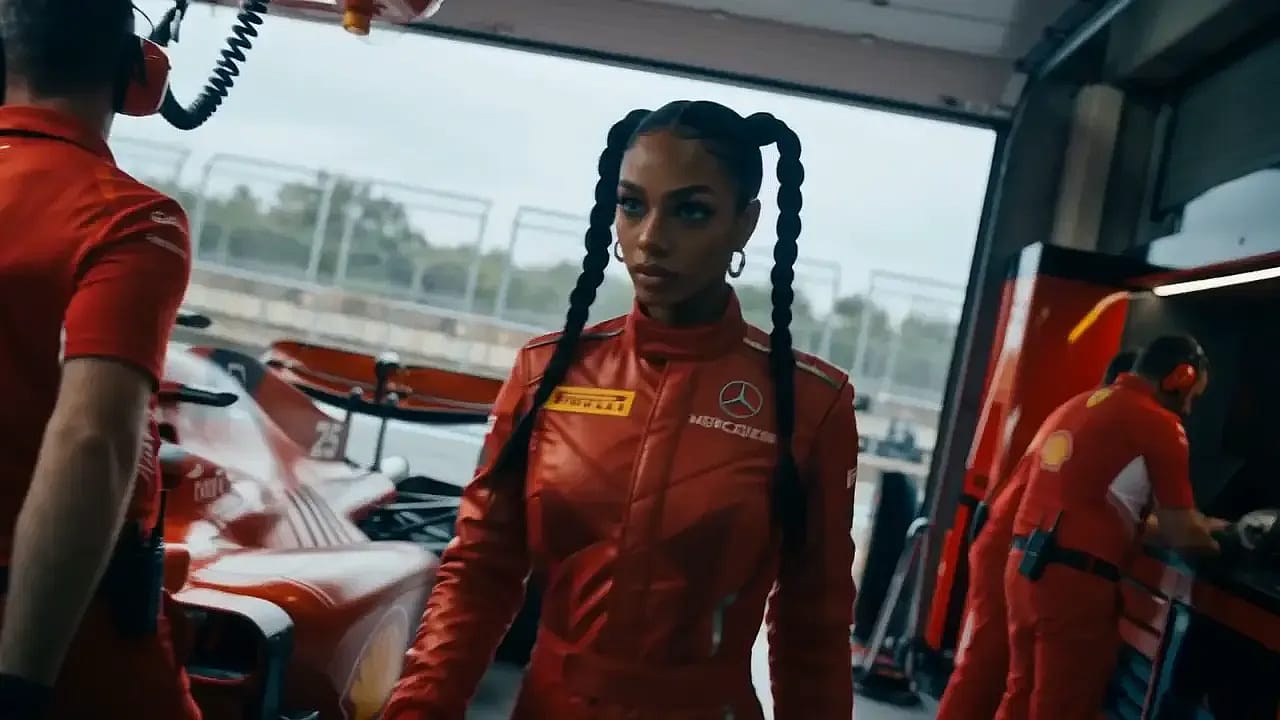

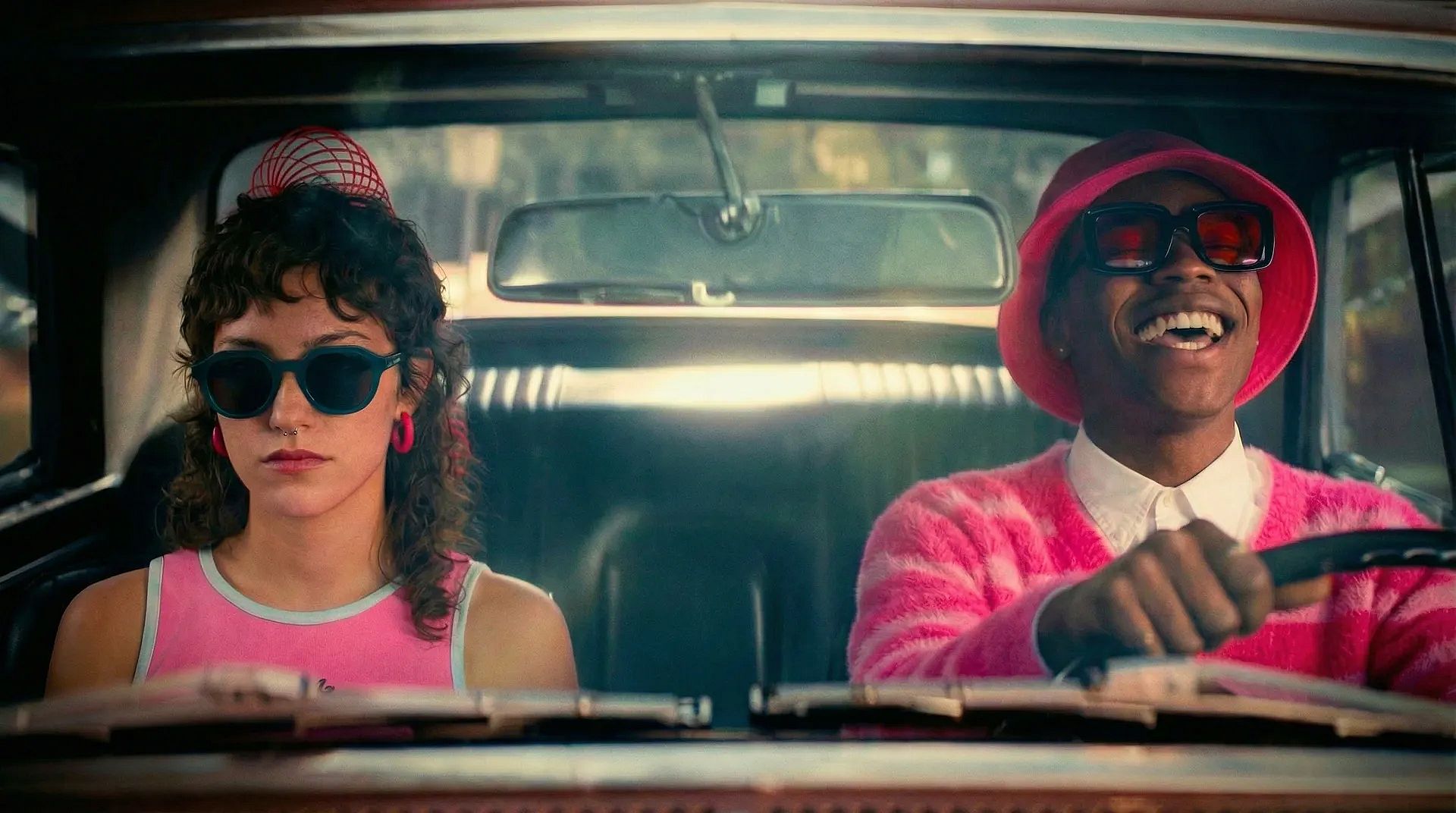

How Creators Are Using OpenArt's AI Video Maker
See how both professionals and amateurs use OpenArt's AI video maker and AI video editor to ship content faster than ever.
Marketing and Ad Creatives
OpenArt’s AI video creator is your perfect creative marketing companion. Create promo videos, branded stories, paid social ads, and website hero visuals without production schedules or delays. Run A/B tests with ease by spinning up dozens of ad variations from a single image or video, with no need to re-source creators or reshoot.
Try it NowUGC and Social Media Content
Make short videos that play seamlessly on TikTok, Instagram Reels, YouTube Shorts, X, Facebook, and LinkedIn. Pick your aspect ratio, duration, and resolution, and OpenArt's AI handles the rest. Create trend pieces, hook-first openers, animated memes, and short-form stories in the time it takes to plan one shot, with auto-generated captions or subtitles.
Try it NowExplainers and Talking-Head Videos
Audio in AI videos has always been hard to get right. With OpenArt's native audio generation and Lip Sync, you can create AI videos with background sound, voiceovers (TTS), and dialogue that stay clear and consistent. Turn a one-pager doc into a video explainer, or a SaaS feature announcement into a social post for your business.
Try it NowProduct and Commercial Videos
Turn simple e-commerce product photos into demo videos, lifestyle shots, and feature highlights. Create a digital avatar of your model with OpenArt Characters, copy their movements with Motion Sync, then generate the final scene around your product using a reference image. How you prompt and combine these shapes the final result.
Try it NowEducational Video Content
The AI video generator also works as a script-to-video tool. Build engaging lesson visuals, tutorials, training modules, and course content for classrooms, online academies, and corporate training, all with highly accurate multi-lingual text rendering. Talking avatars, animated diagrams, and narrated walkthroughs work far better, especially for things easier to show than describe.
Try it NowLoved by Creators Worldwide
See what our community has to say
I've tried many AI platforms… but OpenArt is still the best for character creation, image-to-video quality, and the variety of models available.
OpenArt offers an excellent array of AI tools… once you learn the features, the creative possibilities are amazing - and their support team is outstanding.
OpenArt is a very versatile AI platform with many image and video models, consistent character creation, and powerful editing tools.
Helpful AI tools all in one place - image and video generation, editing, and more… no need for multiple subscriptions.
Customer service is always quick and helpful… and the platform keeps getting better with new features and tools.
I've tried many AI platforms… but OpenArt is still the best for character creation, image-to-video quality, and the variety of models available.
OpenArt offers an excellent array of AI tools… once you learn the features, the creative possibilities are amazing - and their support team is outstanding.
OpenArt is a very versatile AI platform with many image and video models, consistent character creation, and powerful editing tools.
Helpful AI tools all in one place - image and video generation, editing, and more… no need for multiple subscriptions.
Customer service is always quick and helpful… and the platform keeps getting better with new features and tools.
I've tried many AI platforms… but OpenArt is still the best for character creation, image-to-video quality, and the variety of models available.
OpenArt offers an excellent array of AI tools… once you learn the features, the creative possibilities are amazing - and their support team is outstanding.
OpenArt is a very versatile AI platform with many image and video models, consistent character creation, and powerful editing tools.
Helpful AI tools all in one place - image and video generation, editing, and more… no need for multiple subscriptions.
Customer service is always quick and helpful… and the platform keeps getting better with new features and tools.
With so many AI platforms out there, OpenArt stood out as a stellar choice - I'd recommend it to any creator.
This platform includes everything you need for AI content creation - images, video, characters, audio, and multiple AI models in one place.
OpenArt is pushing the boundaries of AI video creation… and it's clear the team is committed to improving the creator experience.
I made my first AI music video with OpenArt… and their support team was the best help I've ever experienced.
I'm very happy with the support - my issue was resolved quickly and the team made the process easy.
With so many AI platforms out there, OpenArt stood out as a stellar choice - I'd recommend it to any creator.
This platform includes everything you need for AI content creation - images, video, characters, audio, and multiple AI models in one place.
OpenArt is pushing the boundaries of AI video creation… and it's clear the team is committed to improving the creator experience.
I made my first AI music video with OpenArt… and their support team was the best help I've ever experienced.
I'm very happy with the support - my issue was resolved quickly and the team made the process easy.
With so many AI platforms out there, OpenArt stood out as a stellar choice - I'd recommend it to any creator.
This platform includes everything you need for AI content creation - images, video, characters, audio, and multiple AI models in one place.
OpenArt is pushing the boundaries of AI video creation… and it's clear the team is committed to improving the creator experience.
I made my first AI music video with OpenArt… and their support team was the best help I've ever experienced.
I'm very happy with the support - my issue was resolved quickly and the team made the process easy.
Frequently Asked Questions
More Resources
Get the insights you need. Our experts share actionable hacks, break down the hottest topics, and provide essential how-to guides to help you create, optimize, and scale.
Read More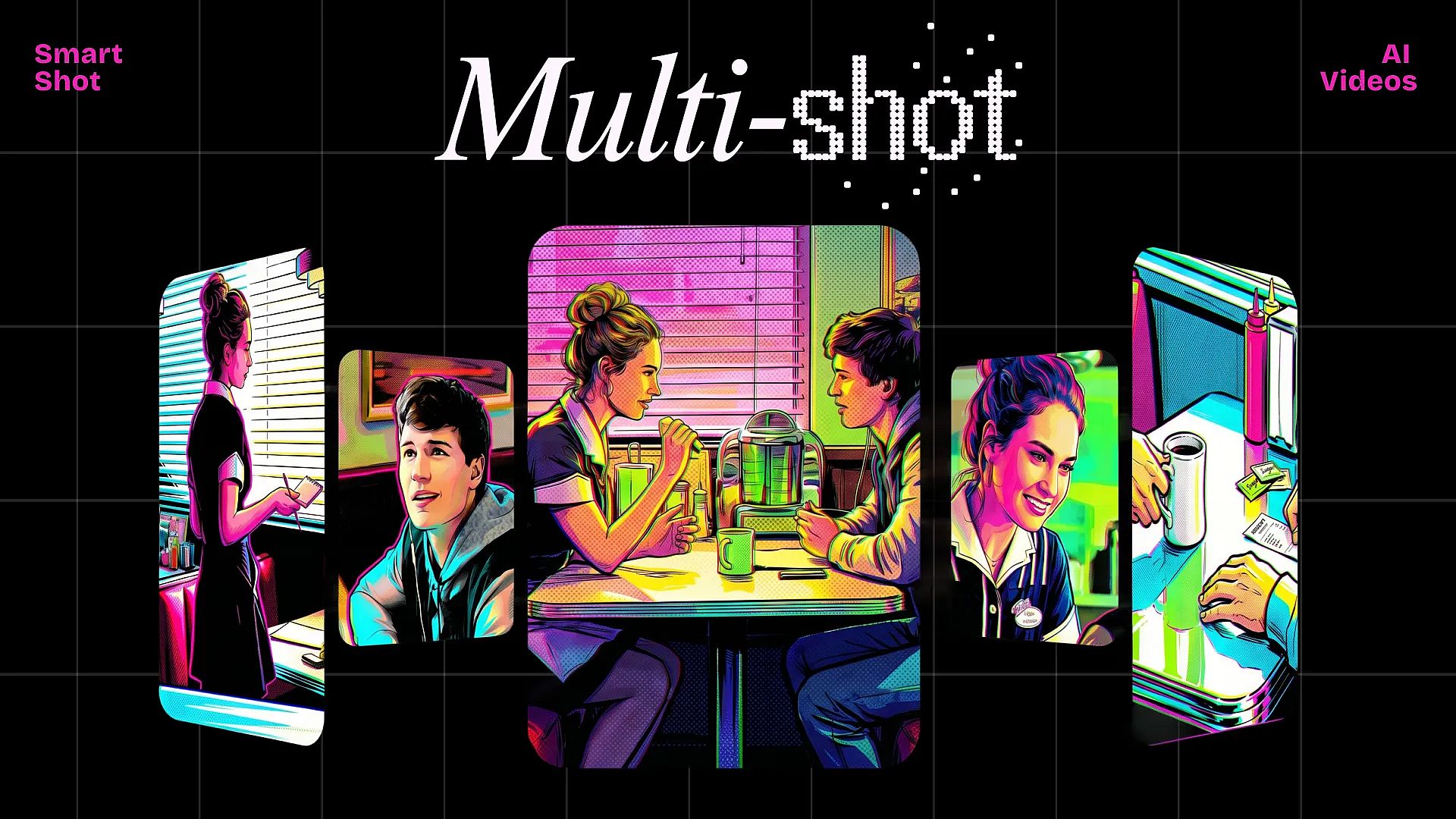
Create without limits
Join thousands of creators using OpenArt to generate stunning images, videos, and more — all in one platform.
Get Started for Free →