


Kling 3.0 Motion Control — Video Generation Model
Create precise AI animations using Kling 3.0 Motion Control video model on OpenArt. Upload a reference video and apply the exact movement to a new character or scene. Click the button below to generate realistic motion, choreography, and cinematic shots with full control.

Community Creations
See what creators are making with Kling 3.0 Motion Control. From cinematic camera moves to fluid character animations.
Key Features of Kling 3.0 Motion Control
Reference Motion Transfer
Kling 3.0 Motion Control extracts movement patterns from a reference video and applies them to a new character or scene. When you upload a motion clip, the model tracks how the subject moves across frames and reproduces the same timing, body posture, and gesture sequence in the generated video.
Try it NowCharacter Identity Preservation
Kling 3.0 Motion Control keeps the character's appearance stable while the motion is applied. You can upload reference images that define the character's face, hair, clothing, and overall design, and the model maintains those details across the generated frames.
Try it NowCinematic Camera And Scene Control
Kling 3.0 Motion Control separates the motion of the character from the surrounding scene and camera setup. The reference video determines how the character moves, while the text prompt controls the environment, lighting, and camera direction.
Try it NowFace Occlusion And Identity Restoration
Kling 3.0 Motion Control can preserve a character's identity even when the face becomes partially hidden during movement. When objects such as hands, props, or clothing cover parts of the face, the model uses reference images through Element Binding to restore facial details accurately across frames.
Try it NowHow To Use Kling 3.0 Motion Control
Turn a real motion clip into a new AI video in five simple steps.
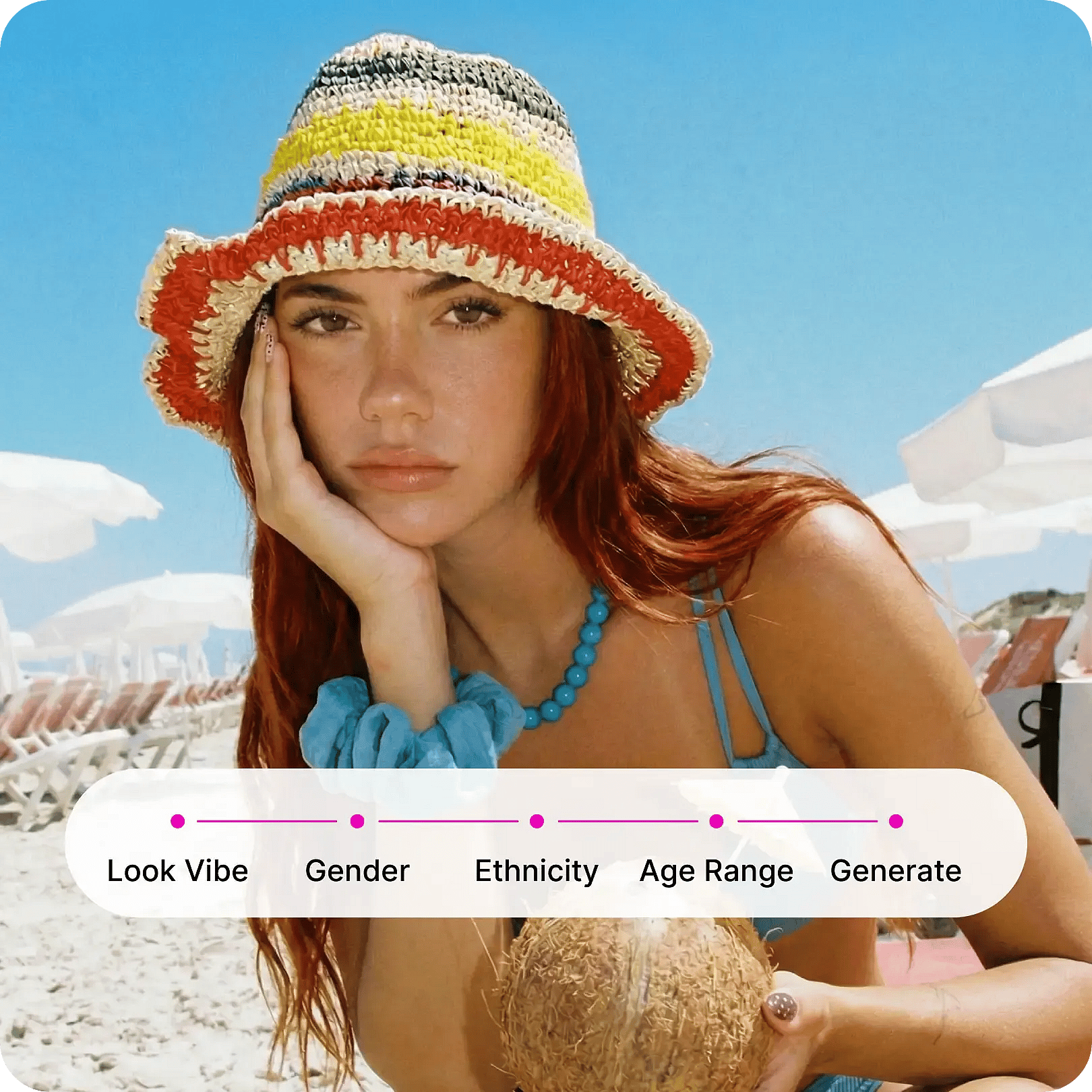
Pick the model
Select the Kling 3.0 Motion Control AI video model to get started.
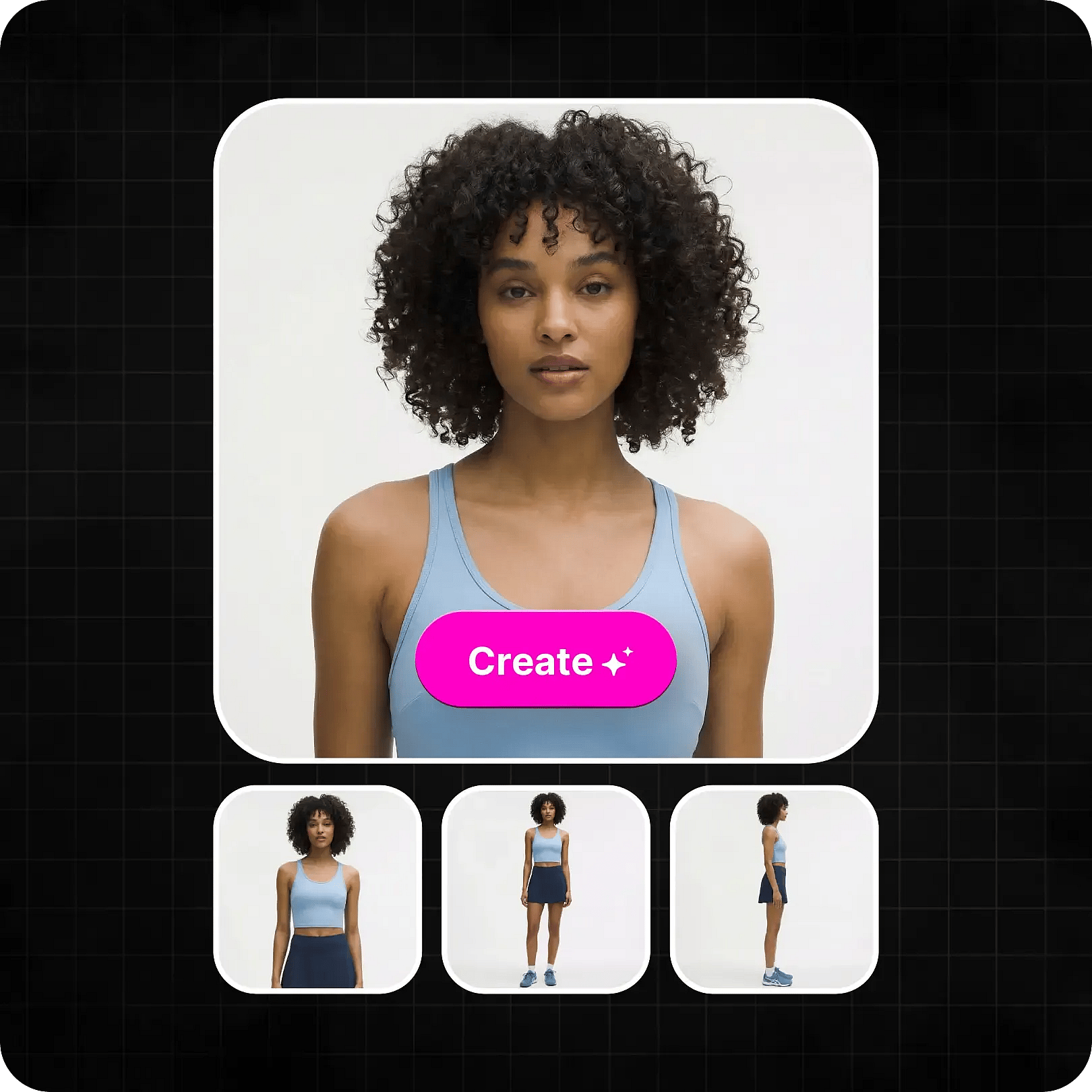
Upload motion reference
Upload a reference video containing the movement you want to reproduce.
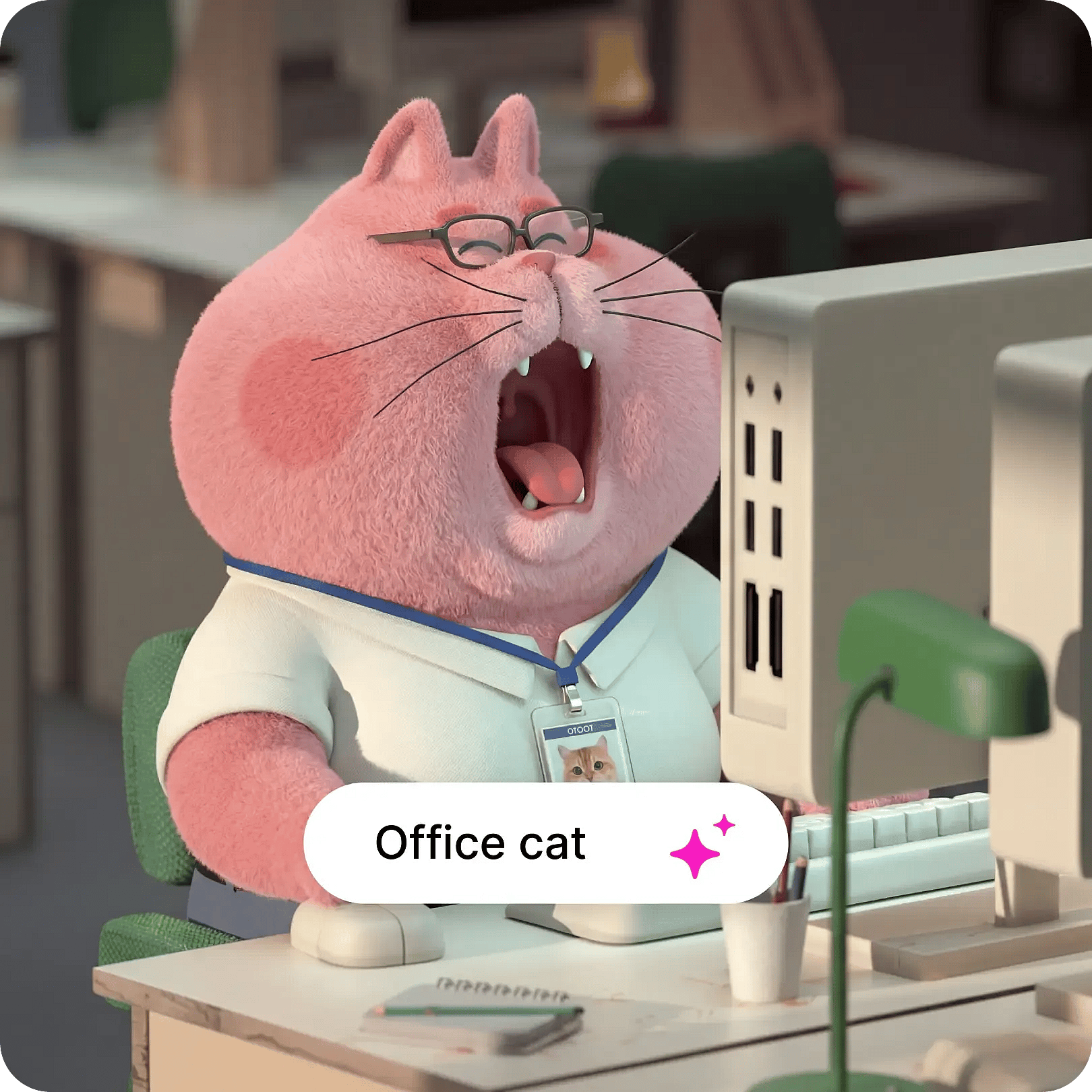
Add character image and prompt
Upload a character image and write a prompt for the environment and camera.
How to Use the AI Character Generator
How to
Kling 3.0 in Action
Watch how creators use Kling 3.0 Motion Control on OpenArt to generate stunning motion-controlled videos with real movement references.
How To Get The Best Results With Kling 3.0 Motion Control
Use clear reference motion
Choose a reference video where the subject is clearly visible and the movement is not too fast or blurred. Smooth, steady clips usually transfer motion more accurately.

Match the character pose
Uploading a character image with a body orientation similar to the subject in the reference video helps the model adapt the motion more naturally.
Keep the environment simple
Starting with a simple environment and lighting setup can improve early results. After confirming that the motion transfers correctly, you can experiment with more complex scenes.
Describe the scene instead of the action
The motion should come from the reference video, while the prompt should describe the environment, lighting, and camera style.
Experiment with different references
Trying different motion clips can significantly change the outcome. Some references produce smoother animation than others.
Refine through iteration
Small changes across multiple generations help you gradually reach the desired result. Adjusting pose, prompt wording, or motion clip can each make a significant difference.
Use clear reference motion
Choose a reference video where the subject is clearly visible and the movement is not too fast or blurred. Smooth, steady clips usually transfer motion more accurately.
Match the character pose
Uploading a character image with a body orientation similar to the subject in the reference video helps the model adapt the motion more naturally.
Keep the environment simple
Starting with a simple environment and lighting setup can improve early results. After confirming that the motion transfers correctly, you can experiment with more complex scenes.
Describe the scene instead of the action
The motion should come from the reference video, while the prompt should describe the environment, lighting, and camera style.
Experiment with different references
Trying different motion clips can significantly change the outcome. Some references produce smoother animation than others.
Refine through iteration
Small changes across multiple generations help you gradually reach the desired result. Adjusting pose, prompt wording, or motion clip can each make a significant difference.
Loved by Creators
I've tried many AI platforms... but OpenArt is still the best for character creation, image-to-video quality, and the variety of models available.
OpenArt offers an excellent array of AI tools... once you learn the features, the creative possibilities are amazing - and their support team is outstanding.
OpenArt is a very versatile AI platform with many image and video models, consistent character creation, and powerful editing tools.
Helpful AI tools all in one place - image and video generation, editing, and more... no need for multiple subscriptions.
Customer service is always quick and helpful... and the platform keeps getting better with new features and tools.
I've tried many AI platforms... but OpenArt is still the best for character creation, image-to-video quality, and the variety of models available.
OpenArt offers an excellent array of AI tools... once you learn the features, the creative possibilities are amazing - and their support team is outstanding.
OpenArt is a very versatile AI platform with many image and video models, consistent character creation, and powerful editing tools.
Helpful AI tools all in one place - image and video generation, editing, and more... no need for multiple subscriptions.
Customer service is always quick and helpful... and the platform keeps getting better with new features and tools.
I've tried many AI platforms... but OpenArt is still the best for character creation, image-to-video quality, and the variety of models available.
OpenArt offers an excellent array of AI tools... once you learn the features, the creative possibilities are amazing - and their support team is outstanding.
OpenArt is a very versatile AI platform with many image and video models, consistent character creation, and powerful editing tools.
Helpful AI tools all in one place - image and video generation, editing, and more... no need for multiple subscriptions.
Customer service is always quick and helpful... and the platform keeps getting better with new features and tools.
With so many AI platforms out there, OpenArt stood out as a stellar choice - I'd recommend it to any creator.
This platform includes everything you need for AI content creation - images, video, characters, audio, and multiple AI models in one place.
OpenArt is pushing the boundaries of AI video creation... and it's clear the team is committed to improving the creator experience.
I made my first AI music video with OpenArt... and their support team was the best help I've ever experienced.
I'm very happy with the support - my issue was resolved quickly and the team made the process easy.
With so many AI platforms out there, OpenArt stood out as a stellar choice - I'd recommend it to any creator.
This platform includes everything you need for AI content creation - images, video, characters, audio, and multiple AI models in one place.
OpenArt is pushing the boundaries of AI video creation... and it's clear the team is committed to improving the creator experience.
I made my first AI music video with OpenArt... and their support team was the best help I've ever experienced.
I'm very happy with the support - my issue was resolved quickly and the team made the process easy.
With so many AI platforms out there, OpenArt stood out as a stellar choice - I'd recommend it to any creator.
This platform includes everything you need for AI content creation - images, video, characters, audio, and multiple AI models in one place.
OpenArt is pushing the boundaries of AI video creation... and it's clear the team is committed to improving the creator experience.
I made my first AI music video with OpenArt... and their support team was the best help I've ever experienced.
I'm very happy with the support - my issue was resolved quickly and the team made the process easy.